
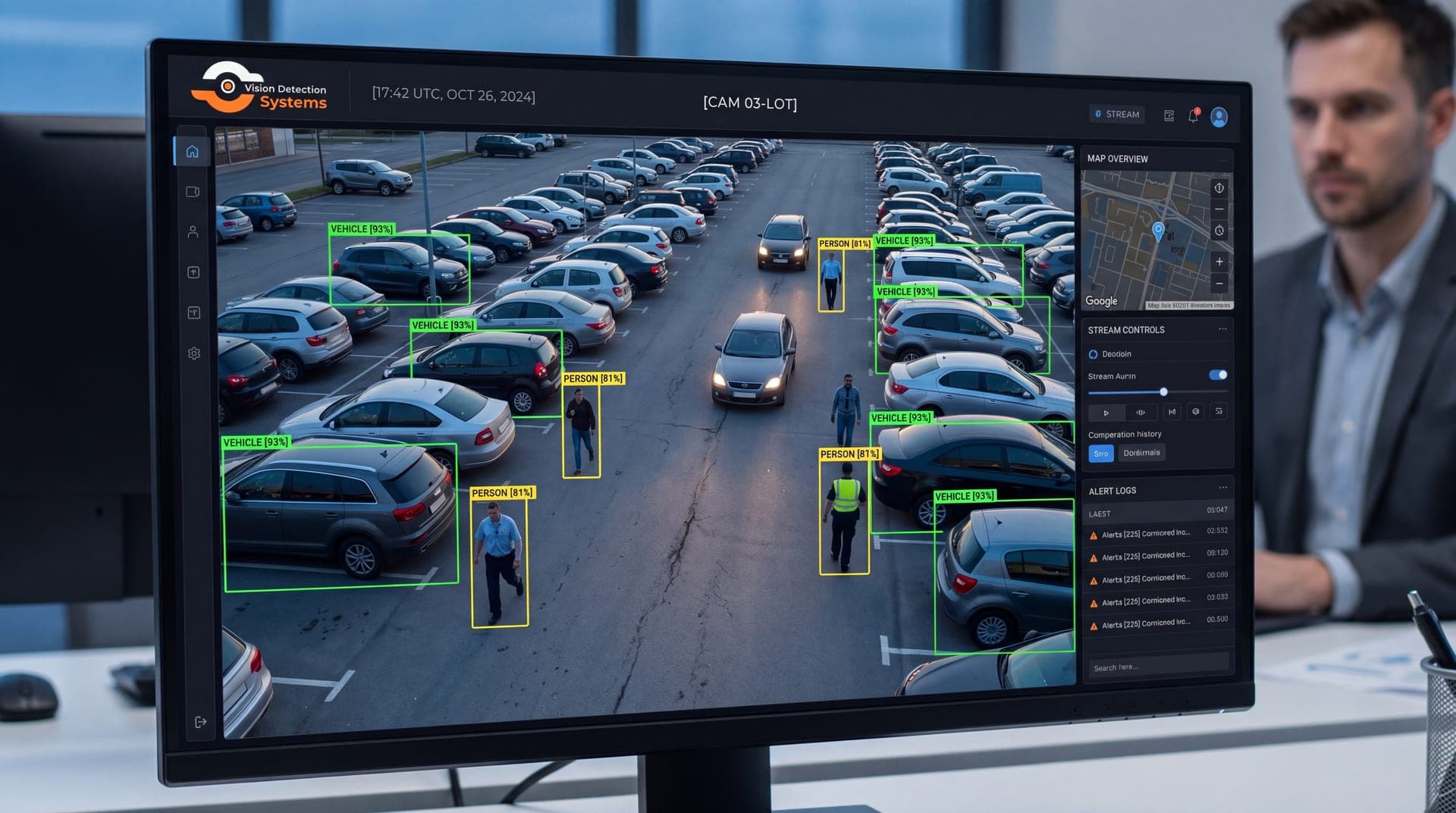
The right choice depends on your connectivity, how fast you need alerts, and how much video you can afford to move. This guide compares the two on the points that matter in practice. For background on what the analytics themselves do, see our overview of AI video analytics for security cameras.
What "edge" and "cloud" mean
Edge means the analysis happens close to the camera. That may be a processor inside the camera, or a separate box or recorder on the same network. The video is analyzed where it is captured, and only results, such as an event, a snapshot or a short clip, need to travel further.
Cloud means the analysis happens in a remote data center. The camera or a local gateway sends video, or frames from it, over the internet. Servers process it and send back detections.
Some products blur the line. A camera can do basic detection on board and pass candidate events to the cloud for a second opinion. That is a hybrid approach, covered below.
Bandwidth
Cloud analytics need the video to reach the cloud. For continuous analysis of one or more cameras, that means sustained upstream bandwidth. At a site with a good wired connection this may be fine. At a site on a cellular link, it can be slow, costly or both, and every stream you add makes it worse. Our guide to security cameras without internet covers connectivity options for those sites.
Edge analytics reverse the picture. The camera analyzes full-quality video locally and sends only small outputs. That is why edge processing is common on remote and temporary sites.
Latency
Latency is the delay between something happening and an alert reaching a person. Edge detection can fire almost immediately, because nothing has to travel anywhere first. Cloud detection adds the time to upload video, queue it for processing and return the result. On a good connection that delay may be small, but it varies with network conditions.
If the response depends on speed, such as a live talk-down to someone entering a yard, every added delay shortens the window to act. Ask a provider how long it takes from the moment of detection to an alert reaching a human, and how that number holds up on the connection your site really has.
Model size and accuracy
Cloud servers can run larger and more demanding models than most on-site hardware. That can help with difficult tasks, such as classifying objects in poor conditions or reading small details. Edge hardware is more limited, so models are built to run within those limits.
Neither approach is automatically more accurate. Results depend on the model, the camera's view, lighting and tuning. Edge analytics do have one advantage: they can see the original, uncompressed frames, whereas cloud analytics often work on compressed video that has already lost some detail. For reducing nuisance alerts, see our guide on how to reduce false alarms in video analytics.
Updates and improvement
Cloud analytics are easy to update. The provider changes the models centrally, and every site benefits without anyone visiting. Centralized video can also support search across many cameras and sites.
Edge analytics need updates delivered to each device. Done well, that happens over the air on a schedule. Done poorly, devices fall behind and different sites run different versions. Ask how updates are delivered, how they are tested, and whether you can see which version each device runs.
Cost
The cost picture differs in structure rather than being cheaper or dearer across the board:
- Edge puts more cost into the hardware at the site and less into ongoing bandwidth and processing.
- Cloud can lower hardware cost at the site but adds recurring charges for data transfer and compute that grow with the number of cameras and the hours analyzed.
Compare total cost over the life of the deployment, including connectivity, and not only the camera price.
Resilience
If the internet goes down, a cloud-only system stops analyzing. The cameras may keep recording, but nothing is watching the video. An edge system keeps detecting and can store events until the link returns. Edge devices bring their own failure risk, since a device that fails at the site stops analysis there until it is replaced.
For critical sites, ask what happens in each failure case: link down, device down, cloud service down. A good answer names what keeps working and what is caught up afterward.
Comparison at a glance
| Factor | Edge | Cloud | Hybrid |
|---|---|---|---|
| Bandwidth need | Low | High | Moderate |
| Alert delay | Lowest | Higher, varies | Low for first alert |
| Model size | Limited by site hardware | Large models possible | Both |
| Updates | Per device | Central | Mixed |
| Cost structure | More upfront hardware | More recurring usage | Mixed |
| Works if link drops | Yes | No | Partly |
| Cross-site search | Limited | Strong | Strong |
Hybrid setups
A hybrid design uses each side for what it does best. The edge handles fast, continuous detection and filters out routine activity. Only selected events or clips go to the cloud, where heavier analysis, human review or long-term storage can happen. This keeps bandwidth low, preserves speed, and still allows central search and management. When you assess a provider, ask which tasks run where and why. The cloud vs local video storage guide applies the same logic to where footage is kept.
Questions to ask a provider
- Where does detection run, on site or remote, and does that change during an outage?
- What is the typical time from detection to an alert reaching a person?
- How much data leaves the site each day, and what controls it?
- How are models updated, and can you see which version each device runs?
- What happens to events that occur while the link is down?
Clear answers to these tell you more than a feature list, because they show how the system behaves on a bad day and not only a good one.
How VDS fits
VDS combines AI detection for people, vehicles, loitering, objects and license plates with a 24/7 US-based security operations center that verifies events, responds with live talk-down through a loudspeaker, and dispatches police with video when needed. Detection finds the event, and people, yours or your security partner's, handle the verified incident. You can see the detection types on our analytics platform page, and the mobile surveillance unit runs on dual-SIM 4G/5G cellular with no site power or internet required. To talk through how this would work at your locations, contact our team.