
How loitering detection works
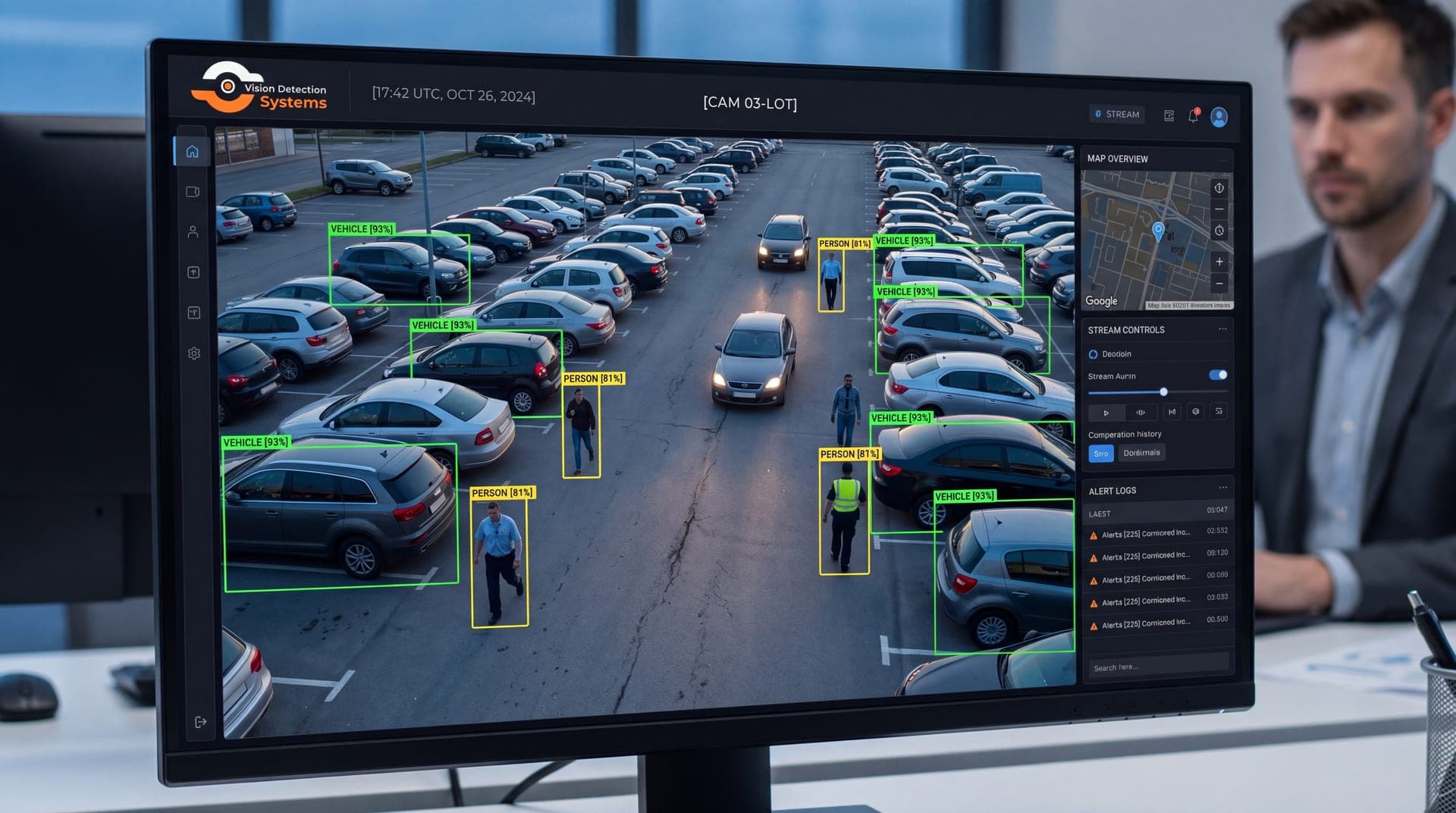
Loitering detection sits on top of object detection. The camera or the platform first identifies what is in the frame, typically a person or a vehicle, and tracks each object as it moves. The user draws a zone on the image and sets a time limit, called the dwell time. When an object stays inside the zone past that limit, or keeps returning to it, the system raises an event.
That sequence explains why the analytic is more useful than plain motion detection. Motion detection reacts to any change in pixels, including shadows, headlights, rain, insects and swaying branches. Loitering detection ignores most of that because it first asks what the object is, then how long it stays. Our overview of AI video analytics for security cameras covers the wider family of detection types.
What counts as loitering
Loitering is a time and place judgment, not a fixed behavior. Someone waiting at a bus shelter for ten minutes is ordinary. Someone standing at a locked back door at 3 a.m. for the same ten minutes is not. The analytic cannot know intent. It reports that a person was in a zone for a set time and leaves the judgment to a human.
This is why the setup should be tied to the zone and the hour. A good configuration treats the same behavior differently in different places and at different times, for example:
- A short dwell time on an emergency exit or a locked gate.
- A longer dwell time on a sidewalk or a bus stop.
- Alerts enabled only after closing for a retail entrance.
- Vehicle dwell alerts on loading areas that should be empty overnight.
Where loitering detection helps
| Setting | Why loitering matters | Typical zone |
|---|---|---|
| Parking lots and garages | People casing vehicles or waiting for an opening | Rows, entrances, stairwells |
| Construction and equipment yards | Scouting before a theft | Fence line, gate, equipment pads |
| Retail and shopping centers | Groups lingering after hours, vandalism | Storefronts, side entrances |
| Utility and telecom sites | Someone studying a fence or a compound | Perimeter, access gate |
| Schools and campuses | After-hours presence on grounds | Playgrounds, rear doors |
| Parks and public facilities | Activity in closed areas | Restrooms, pavilions |
Loitering often comes before a crime, not during it. An alert at that stage lets a person intervene, such as a spoken warning through a loudspeaker, before anything is damaged. Our guide to parking lot security shows how this applies to one of the most common sites. The VDS loitering analytics page describes how the feature is used on the platform.
How to tune loitering detection
Most disappointing results come from setup, not from the technology. These steps tend to matter most.
- Draw tight zones. A zone that includes a public sidewalk will alert on every passerby who stops. Draw the zone around the area you actually care about.
- Pick dwell times by zone. Begin with a conservative threshold, then shorten it if real events are being missed or lengthen it if routine stops are triggering alerts.
- Schedule by hour. Turn the analytic on when the area should be empty, not all day.
- Fix the image first. Analytics depend on a clear picture. Correct focus, enough light, and a view that is not blocked by trees or signs improve detection more than any setting.
- Mount for the job. A camera that sees people at a steep angle or from far away tracks them poorly. Place it so a person occupies enough of the frame to be recognized as a person.
- Review and adjust. Look at a few weeks of alerts, separate the real from the routine, and change the zones and times accordingly.
Our article on reducing false alarms in video analytics goes deeper on this process.
Limits to keep in mind
Loitering detection does not understand intent. A delivery driver checking an address, an employee on a break and a prospective intruder can look the same at first. Crowded scenes, heavy rain, snow, fog and poor lighting reduce accuracy. Objects can be lost when they pass behind a pole or a vehicle, which resets the timer. None of this makes the analytic less useful. It does mean the output is an alert for a person to verify, not a verdict.
There is also a privacy and legal side. Rules on recording and monitoring vary by state and by setting, and some places restrict how public areas or workplaces may be watched. Confirm with counsel before deploying, and see our overview of business security camera laws for the questions to ask.
What happens after the alert
An alert is only the start. The value comes from what happens in the next minute. A person should look at live video, confirm what is happening, and decide whether it needs action. For many sites the best first step is a spoken warning, since most people leave once they know they are seen. If they do not, the next step is a call to the right contact or to police with video in hand.
If nobody is assigned to look at the alert, loitering detection becomes another log of events that nobody reads. Decide in advance who receives alerts, how fast they should respond and what they do next.
Where VDS fits
VDS mobile surveillance units include AI detection for people, vehicles, loitering, objects and license plates. Each unit is a solar-powered trailer with a 5MP PTZ camera with 25x optical zoom and three 8MP wide-angle cameras on a 22 ft telescopic mast. It runs on dual-SIM 4G/5G cellular and needs no site power, internet or trenching.
When the analytics flag loitering, our 24/7 US-based security operations center verifies the event, can speak to the person through a loudspeaker, and dispatches police with video if the situation calls for it. That is the whole chain, from detection to action, for sites that do not have anyone watching. Explore the mobile surveillance unit, then talk to our team about where loitering matters at your site.