
What is the difference between cloud and local video storage?
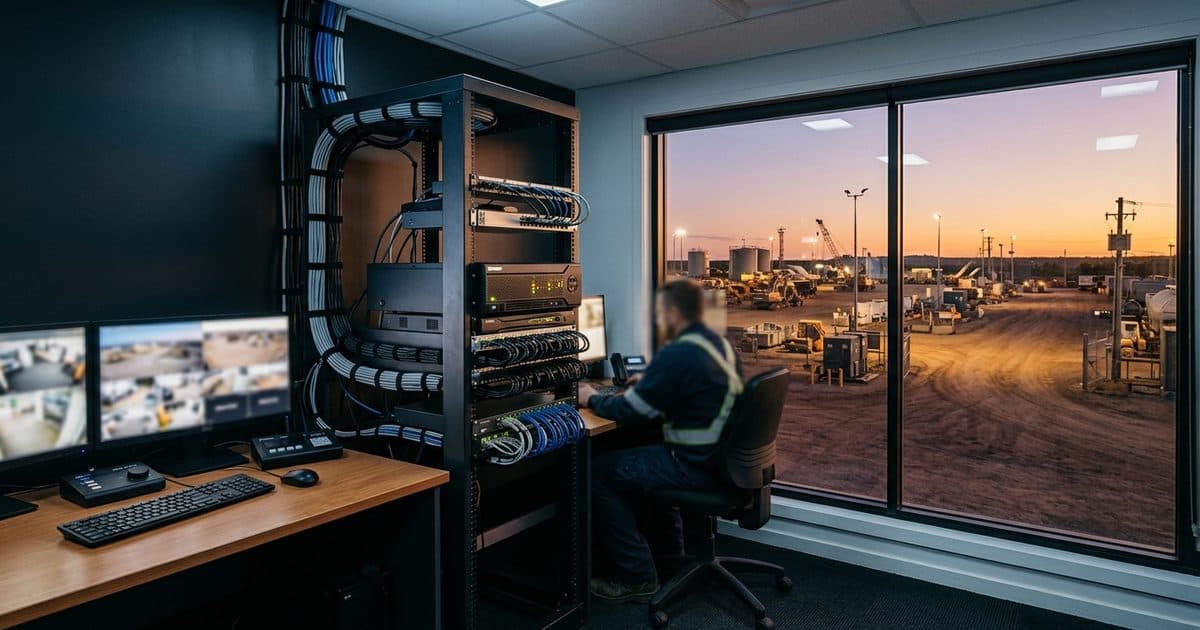
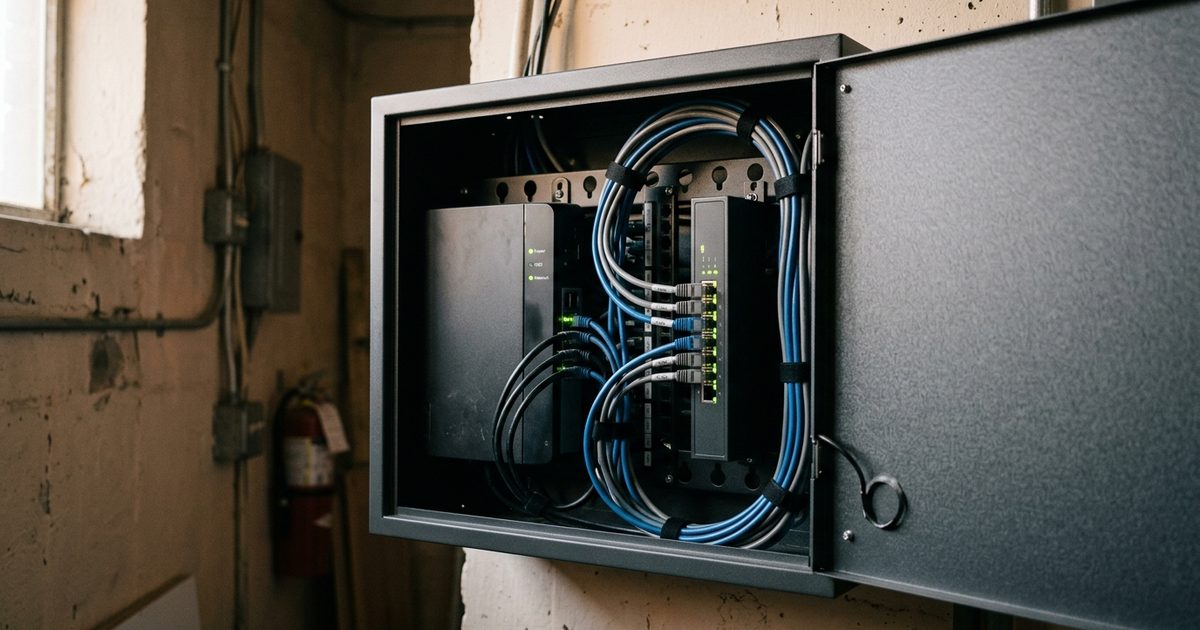
Local storage writes video to hardware that lives at your site. Traditional deployments use a digital video recorder (DVR, for analog cameras) or a network video recorder (NVR, for IP cameras) with internal hard drives, and many modern IP cameras add on-board SD cards that keep recording at the edge even if the recorder or the network fails. Footage stays under your physical control, playback on the local network is fast, and recording continues when the internet connection does not.
Cloud storage uploads footage, either as continuous streams or as motion-triggered clips, to a provider's data centers. You get access from any browser or mobile app, retention that scales with a plan change instead of a hard-drive purchase, and a copy of the footage that exists somewhere other than the site being recorded. The tradeoffs are upload bandwidth, a recurring subscription, and dependence on connectivity if you want full-resolution video archived off-site.
Hybrid architectures combine both layers: cameras or a recorder capture everything locally, and the system pushes alerts, event clips, or full streams to the cloud as bandwidth allows. Most of the industry, including cloud-first vendors, has converged on this edge-plus-cloud model because neither layer is sufficient on its own.
Cloud vs. local storage: side-by-side comparison
The table below summarizes how the two approaches compare on the factors that matter most to a business buyer. Treat it as a map of tradeoffs rather than a scorecard, because the weight of each row depends on your site.
| Factor | Local (DVR/NVR) | Cloud |
|---|---|---|
| Upfront cost | Higher: recorder plus drives | Lower hardware cost, recurring subscription |
| Bandwidth needs | Minimal; recording stays on-site | Significant and sustained for full-stream upload |
| Remote access | Requires VPN or port-forwarding setup | Built in from any browser or app |
| Survives theft, fire, vandalism | No; the recorder sits with the cameras | Yes; footage is already off-site |
| Retention scaling | Buy and swap hard drives | Change a plan setting |
| Maintenance | Firmware, drives, and passwords are your job | Provider patches and manages infrastructure |
| Offline recording | Continues without internet | Gaps unless paired with edge storage |
Two rows deserve special attention for anyone securing property rather than an office: bandwidth, because it decides what is even possible on a cellular connection, and survivability, because a recorder that shares a fence line with the cameras shares their risks too. The rest of this guide works through those decision factors in order.
Bandwidth: the deciding factor on LTE and remote sites
A wired office on fiber can push a dozen full-resolution camera streams to the cloud without anyone noticing. A construction site, substation, or storage yard running on a cellular modem cannot. Uplink speeds on LTE are typically a fraction of download speeds, they fluctuate with congestion and signal quality, and the data is often metered. Continuous cloud recording from multiple high-resolution cameras can consume hundreds of gigabytes per camera per month, which is why full-stream cloud archiving over cellular is rarely practical.
Remote deployments solve this with selective upload. The cameras record everything at full resolution to edge storage, and the system uploads only what matters: motion-triggered clips, analytics-verified events, or a lower-resolution substream for live viewing. This keeps cellular data usage predictable while still getting the important footage off-site quickly.
Power budgets push the same direction on solar sites. Constant high-bitrate streaming keeps the modem transmitting at full duty cycle, which draws down batteries faster than event-based upload does. If your system needs to survive a week of overcast weather, the way it handles video upload matters as much as panel wattage, a tradeoff covered in more depth in our guide to solar security camera battery life.
The practical takeaway: on any site without wired internet, pure cloud recording is usually off the table, and pure local recording leaves your footage exposed to everything that can happen to the hardware. The bandwidth constraint itself points to hybrid.
Retention: how long does your footage need to exist?
Retention requirements vary by industry, state, insurer, and contract, and they directly shape the storage decision. A rolling window that overwrites footage after two weeks is fine for day-to-day operations but useless if a slip-and-fall claim arrives a month later. Our overview of video retention windows breaks down the common drivers, and there is rarely one universal number: 30-day minimums appear in some legal-sector deployments, for example, as illustrated in a Verkada customer case study, though that is an example of one firm's requirement rather than a rule.
Local storage ties retention to disk capacity. Longer retention means more or larger drives, and when a drive fills, the recorder silently overwrites the oldest footage, which is exactly the footage a late-arriving claim tends to need. Cloud retention is a plan parameter: extending from 30 to 90 days is a configuration change and a billing change, not a hardware project.
Whichever architecture you choose, retention policy should be a deliberate decision, not an accident of disk size. If you have not set one, start with our guide on how long security cameras should keep footage and work backward from your liability exposure, not forward from the recorder's spec sheet.
Chain of custody: will your footage hold up as evidence?
Recording an incident is only half the job; the footage also has to be retrievable, attributable, and defensible. Investigators and insurers care about who accessed the video, whether it could have been altered, and whether timestamps are trustworthy. Our guide on using security camera footage as evidence covers the full process, but storage architecture sets the foundation.
With a local recorder, the export process is manual: someone pulls clips to a USB drive or removes a hard drive, and the organization has to document who did it, when, and how the copy was verified. That is workable with discipline, but discipline under pressure is exactly what incident response tends to lack. Time-sync drift on standalone recorders is another quiet problem; a DVR clock that has wandered eleven minutes can undermine an otherwise solid timeline.
Cloud platforms generally log access and exports automatically, keep clocks synchronized, and let you share a time-bounded clip with law enforcement through a link rather than a parking-lot USB handoff. None of that makes footage automatically admissible, but automatic audit trails remove the most common self-inflicted wounds. The strongest position is footage that was preserved off-site within minutes of the event, with a logged trail from camera to courtroom.
The resilience problem: a stolen NVR is stolen evidence
This is the failure mode that gets the least discussion and does the most damage. An on-site recorder sits inside the same fence, the same building, and often the same room as everything else worth stealing. Intruders who know what an NVR looks like take it or smash it on the way out, and with it goes the recording of their own break-in. The same logic applies to fire: if a blaze destroys a building, it destroys the on-site recording of how the fire started, footage the insurance investigation would have wanted most.
Vandalism, flood, and simple hard-drive failure round out the list. Surveillance drives write continuously for years and fail like any other mechanical component, and on an unattended site nobody notices a dead drive until the day someone asks for footage. Every one of these scenarios shares a root cause: the only copy of the evidence lived at the scene of the loss.
Off-site preservation is the fix, and it does not require streaming everything. Even a system that uploads only event clips over LTE ensures that the moment someone cuts the fence, footage of that moment already exists somewhere the intruder cannot reach. Local storage then serves its proper role: deep, continuous recording for context and playback, rather than the sole custodian of your evidence.
The quiet risk in legacy DVR and NVR fleets
Storage hardware that nobody maintains becomes a liability of its own. Engineers at Verkada, a cloud video vendor, have observed that legacy DVR and NVR fleets commonly run unencrypted footage, unpatched firmware, and default passwords (Verkada engineering blog). That is an industry observation from a vendor with a commercial interest in the comparison rather than a measured statistic, but the underlying pattern is familiar to anyone who has audited an aging recorder: on-premises equipment gets patched only when someone remembers, and a recorder that has worked quietly for five years has usually been forgotten for four of them.
The practical questions for any local storage you keep are simple. Who changed the default credentials, who applies firmware updates and how often, is footage encrypted at rest, and is the recorder isolated from the rest of your network? If the answers are unclear, the recorder may be the softest target on the property, and it is holding your evidence.
Why remote and solar-powered sites end up hybrid
Put the decision factors together and remote sites answer the question for you. LTE bandwidth rules out full cloud recording; theft, fire, and vandalism exposure rules out local-only storage; retention and chain-of-custody needs favor off-site copies with audit trails. The architecture that satisfies all four is edge recording for continuity plus cloud upload for preservation, alerting, and access.
The industry data points the same way, with the vendor-commissioned caveat noted. Verkada's 2026 follow-up report found that organizations already on cloud video reported adopting AI capabilities at 2.6 times the rate of on-premises organizations, and that 94% of not-yet-cloud organizations were planning or already executing a transition (Verkada 2026 State of Cloud Physical Security). The AI point matters for storage strategy because modern analytics, from object detection to plate reads, are increasingly delivered through cloud platforms, so footage that never leaves an NVR is also footage that never benefits from them.
This hybrid model is how VDS builds its solar-powered surveillance units: cameras record continuously at the edge so no footage is lost to a dropped LTE connection, while the VDS platform pushes analytics-verified events off-site, where 24/7 remote monitoring operators review incidents in real time and footage is preserved before anyone can touch the hardware. The result is that people, yours or your security partner's, respond to verified incidents with the evidence already secured.
If you are choosing between cloud and local storage, the better question is what each layer should do. Let local storage handle depth and continuity. Let the cloud handle survival, access, and proof. Sites that get that division right rarely lose footage, and footage you cannot lose is the entire point of recording it.