
Why one number is not enough
A vendor may quote a single accuracy figure. That figure can be true and still useless to you, because it depends on what was tested and how it was counted.
Imagine a camera watching a quiet yard where almost nothing happens. A system that never alerts at all would be correct nearly every moment, because nearly every moment contains no event. A high accuracy score could describe a system that misses every intruder. The headline number hides the errors that matter.
That is why careful evaluation separates the kinds of mistakes and looks at each one.
The four outcomes
Every moment an analytics system evaluates ends up in one of four categories.
| Outcome | What happened | What it means for you |
|---|---|---|
| True positive | A real event, and the system alerted | The system did its job |
| False positive | No real event, but the system alerted | Wasted attention, alert fatigue |
| False negative | A real event, but the system stayed quiet | A missed incident |
| True negative | No event, and no alert | Quiet working as intended |
Precision and recall are built from these four counts. They are simple ideas once you see them laid out.
Precision in plain language
Precision answers this question. Of all the alerts the system raised, how many were about something real?
High precision means few false alarms. If you review ten alerts and nine are real, precision is high. If only two are real, precision is low and your team will spend its time dismissing noise.
Low precision has a hidden cost. People who see many false alerts begin to trust the system less and respond more slowly. The practical effect is that a real event can get the same shrug as the false ones. For the causes and fixes, see how to reduce false alarms in video analytics.
Recall in plain language
Recall answers a different question. Of all the real events that happened, how many did the system catch?
High recall means few misses. If ten people crossed your fence line and the system flagged nine, recall is high. If it flagged three, you have a coverage problem, even if every one of those three alerts was correct.
For security work, misses are usually the more serious error. A false alarm costs time. A missed intrusion can cost the thing you were protecting. That does not make false alarms unimportant, but it is why recall deserves equal attention.
The tradeoff between them
Precision and recall usually move in opposite directions. Most systems have a sensitivity setting, and it controls the balance.
- Raise sensitivity, and the system catches more real events but also flags more things that are not.
- Lower sensitivity, and alerts get cleaner but more real events slip through.
There is no single correct setting. The right balance depends on what you are protecting and who reviews the alerts. A site with human verification of every alert can tolerate more false positives, because someone is looking before anything escalates. A site that triggers action automatically needs higher precision.
What changes accuracy in the real world
Accuracy is not a fixed property of the software. It shifts with conditions, and a vendor's demo conditions may not match yours.
- Lighting. Daylight, dusk, darkness and headlight glare all differ. Night performance deserves its own test.
- Distance and size. A subject that is small in the frame is harder to classify than one that fills it.
- Camera position. Angle, height and field of view change what the software can recognize. Wider or tighter views change results.
- Weather. Rain, snow, fog and wind-blown objects create look-alike motion.
- Scene clutter. Trees, flags, reflections and traffic add noise.
- Object type. People, vehicles and plates are different problems with different results.
Basic motion detection reacts to any pixel change, while analytics try to classify what moved. The difference is explained in motion detection vs video analytics.
How to test a vendor
You can run a fair test without special tools. A spreadsheet is enough.
- Use your own site. Test on the real cameras, real lighting and real conditions, not a demo scene.
- Cover different conditions. Include day, night, rain and any unusual lighting you see regularly.
- Stage known events. Have people walk the fence, enter the lot or loiter, at agreed times, and record when. Include vehicles if they matter to you.
- Log every alert. For each alert, mark whether it was real or false.
- Log every miss. Compare your list of staged and known events to the alerts received.
- Count the categories. Tally true positives, false positives and false negatives separately.
- Run it long enough. A single afternoon will not show weather, night or seasonal behavior.
Then ask the vendor to explain the results, especially the misses. A vendor who can discuss why a miss happened and how it was fixed is more credible than one who only offers a headline score. The structure of a trial is covered in the security pilot program guide.
Questions that expose weak claims
Use these when you read an accuracy claim.
- What was the test environment, and how close is it to mine?
- Is the number precision, recall or a blend of both?
- Were misses counted, or only the alerts the system raised?
- How does accuracy change at night and in bad weather?
- Who tuned the system for the test, and will the same tuning apply to me?
- Can I run my own trial before committing?
Also ask about the human layer. Analytics that feed into a trained operator who verifies each event behave very differently from analytics that act alone. The guide to choosing a video monitoring provider covers what to look for, and the overview of AI video analytics explains the underlying technology.
How VDS fits
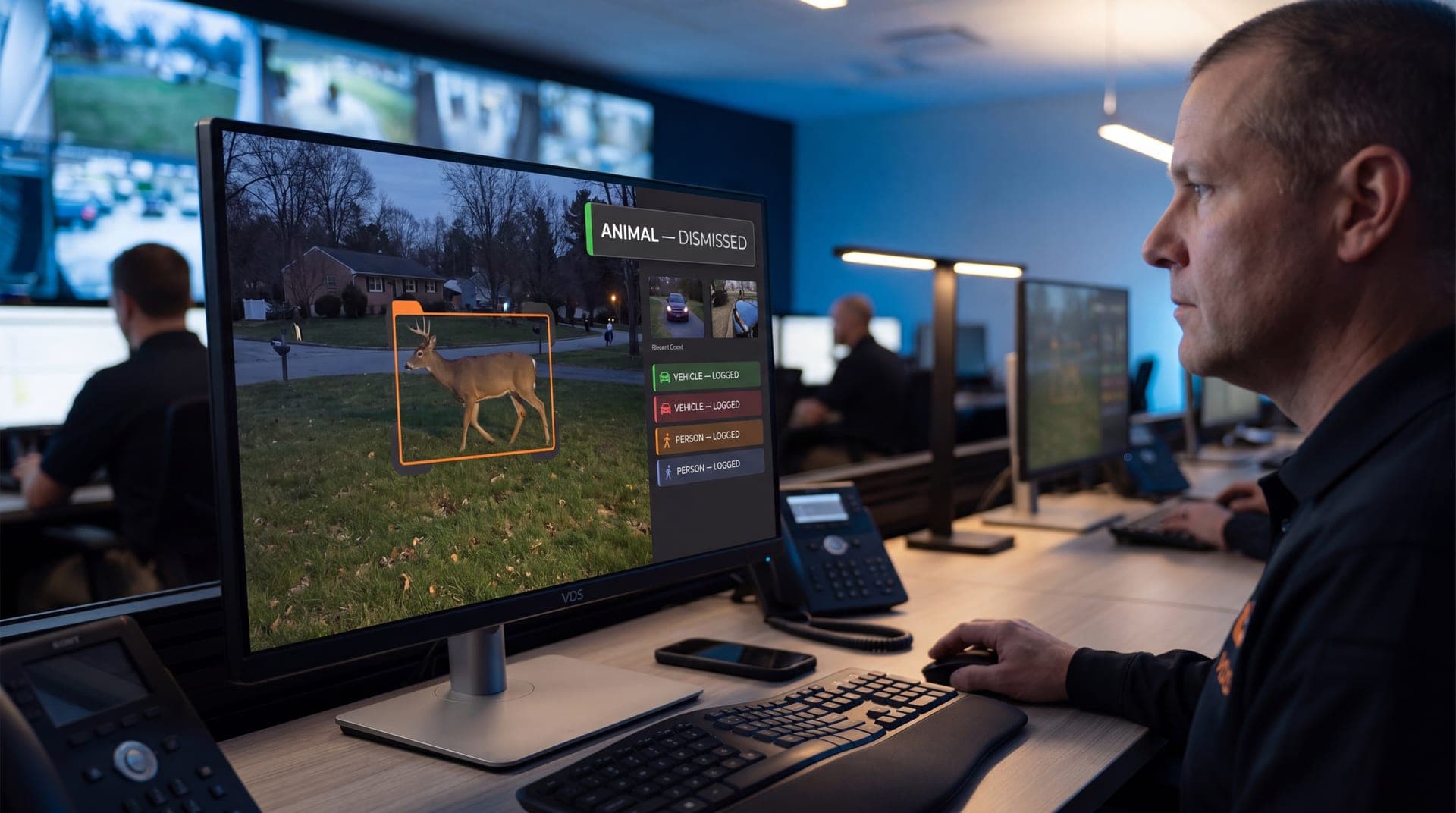
VDS mobile surveillance units run AI detection for people, vehicles, loitering, objects and license plates, and the platform has analytics pages for fire and smoke, PPE compliance and people counting. Detection is only the first step. A 24/7 US-based security operations center verifies events before anything is escalated, then responds with live talk-down through a loudspeaker and, if needed, police dispatch with video. That human check is what lets people, yours or your security partner's, handle verified incidents rather than raw alerts. See the analytics platform or talk to our team about a trial on your site.