
What a preset actually stores
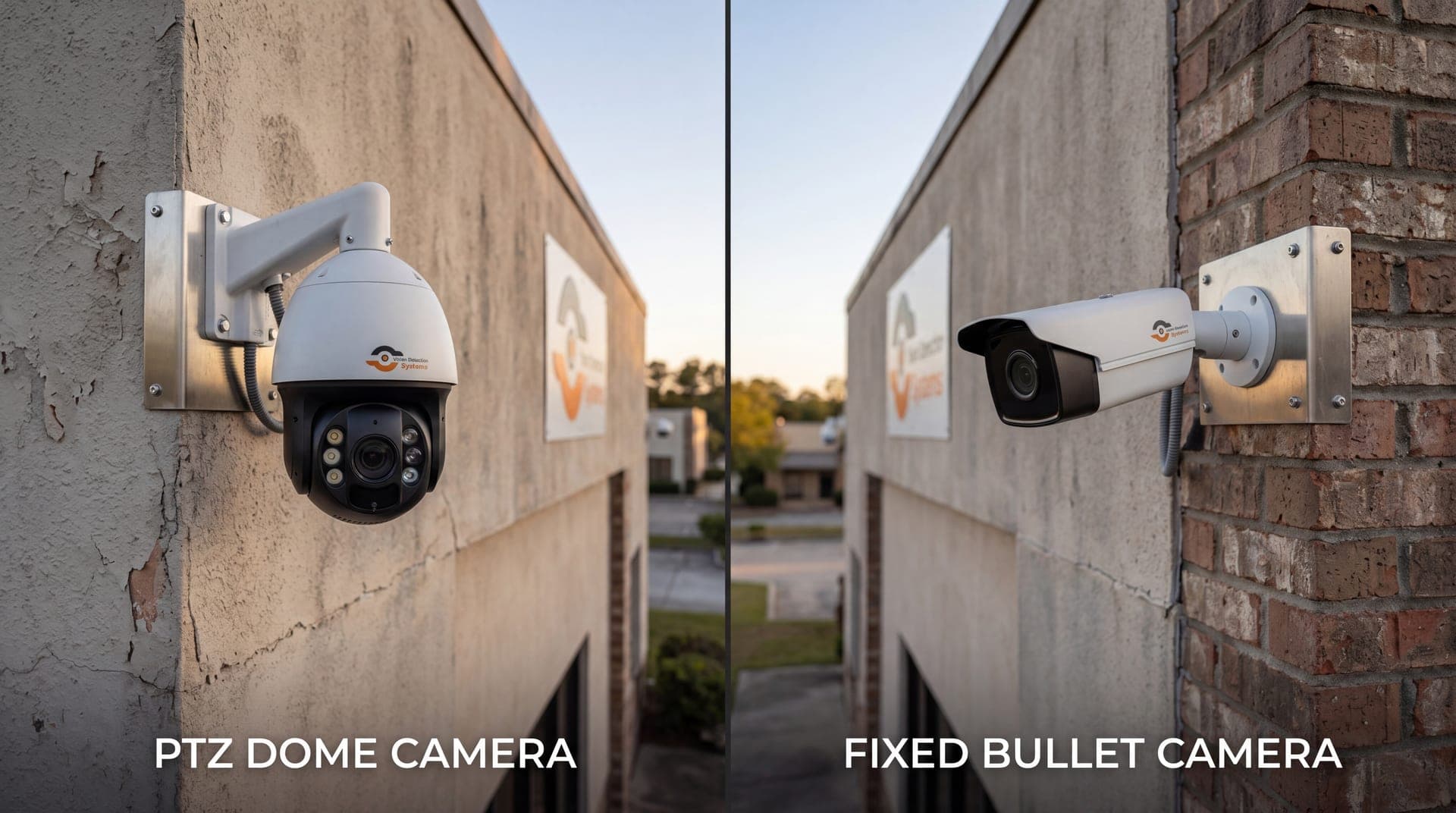
A PTZ camera moves in three ways. It pans left and right, tilts up and down, and zooms in and out. A preset saves the position of all three, and often focus and iris settings too, under a number or name. When you recall the preset, the camera drives to that position and stops.
If you are new to the hardware itself, the basics are covered in what is a PTZ camera. The key point here is that a preset is a memory of a view, not a feed. The camera does not watch a preset location while it is looking somewhere else.
What a patrol tour does
A tour strings presets together. The camera moves to the first preset, holds for a set dwell time, moves to the next, and continues through the list before looping back. Most cameras also let you set the speed of movement between stops.
A tour replaces a person manually sweeping the camera around a site. It is useful for routine awareness, such as checking a gate, a stockpile and a fence line in turn, and it keeps the camera from sitting pointed at nothing in particular.
Choosing what deserves a preset
Good presets come from a list of things you need to see, not from a list of places the camera can reach. Walk the site and write down the specific areas that matter.
- Entrances and exits, including vehicle gates and pedestrian doors
- High-value storage, such as tools, materials, fuel or equipment
- Fence corners and gaps where someone could enter
- Blind spots that fixed cameras cannot cover
- Places where past incidents occurred
Give each preset a plain name that describes the view, so that anyone recalling it knows what to expect. For help deciding what each view should capture, the security camera field of view guide explains how coverage and detail trade off.
Setting up presets sensibly
Setup quality decides whether a preset is useful. A few habits make a large difference.
- Frame for the purpose. A preset meant to read a gate or a license plate needs a tighter zoom than one meant to show a broad yard.
- Set focus at the preset. Check that the image is sharp at that zoom level, in both daylight and at night.
- Leave margin. Frame slightly wider than the target so that small shifts in aim do not cut off the subject.
- Test at night. Lighting changes what the camera can resolve, so confirm each preset after dark.
- Record what you set. Keep a simple list of presets and their purpose so changes are deliberate.
Building a sensible tour
Tour design is a tradeoff between coverage and revisit time. The more stops, the longer the camera is away from each one.
| Design choice | Effect | Practical guidance |
|---|---|---|
| Number of stops | More stops means longer gaps between visits | Keep the tour to the views that matter most |
| Dwell time | Short dwell may miss events, long dwell lengthens the loop | Match dwell to what you need to catch at that view |
| Movement speed | Fast moves save time, but can blur or stress the mount | Use a speed the camera handles smoothly |
| Order of stops | Poor order wastes time panning back and forth | Arrange stops in a logical sweep around the site |
| Time of day | Risk changes between day and night | Use different tours for working hours and after hours |
Treat the tour as a way to refresh awareness, not as a guarantee of constant coverage. An event that starts and finishes while the camera is looking elsewhere will not be seen by that camera.
Pitfalls to avoid
Too many presets in one tour. A long tour leaves each area unobserved for most of the cycle. Split the site across more than one camera, or shorten the list.
Relying on a tour for critical points. Entrances and high-value areas often deserve a fixed camera that watches continuously. The PTZ vs fixed camera comparison explains where each type fits.
Drift. Wind, vibration and a loose mount can shift the aim over time so that a preset no longer frames what it should. Check presets on a schedule and after storms.
Ignoring the lens at distance. Zoom magnifies motion too. At a distant, tightly zoomed preset, mast sway can make the image shake and hurt detection.
Letting the tour fight an alarm. If the camera keeps moving while an event is underway, the subject can leave the frame. Set the camera to stop its tour when something is triggered.
Forgetting about lighting. A preset that looks fine at noon may be a dark rectangle at midnight.
Tours, triggers and tracking
A tour is the default behavior, and triggers override it. When analytics detect a person or a vehicle, the camera can leave the tour, move to the relevant preset or follow the subject. Auto-tracking handles the following part, which is described in PTZ auto-tracking cameras.
The sensible order of priority is simple. An active event outranks the tour, and the tour resumes once the event ends. If your system lacks that behavior, a tour can pull the camera away at exactly the wrong moment.
Using presets when someone is watching
When trained staff monitor a site, presets become shortcuts. An operator verifying an alert can jump to the preset nearest the event, then zoom manually for detail. If the response includes speaking to the subject, the operator already has the right view in front of them. Live audio is covered in live talk-down audio deterrence.
The same applies if the camera is part of a remote monitoring service. Clear preset names and a short tour make it easier for an operator to orient quickly.
How VDS fits
Each VDS mobile surveillance unit pairs a 5MP PTZ camera with 25x optical zoom with three 8MP wide-angle cameras, all on a 22 ft telescopic mast (30 ft available). The wide-angle cameras provide continuous coverage of the surrounding area, while the PTZ can be directed for close detail. AI detection for people, vehicles, loitering, objects and license plates flags events, and a 24/7 US-based security operations center verifies them and can respond with live talk-down through a loudspeaker. If you want to plan views for your site, talk to our team.