
How pan, tilt and zoom work
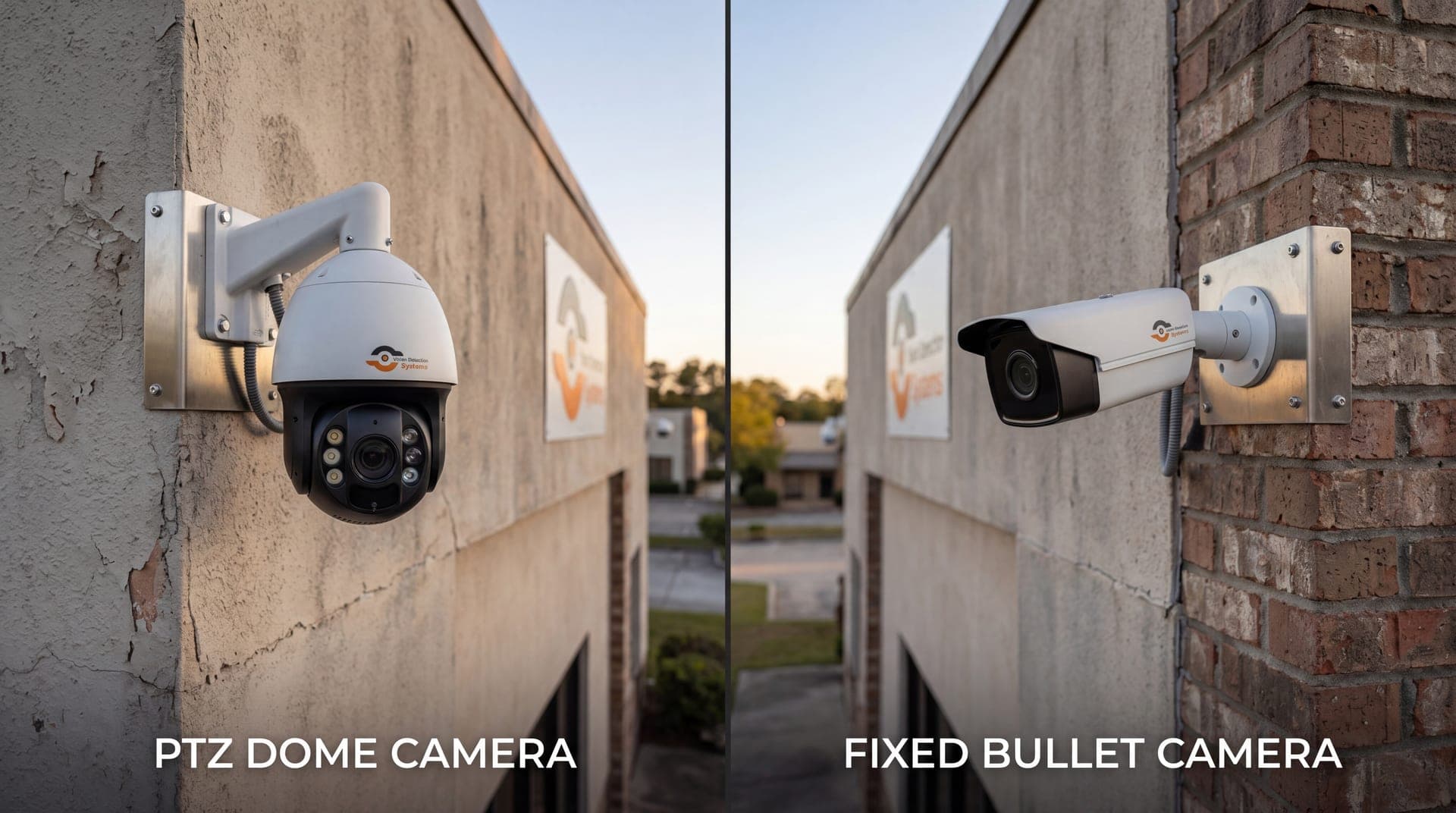
A PTZ camera is a camera head mounted on motors. The pan motor rotates the head horizontally, often through a full circle. The tilt motor moves it up and down. A third motor moves lens elements to change the focal length, which is the zoom.
Together those three movements let one camera point at almost anything within sight of its mount. An operator or a program sends commands, and the camera drives to the new position. Modern units also report their current position back, so software can know exactly where the camera is aimed.
Speed and smoothness vary by model. A well-built unit can swing quickly between two points and stop without shaking the image. A cheap one may overshoot, or blur while it settles. If you plan to rely on automatic movement, ask how fast the camera moves and how long it takes to focus after a move.
Optical zoom versus digital zoom
This is the spec that matters most when comparing PTZ cameras.
Optical zoom moves glass in the lens. The sensor still captures the full number of pixels, but they are now spread over a smaller part of the scene, so distant subjects get more detail. A rating such as 25x optical means the narrowest view is about 25 times tighter than the widest.
Digital zoom crops the picture and enlarges it. Nothing new is captured. The image gets bigger and softer, and a face or plate that was unreadable stays unreadable.
When you read a spec sheet, look for the optical figure and ignore combined numbers that add digital zoom on top. For anything where identification matters, optical zoom is the number to compare.
Presets, tours and patterns
A PTZ becomes much more useful when it is told where to look.
- Presets are saved positions. Each stores pan, tilt, zoom and sometimes focus. One click, or one software trigger, sends the camera back to a gate, a door or a stretch of fence.
- Tours are sequences of presets. The camera visits each one in turn and dwells for a set time. A tour gives a single camera a way to sweep a large site on a schedule.
- Patterns record a path an operator drove manually and replay it.
Presets are also how PTZ cameras work with other systems. When a detection fires on a fixed camera, software can send the PTZ to the matching preset so it looks at the same spot at higher magnification.
Auto-tracking
Auto-tracking uses software to follow a moving subject. The camera detects a person or vehicle, steers to keep it centered, and zooms to keep it a useful size in the frame. Some systems start tracking when a person crosses a defined line or enters a zone.
Tracking is helpful, but it has limits. It can lose a target when two people cross paths, when the subject moves behind an obstruction, or when lighting is poor. Wind-driven vegetation or heavy traffic in the background can pull the camera off the target. Treat auto-tracking as an aid that helps a human or an analytics system see more, not as something that never misses.
When a PTZ helps
PTZ cameras earn their place in a few situations.
- Large open areas such as lots, yards and construction sites, where one camera can survey a wide space.
- Identification at a distance, where the camera zooms in on an event that a wide camera has already flagged.
- Live response, where a remote operator needs to look closer at what is happening instead of working from a fixed picture.
- Changing layouts, such as a site where equipment and activity move around from week to week.
For a longer side-by-side look at the two designs, see our guide to PTZ versus fixed security cameras.
When a PTZ does not help
A PTZ is the wrong tool in some cases.
- Continuous recording of a fixed doorway or gate. While the PTZ is pointed elsewhere, nothing is recorded at the doorway. A fixed camera watches it all the time.
- Unattended wide coverage on its own. If nobody and no software is driving it, a PTZ is pointing at a preset and missing everything outside that view.
- Tight budgets for moving parts. Motors, gears and seals are mechanical parts. They wear, and they need inspection that a fixed camera does not.
The practical point is simple. A PTZ sees one place at a time, so coverage depends on what it is pointed at when something happens.
Quick reference
| Feature | What it does | What to check |
|---|---|---|
| Pan | Rotates the camera horizontally | Range of rotation and movement speed |
| Tilt | Moves the camera up and down | Tilt range, including looking straight down |
| Optical zoom | Brings distant subjects closer with real detail | The optical multiple, not the digital figure |
| Presets and tours | Return to saved views on command or schedule | How many positions it can store and how accurately it returns |
| Auto-tracking | Follows a moving subject | Behavior in low light and with background motion |
Pairing PTZ with wide-angle cameras
The most reliable way to use a PTZ is not alone. Fixed wide-angle cameras keep every area of interest in view all the time. The PTZ handles the close look. When analytics on a wide camera detect a person or vehicle, the PTZ can be sent to that spot. We cover the placement side of this in our camera placement tips, and the analytics side in our guide to AI video analytics for security cameras.
How VDS uses PTZ
The VDS mobile surveillance unit follows this pairing. Each solar-powered trailer carries a 5MP PTZ with 25x optical zoom and three 8MP wide-angle cameras on a 22 ft telescopic mast (30 ft available). The wide-angle cameras keep the site in view, AI detection picks out people, vehicles and loitering, and the PTZ gives a closer look at what was detected.
Behind the cameras is a 24/7 US-based security operations center. Operators verify events, respond with live talk-down through a loudspeaker, and dispatch police with video when needed, so people, yours or your security partner's, handle verified incidents. If you want to talk through how this would cover your site, get in touch with our team.