
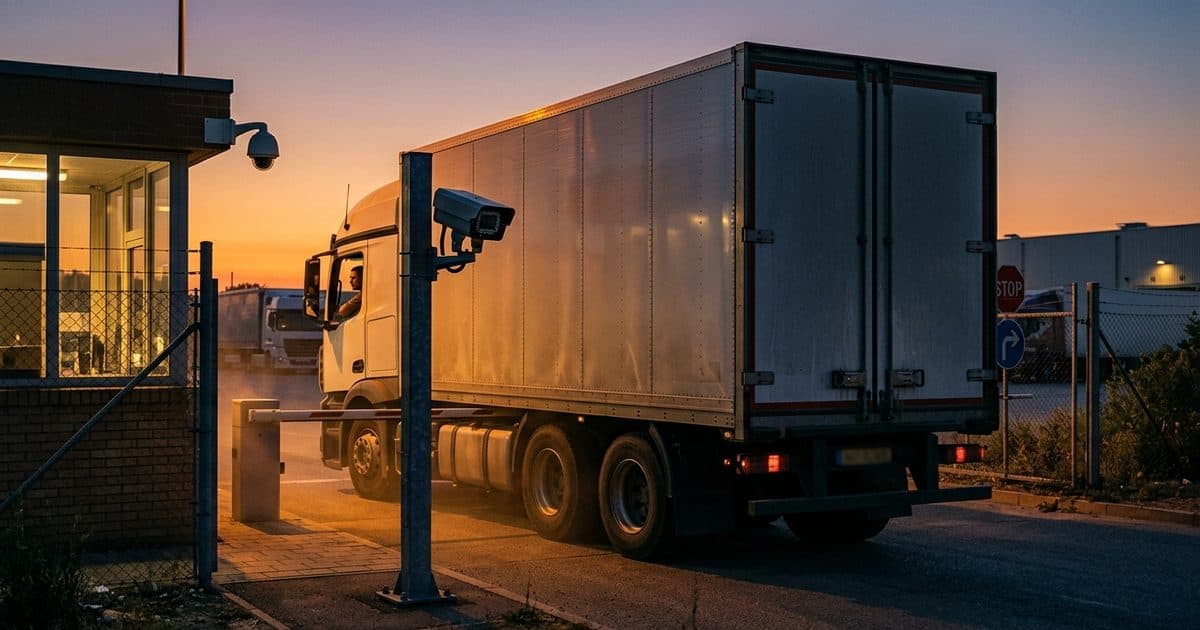
What makes remote gates different
A gate at a busy facility has electricity, a network and often a guard shack. A gate at a remote site, such as a laydown yard, pipeline access road, solar field, construction entrance or storage compound, usually has none of those. The nearest person who can fix a problem may be an hour away. That changes what you need from the system.
The questions are different. How will the gate operator and reader get power? How will events reach a person who can act on them? What happens in a storm, a power loss or a lost signal? And how do you know afterward who came through? Our guide to security cameras without Wi-Fi or power covers the same planning questions for cameras.
Credential options compared
| Option | How it works | Strengths | Limits |
|---|---|---|---|
| Keypad code | Users enter a code | Cheap, no hardware to carry | Codes get shared and are hard to attribute |
| Card or fob | Reader scans a credential | Individual credentials can be revoked | Lost or lent credentials |
| Remote release | Operator opens the gate after seeing video | Human judgment, good for visitors | Needs reliable communications and staffing |
| Phone or app credential | Mobile device opens the gate | No hardware to hand out | Depends on signal and device management |
| Plate-based entry | Camera reads the plate and checks a list | Hands-free for known vehicles | Needs good plate capture, plates can be swapped |
Most sites use more than one. For example, plate-based entry for regular vehicles, a keypad for occasional users and remote release for visitors. For a detailed look at plate-based entry, see automated gate access with LPR.
Plate-based entry done right
Plate-based entry only works if the camera can read plates consistently. From our setup guidance, plate characters need roughly 20 to 30 pixels of height, a shutter of 1/1000s or faster for moving vehicles, an angle within about 15 to 30 degrees of the plate and 15 to 30 frames per second in the capture zone. Light matters at night, and glare from headlights can wash out a plate. The LPR camera settings guide and the license plate recognition camera guide go through each setting.
Plates are a convenient credential but not a perfect one. Plates can be copied, swapped or obscured, and any system will sometimes misread characters. A common safeguard is to pair plate reads with a camera view of the vehicle so a person can confirm, and to keep an exceptions list for review.
Logs turn a gate into evidence
A gate without a log is a door that anyone with the code can use anonymously. A good log records the time, the credential or plate, the direction and whether access was granted or denied. When combined with video, it answers the questions that come up after a loss: who came in, in what vehicle, and how long did they stay?
Practical habits include:
- Review denied attempts, not just granted ones.
- Remove credentials the day someone leaves a project or company.
- Check for the same credential used at odd hours or in close succession.
- Keep logs and video for as long as your retention policy requires.
Power and communications
Power is the main constraint. A gate operator, a reader, a camera and a modem all draw power, and the draw rises in cold weather and when motors run. A solar array with battery storage can supply this load, but it has to be sized for your location, your seasons and your worst weather. Our guide to solar panel sizing for security cameras explains the logic.
For communications, cellular is the usual answer at remote sites. Check coverage at the exact gate location, and consider a modem that can use more than one carrier. The article on cellular security cameras lists what to test.
Choosing by who uses the gate
A useful way to decide is to list everyone who needs to pass and sort them by frequency. Employees and regular contractors suit individual credentials or plate lists. Deliveries and one-time visitors suit remote release, where an operator sees the vehicle and opens the gate. Emergency responders need a defined method, often a lock box or a siren-activated release, that your local authority approves.
Then ask how each group is added and removed. A system that takes a phone call and a day to update will be skipped in practice, and people will prop the gate open instead. The easiest credential to manage is usually the one that actually gets managed.
Plan for failure
Decide what the gate should do when something goes wrong, and write it down.
- Power loss. Does the gate stay closed, open or hold its last position? Many sites choose based on safety and emergency access rules, so check local codes.
- Communications loss. Can the reader still work from a local list?
- Manual override. Who has a key or release, and how do emergency responders get in?
- Tampering. Are enclosures locked and is the reader protected from damage?
- Weather. Are components rated for your climate?
Local fire and emergency access rules often apply to gates, so confirm requirements with your authority having jurisdiction.
Add cameras and live monitoring
A gate controls the front door but not the fence. People who do not want to use the gate will go around it, over it or through it. Cameras that cover the gate and the surrounding approach help you notice that. When an alert is verified by a person, a voice message from a loudspeaker can often end a trespass before it becomes a loss.
Where VDS fits
VDS does not replace your gate hardware, but it can cover the gate and its surroundings at sites with no power or network. A mobile surveillance unit is a solar-powered trailer with a 5MP PTZ camera with 25x optical zoom and three 8MP wide-angle cameras on a 22 ft telescopic mast, with dual-SIM 4G/5G cellular and no need for site power, internet or trenching. AI detects people, vehicles, loitering and license plates. Our 24/7 US-based security operations center verifies events, uses live talk-down through a loudspeaker and dispatches police with video. For plate-focused setups, see our LPR product page, or talk to our team about your site.