
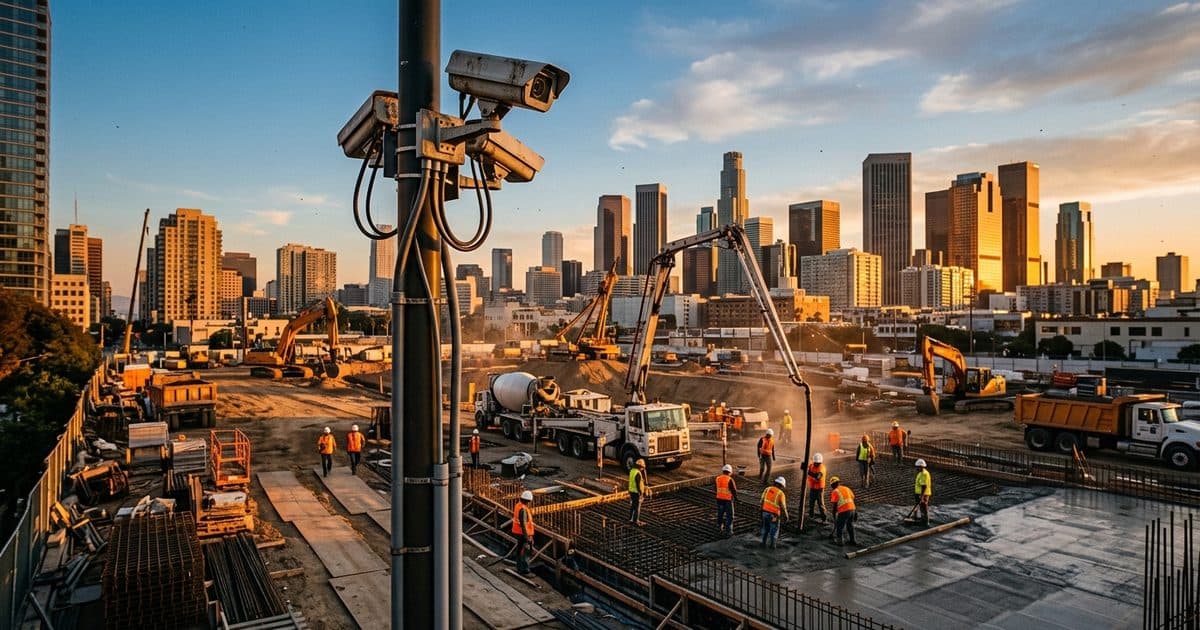
What makes a construction webcam different from a security camera?
Intent is the difference. A security camera exists to detect and deter after-hours intrusion. A construction webcam exists to show people the site: the owner checking framing progress from another city, the marketing team pulling a hero shot for the company website, the project manager confirming a concrete pour started on time. The hardware overlaps heavily, but the software, connectivity, and access model differ.
Traditional jobsite webcams prioritize high-resolution still images on a fixed interval, a web viewer that stakeholders can open without special software, and long-term image archiving for time-lapse assembly. Traditional security systems prioritize motion detection, night vision, continuous recording, and alarm escalation. Neither feature set is expensive to add to the other anymore, which is why the smartest spec today is a single unit that does both.
That convergence matters most for contractors weighing separate purchases. If you are already comparing dedicated documentation systems, our breakdown of construction time-lapse cameras covers that category in depth. This post focuses on the live streaming and multi-role side: what it takes to stream from an LTE-connected site, who should see the feed, and how to spec one unit that covers documentation and security together.
Job one: live streaming for owners, stakeholders, and remote teams
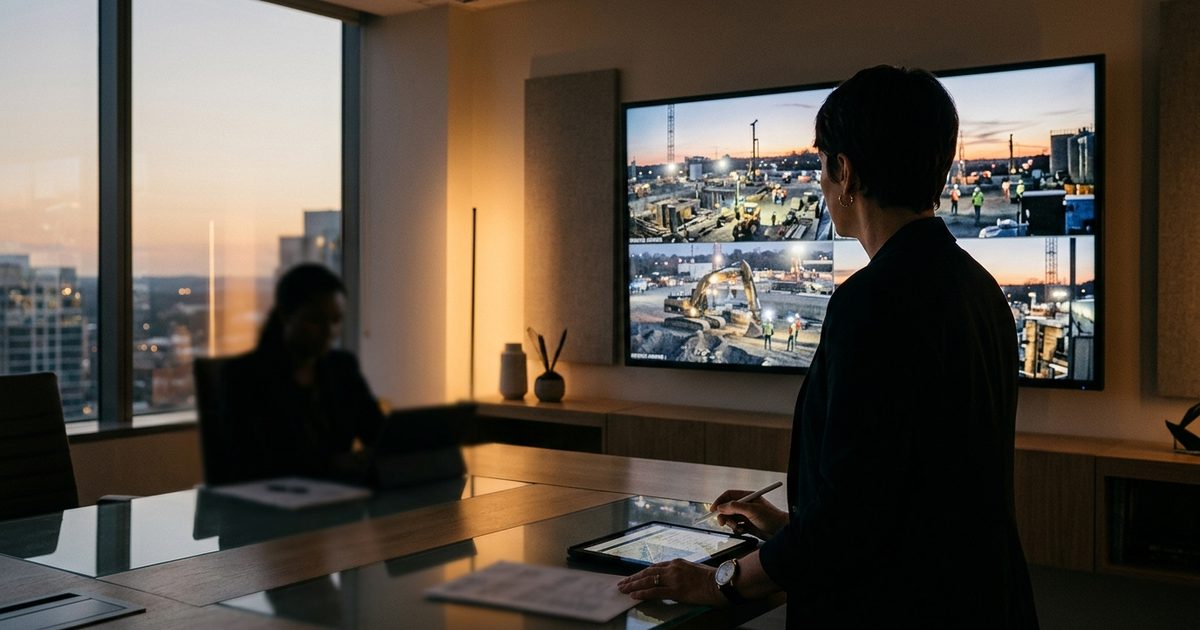
A live view changes how distributed project teams work. Owners and lenders stop requesting photo updates because they can look for themselves. Superintendents running multiple sites do a visual drive-by from a phone instead of a truck. Architects verify field conditions before a site visit. None of this replaces inspections, but it removes days of latency from routine "what does it look like right now?" questions.
The dispute-avoidance value is just as concrete. The average construction dispute in North America was worth $60.1 million, per the Arcadis figures republished by CMAA, and with documentation failures among the leading root causes, a timestamped visual record of site conditions, deliveries, weather days, and work sequence is cheap insurance. When a dispute turns on whether an area was accessible on a given date or when materials actually arrived, archived webcam imagery answers the question in minutes.
To get that value, the live view has to be genuinely usable. That means a viewer that loads in a browser without plugins, per-user logins so you know who watched what, pan-tilt-zoom control for authorized users where the hardware supports it, and an image archive searchable by date and time. Viewing and archiving are software problems as much as hardware problems, and our guide to construction camera software walks through what to look for in the platform layer.
Job two: the marketing time-lapse at closeout
Every completed project is a portfolio piece, and the time-lapse is the most shareable artifact a jobsite camera produces. A 90-second sequence of a building rising from excavation to topping-out works in proposals, on the company website, at award submissions, and in owner handover packages. Because the source material is captured automatically all project long, the marginal cost of producing it is close to zero, but only if the camera was specced for it from day one.
Three spec decisions determine whether your closeout time-lapse is usable. First, resolution: time-lapse frames get cropped and zoomed in editing, so capture at the highest still resolution the camera offers even if the live stream runs lower. Second, position stability: a time-lapse only reads well if the framing barely moves for months, which argues for mounting the unit where it will not need to be relocated mid-project. Third, vantage: the shot should show the whole structure with room for vertical growth, which is a different framing than security coverage of a laydown yard.
That tension between the ideal documentation angle and the ideal security angle is solvable with planning. Our camera placement guide for construction sites covers how to position units so one location, or a pair of locations, serves both. For a deeper comparison of dedicated time-lapse systems versus multi-role units, see the time-lapse camera post rather than duplicating that analysis here.
Job three: monitored security when the site goes quiet
The same camera that streams progress at 2 p.m. should be protecting the site at 2 a.m. After-hours risk is not just theft. Fires in structures under construction caused an average of $304 million in direct property damage per year across roughly 3,840 fires annually, according to an NFPA analysis of 2013 to 2017 data. Always-on visibility means smoke, flame, or an unexpected vehicle at 3 a.m. gets seen while there is still time to act, not discovered at 6 a.m. mobilization.
Overnight capability is where webcam-only products fall short. A time-lapse camera capturing a frame every ten minutes in the dark documents an incident poorly and prevents it not at all. The security job requires infrared or low-light imaging, motion analytics that can tell a person or vehicle from a tarp in the wind, continuous or event-triggered recording, and, most importantly, a human response path. Detection without response is just better-quality evidence of a loss.
That is what remote monitoring adds. When analytics flag activity, trained operators verify what is actually happening and escalate real incidents with live detail, so people, yours or your security partner's, respond to verified events instead of chasing false alarms. A solar-powered mobile surveillance unit with monitoring bundles this overnight role into the same platform doing daytime streaming, with no site power or trenching required.
Bandwidth and connectivity: what an LTE jobsite can actually stream
Most active jobsites have no fiber and no fixed broadband, so the camera lives on LTE, and LTE shapes what "live streaming" realistically means. Cellular bandwidth on a construction site is variable and usually metered. Upload capacity, the direction a camera cares about, is a fraction of download capacity and fluctuates with tower congestion, weather, and even the steel going up around the antenna.
Well-designed jobsite systems work with those constraints instead of pretending they do not exist:
- On-demand streaming. The camera streams full motion video only when a viewer is actually watching, instead of broadcasting continuously to nobody, which protects the monthly data budget.
- Adaptive quality. The stream steps resolution and frame rate down when signal degrades rather than freezing, and the full-resolution record stays intact locally.
- Snapshot-first documentation. High-resolution stills upload on an interval for the archive and time-lapse, which costs a small fraction of the data of continuous video.
- On-board recording. Footage records to storage on the unit itself, so a connectivity drop interrupts the live view but never the evidentiary record.
- Antenna and carrier planning. External high-gain antennas and the right carrier for that specific location often matter more than camera specs. Test signal at the actual mounting position before committing.
Ask any vendor two questions: what happens to the live view when the site loses signal for an hour, and what happens to the recording. The right answers are "it pauses" and "nothing."
Public-facing vs private streams: access and privacy
Decide deliberately who can see each output of the camera, because the three jobs have three different audiences. A sensible default looks like this:
| Stream type | Audience | Typical form | Key controls |
|---|---|---|---|
| Public progress feed | Anyone (marketing) | Delayed or interval snapshots, lower resolution | Framing excludes neighbors; no identifiable individuals; no security-sensitive angles |
| Private live view | Owner, PM, project team | On-demand live video, full resolution | Per-user logins, viewing logs, revocable access |
| Security feed | Monitoring operators only | Motion-triggered video, night vision | Restricted access, retention policy, incident audit trail |
Privacy is the part teams skip and regret. A camera mounted high enough for a good site overview can usually also see the neighboring apartment balconies, the adjacent business's yard, and the public sidewalk. Frame and mask the shot so you are documenting your site, not streaming your neighbors: use privacy zones to black out adjacent properties, keep public feeds at a resolution or angle where individuals are not identifiable, and check state and local rules before publishing anything that captures public rights-of-way. The same discipline applies inside the fence. A public feed does not need to show workers closely enough to identify them, and posting signage that the site is recorded is inexpensive good practice.
Access control on the private stream matters for disputes too. Per-user credentials and viewing logs mean you can show exactly who had access to the record, which supports the documentation value rather than undermining it.
How to spec one unit that does all three jobs
Work backward from the three audiences and write the requirements into one spec sheet:
- Optics: high-resolution still capture for time-lapse, plus infrared or low-light performance for overnight security.
- Streaming: on-demand browser-based live view with adaptive quality, per-user access control, and a separable lower-resolution public feed.
- Recording: on-board storage that keeps recording through connectivity loss, with cloud archiving of interval snapshots for the documentation record.
- Connectivity: LTE with external antenna options and carrier flexibility, validated with a signal test at the actual placement.
- Power: solar with battery autonomy sized for your region's worst season, since most sites cannot feed a camera from temporary power reliably.
- Monitoring: human-verified after-hours monitoring with a documented escalation path, so overnight detection converts to response.
- Privacy controls: configurable privacy masking and framing that keeps neighboring properties out of every feed.
This is the gap monitored mobile surveillance was built to fill. VDS mobile surveillance units pair solar power and LTE connectivity with high-resolution cameras, on-board recording, and 24/7 monitoring from our security operations center, while the VDS platform handles the live viewing, archiving, and access side for project stakeholders. For contractors, that means the documentation the owner wants, the time-lapse marketing wants, and the overnight coverage the risk manager wants come off one trailer instead of three procurements. You can see how builders typically deploy this on our construction industry page.
One caution as you evaluate options: do not let the marketing job silently win the spec. A beautiful 4K public feed with no night vision, no on-board recording, and no monitoring is a webcam, not protection, and the losses it fails to prevent will cost more than the camera saved. Spec for the 2 a.m. job first, then layer the daytime features on top. Done in that order, one camera really does earn its keep three times a day.