
Why insurers care about cameras at all
An insurer is pricing the chance and size of a loss. Theft, vandalism, arson and unauthorized entry are all losses that cameras can influence, either by discouraging the attempt or by supplying evidence afterward. That is why security measures sometimes show up in applications, renewal questionnaires and loss-control visits.
It is worth being realistic about this. A camera system is one input among many. Construction type, fire protection, alarm systems, neighborhood conditions, claims history and occupancy all weigh in. Treat cameras as part of the story you tell the underwriter, not as a switch that unlocks a discount.
What underwriters commonly ask
The wording differs by carrier, but the questions tend to fall into a few groups. If you have the answers ready before the renewal, the process goes faster.
- Is there a camera system, and does it cover entrances, perimeter, parking and high-value areas?
- Is footage recorded, and for how long is it kept?
- Is the system watched live, by whom, and during which hours?
- What happens when something is detected, and who gets called?
- Is there lighting that supports the cameras at night?
- Who maintains the system, and when was it last tested?
None of these are guaranteed to appear on your form. They are a useful checklist because they are the questions a careful reviewer would reasonably raise.
Recording versus monitoring
Many property owners assume that having cameras is the whole answer. Insurers and investigators often draw a line between a system that records for later review and one that is watched so someone can act in the moment. Recording supports a claim. Monitoring can interrupt the event that would have created the claim.
Published research points the same direction. A 2019 systematic review of 76 studies found that actively monitored systems were associated with about a 15% crime reduction, while passive recording-only systems showed no significant effect. That finding is about crime outcomes, not insurance pricing, so do not read it as a promise of premium credit. It does explain why underwriters may ask who is watching, not just whether lenses are mounted. For a plain-language explainer, see what remote video monitoring is.
Quick reference: what to have ready
| Topic | What to be able to show | Where it usually comes from |
|---|---|---|
| Coverage | Site plan with camera locations and fields of view | Installer or integrator drawings |
| Retention | Setting that shows how many days are stored | Recorder or platform settings |
| Monitoring | Written scope, hours and response steps | Monitoring agreement |
| Maintenance | Dated inspection and test records | Your maintenance log |
| Lighting | Where lights are and when they run | Facility records |
| Incidents | Past event reports and outcomes | Incident log |
Ask your broker which of these the carrier actually wants. Do not send more than requested, but keep the full set on hand.
How to document what you have
Good documentation is boring and consistent. Start with a dated site plan marking each camera, its purpose and the area it covers. Add photos of each mounting location and a sample frame from each view, so a reviewer can see that the picture is usable and not just that a device exists.
Keep maintenance records. A short log of lens cleaning, firmware updates, alignment checks and test events shows the system is working today, not only on install day. Our security camera maintenance checklist gives a starting structure.
Record your retention setting and the reasoning for it. There is no universal number, and the right period depends on your risk and any legal or contract requirements. See how long security cameras should keep footage for the factors to weigh.
Keeping footage usable after a loss
When something happens, the footage becomes evidence, and how you handle it matters. Export the relevant clips promptly, note who did it and when, and keep the originals untouched. Write down the time offset if the recorder clock is not exact. Our guide on security camera footage as evidence covers the handling steps.
Tell your broker about a loss as soon as the policy requires. Do not wait until you have finished your own review, and do not assume that footage alone settles a claim.
Temporary sites and changing conditions
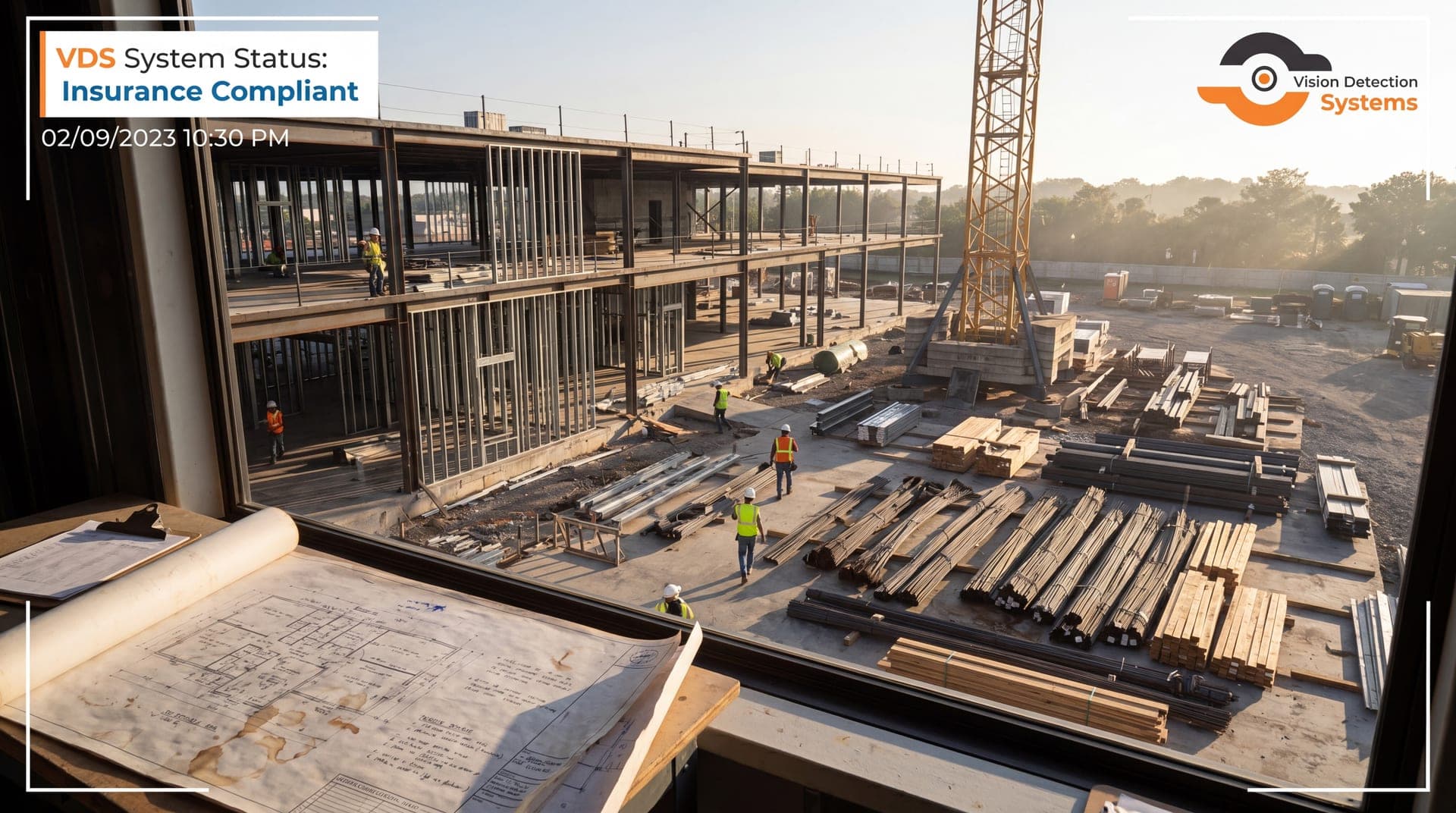
Properties change. A building under renovation, a lot between tenants or a construction project can look very different from the property described at renewal. If conditions change, tell your broker, because the policy file should reflect what is true. The same applies to mobile or temporary camera setups, including where they sit, how long they stay and who watches them. For construction specifically, see our post on construction site security cameras and insurance.
Common mistakes to avoid
A few errors come up repeatedly when owners prepare for an underwriting review.
- Overstating the system. Describe what is installed and working today. A plan to add cameras next quarter is not a system, and an application that says otherwise can create trouble at claim time.
- Letting records lapse. A recorder that stopped saving weeks ago, or a camera that has been knocked out of alignment, undercuts everything you wrote on the form. Test regularly and log the results.
- Forgetting changes. New buildings, added tenants, a change in hours or a switch of monitoring provider can all matter to the policy. Tell your broker when the facts change.
- Treating the form as the finish line. The paperwork is only useful if the site actually runs the way it describes. Check that someone really does what the monitoring scope says they do.
When in doubt, ask your broker a direct question and keep the answer in writing.
Where VDS fits
VDS builds solar-powered mobile surveillance units with a 5MP PTZ camera with 25x optical zoom and three 8MP wide-angle cameras on a 22 ft telescopic mast. AI detection flags people, vehicles, loitering and license plates, and a US-based security operations center verifies events and responds with live talk-down through a loudspeaker, then police dispatch with video. That gives you a defined monitoring scope you can describe to a broker. The hardware is NDAA Section 889 compliant. We cannot tell you how a given carrier will treat any system, so confirm that with your broker. You can review the mobile surveillance unit or talk to our team about what documentation we can provide.
Sources
- Piza, E. L., Welsh, B. C., Farrington, D. P., & Thomas, A. L. (2019). CCTV surveillance for crime prevention: A 40-year systematic review with meta-analysis. Criminology & Public Policy, 18(1). onlinelibrary.wiley.com