
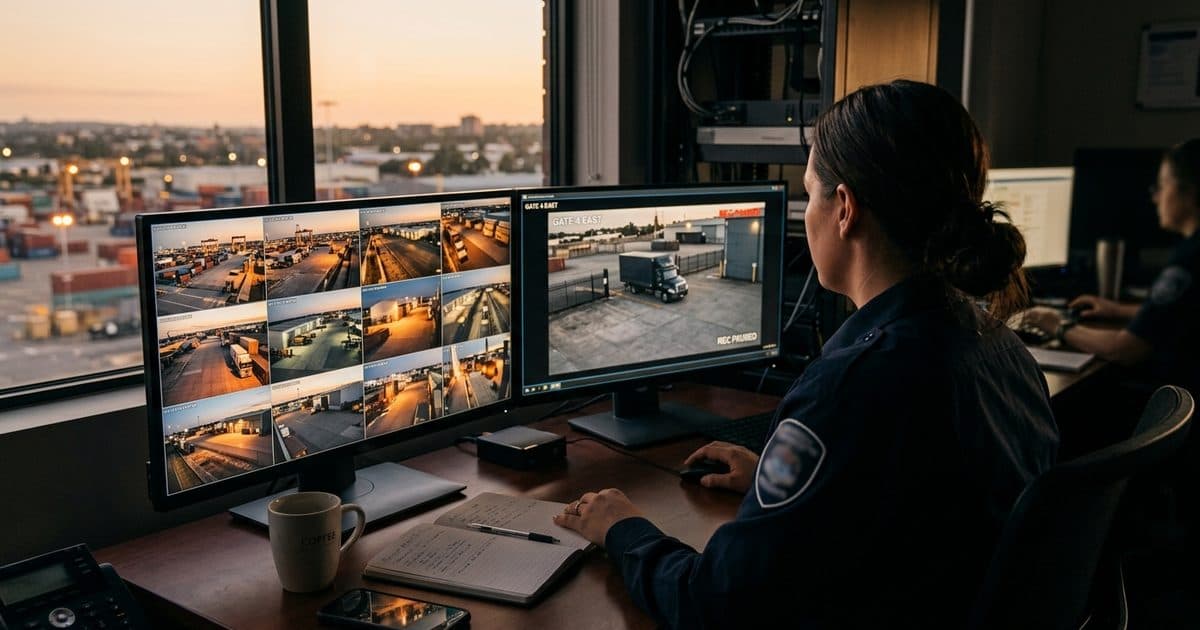
This is not a hypothetical. It is the most common way businesses lose legal cases that should be winnable. Video evidence is consistently among the most persuasive forms of evidence in civil and criminal proceedings — but only when it is properly preserved, documented, and produced. Most businesses have the cameras. Very few have a system that makes footage legally usable when it counts.
If your business has ever dealt with a security camera footage subpoena — or needs to be ready for one — this post covers what makes footage admissible, how chain of custody works in practice, how long you actually need to keep recordings, and what an evidence-ready setup looks like before a problem arrives.
Why Most Footage Fails When It Matters Most
Cameras record. That part works. The failure almost always happens in what comes after: how footage is stored, for how long, who can access it, and whether anyone can prove the recording hasn't been altered.
Courts and opposing counsel do not simply accept video files. They ask questions: When was this recorded? Has the file been modified? Who had access to it between the incident and today? Can you demonstrate the system was functioning correctly at the time? If you cannot answer these questions with documentation, the footage can be challenged — and in some jurisdictions, excluded entirely.
The admissibility of video evidence typically depends on three things: authentication (proving the footage is what it claims to be), foundation (establishing that the recording system was operational and accurate), and chain of custody (documenting who handled the footage from incident to courtroom). Each of these requires deliberate preparation. None of it happens automatically because a camera is running.
According to Federal Rule of Evidence 901, evidence must be authenticated before it can be admitted — meaning you need to be able to demonstrate that the item is what you say it is. For video, that means metadata, system logs, and a clear record of access.
Chain of Custody: What It Means and Why It Breaks Down
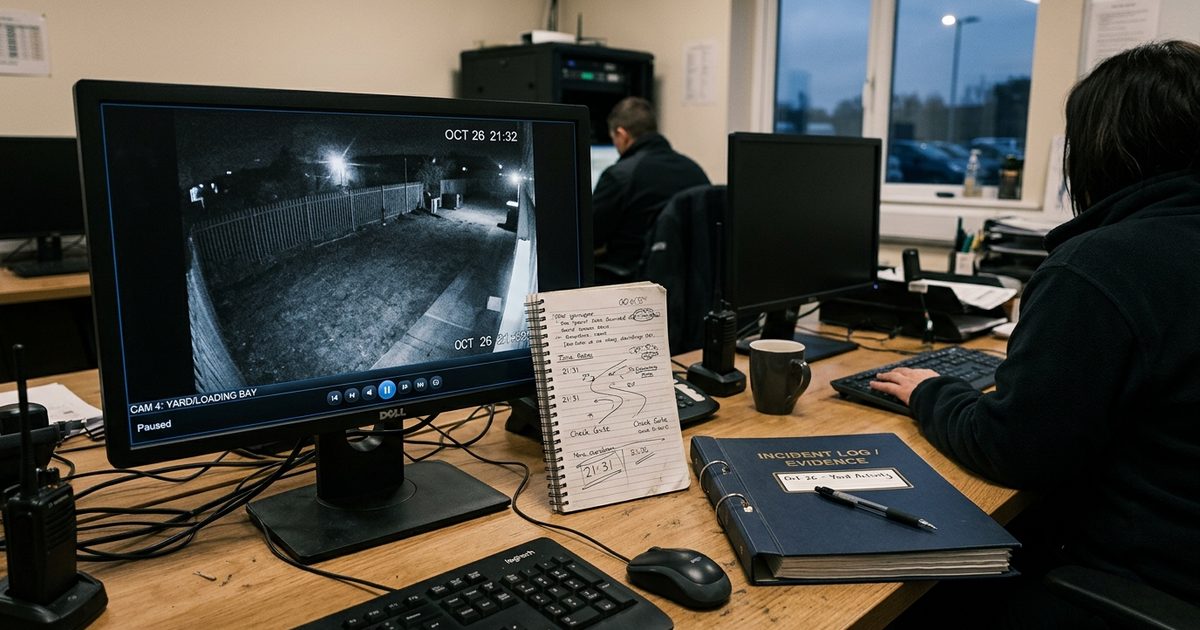
Chain of custody is the documented sequence of who has had possession of evidence, from the moment it was identified as relevant through every transfer, export, and storage event until it reaches court or opposing counsel.
For security footage, a complete chain of custody record includes:
- The date and time the footage was identified as potentially relevant
- The name of the person who exported or preserved the clip
- The method used to export (on-system copy, USB drive, cloud export)
- Where the file was stored after export and who had access
- Any transfers — to legal counsel, law enforcement, or a third party — with dates and names
- Confirmation that the original recording system logs remain intact
Important: Once a potential legal matter is identified — whether through an incident report, a police visit, or a letter from an attorney — footage related to that event must be preserved immediately and a custody log started. Any gap in that record, including an undocumented transfer or an export performed by an unknown user, creates grounds for challenge. If your system does not log user activity and access events, you are building a custody gap before the case even begins.
A structured incident reporting workflow closes this gap at the front end. When your team knows exactly what to do in the first 24 hours after an incident — who pulls the footage, how it gets logged, where it goes — chain of custody builds itself. Without that workflow, you are depending on whoever happens to be on shift to make the right call under pressure.
Retention Periods: How Long Is Long Enough?
There is no single federal minimum for commercial security footage retention in the United States. The answer depends on your industry, your state, and the types of incidents your sites are exposed to. What follows is a baseline view — but any retention policy should be reviewed by legal counsel familiar with your jurisdiction and industry.
The general principle: retain footage long enough to cover the typical reporting window for incidents at your site. Workplace injuries may go unreported for weeks. Civil claims can be filed months after an event. If your system overwrites at 14 days and a slip-and-fall complaint arrives at day 40, you have no evidence to work with — and in some jurisdictions, that gap can itself be used against you as spoliation of evidence.
| Business Type | Recommended Minimum Retention | Legal Exposure If Under-Retained |
|---|---|---|
| Retail (general) | 60–90 days | Theft and slip-and-fall claims often filed 30–60 days post-incident. Under-retention eliminates defense evidence and may trigger spoliation sanctions. |
| Construction sites | 90–180 days | OSHA investigations and workplace injury claims can take 3–6 months to surface. Subcontractor liability disputes extend further. |
| Parking lots and garages | 30–60 days | Vehicle damage claims and assault incidents are frequently reported weeks after occurrence. 14-day cycles are too short for most civil claims. |
| Healthcare facilities | 90–365 days | HIPAA does not specify video retention, but patient safety incidents and liability claims can extend well beyond 90 days. State law varies significantly. |
For a complete breakdown of retention minimums by industry and state considerations, see our guide on how long security cameras should keep footage. Your written retention policy should be documented, reviewed at least annually, and accessible to legal counsel on request — not just a setting in your DVR menu that nobody has looked at since installation.
What Happens When You Receive a Security Camera Footage Subpoena
A subpoena is a legally binding order to produce specified evidence. If your business receives one related to security footage, the clock starts immediately.
Here is what that process typically involves:
Step 1 — Legal hold. The moment you receive notice of litigation or a subpoena, a legal hold attaches to all relevant footage. Do not allow any overwrite, deletion, or system reset that could affect the relevant period. If your system is set to automatic overwrite, disable it for the affected channels immediately.
Step 2 — Scope identification. Work with legal counsel to identify exactly which footage is covered — specific cameras, specific date ranges, specific time windows. Over-preserving is always safer than under-preserving at this stage.
Step 3 — Controlled export. Export the footage in native format where possible. Transcoded or compressed copies should be clearly labeled as such. Document who performed the export, when, and what method was used.
Step 4 — System documentation. Pull system logs showing the camera was operational during the relevant period: uptime records, any maintenance logs, timestamp synchronization records. This establishes foundation — that the system was working correctly when the footage was recorded.
Step 5 — Chain of custody log. From the moment of export, every person who touches the file should be logged with date, time, and purpose. Transfers to outside counsel, law enforcement, or opposing parties should be documented in writing.
If your remote video monitoring platform maintains cloud-backed audit logs, this process is substantially faster and more defensible. On-premises DVR systems with no access logging put you in the position of trying to reconstruct custody after the fact — which rarely satisfies opposing counsel.
Common Mistakes Businesses Make Before They Need Footage in Court
- Setting retention to the minimum their storage allows. Most systems ship with short default overwrite cycles — sometimes as low as 7 days — because shorter retention reduces storage costs. Businesses that never adjust this setting discover the gap when it is already too late to fix it.
- Exporting footage without a custody record. An employee pulls a clip and saves it to a USB drive, emails it to a manager, or uploads it to a personal cloud account. By the time legal gets involved, there are three unlogged copies with no documented access trail. Courts treat this as a chain of custody failure.
- No written retention policy. A setting in a DVR menu is not a policy. If you cannot produce a document showing your organization's defined retention period, the reasoning behind it, and when it was last reviewed, you cannot establish that overwritten footage was destroyed in good faith under a reasonable policy — versus destroyed to avoid disclosure.
- Allowing system maintenance to overwrite relevant periods. Firmware updates, storage resets, and system replacements can all eliminate footage. Without a legal hold process that flags relevant date ranges to your technical team, routine maintenance becomes evidence destruction.
- Relying on footage quality that cannot be authenticated. Footage shot with insufficient lighting, misaligned cameras, or inconsistent timestamps is difficult to authenticate. If the system clock is wrong by even a few hours, your footage may not match the timeline asserted in a police report — and that discrepancy will be used against you.
A Mobile Surveillance Unit with cloud-connected logging, verified timestamp synchronization, and remote access audit trails eliminates most of these failure points at the infrastructure level. The footage is evidence-ready by design — not by accident.
Building an Evidence-Ready Setup Before You Need It
Evidence readiness is not a feature you add after an incident. It is a configuration decision you make before one. Here is what that looks like in operational terms:
Retention policy, in writing. Define minimum retention periods by site type and document the reasoning. Align with your legal counsel and insurance carrier. Review annually and after any significant incident.
System logging enabled. Every access event, every export, every configuration change should be logged automatically. If your system cannot produce an audit log, it cannot support chain of custody.
Timestamp verification. Cameras should sync time to a reliable source (NTP). Log verification checks quarterly. Any gap in synchronization should be documented.
Incident response procedure. Your team needs to know exactly what to do within the first hour of a reportable incident — who preserves footage, who starts the custody log, who notifies legal. This is the same workflow that feeds your standard incident documentation, but with legal preservation built in as a required step.
Cloud backup for critical footage. On-premises-only storage creates a single point of failure. Cloud-backed systems allow footage to be preserved and accessed without physical contact with the recording device — which keeps the on-site chain of custody intact while still giving legal counsel what they need.
For more on how VDS approaches surveillance architecture for clients who need evidence-ready outcomes, visit our frequently asked questions or contact the team directly.