
The problem verification solves
Traditional alarms report that a sensor was triggered. A door contact opens, a motion detector fires, a glass-break sensor hears a noise. The signal says nothing about the cause. Wind, animals, a staff member who forgot a code and a failing sensor all produce the same alert as a real break-in.
Because so many of these signals turn out to be harmless, many agencies adopt policies to manage the load. Depending on the jurisdiction, an unverified alarm may be given a lower priority, may require confirmation, or may bring fines for repeat false alerts. Policies differ widely, so check how your own area handles it. The practical effect is the same everywhere, a signal without context is easy to discount, and a real event can be delayed because of the noise around it.
What video verification adds
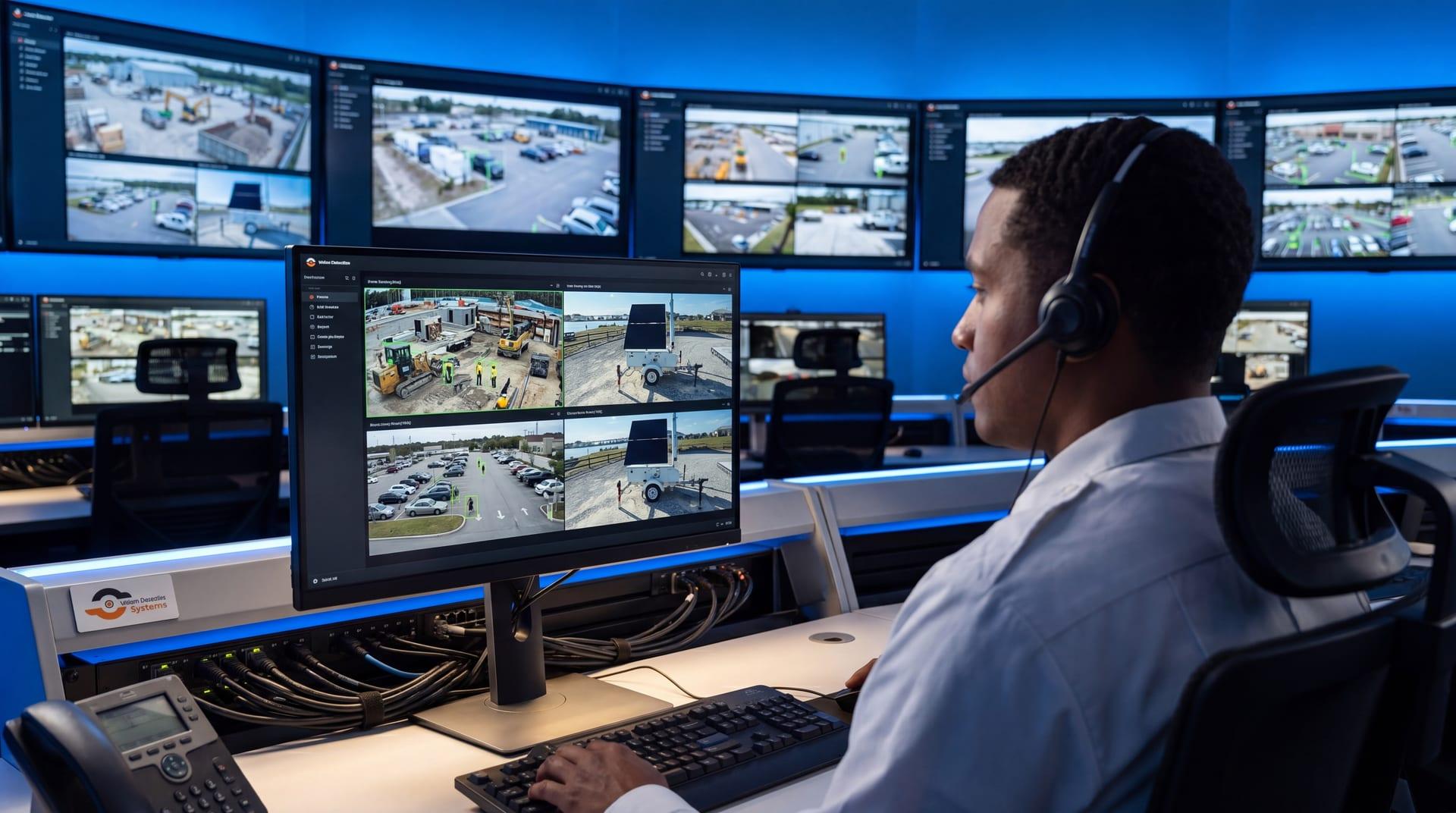
Video answers the questions a responder needs answered. Is there a person? How many? Are they inside the fence or outside it? Are they carrying tools, wearing masks, getting into a vehicle? Is anyone hurt? An operator watching live video can see all of this and can follow the scene as it changes.
That information changes the nature of the call. Instead of "an alarm went off at this address," the message becomes "two people are cutting the fence on the north side, one vehicle is waiting by the road." A responder can plan an approach, and the caller has credibility because a person has actually looked.
How the workflow runs
A well-run verified response follows a consistent path. The details differ between providers, but the stages are similar.
- Detection. A sensor or an analytic detects a person, vehicle or other trigger in a protected area.
- Alert. The event is sent to an operations center with a snapshot or clip.
- Verification. An operator opens live video and the recorded clip, and decides whether the event is real, harmless or unclear.
- Intervention. If the event is real and the site supports it, the operator can speak to the person through a loudspeaker. Many intruders leave once they know they are seen.
- Escalation. If the person stays or the situation is serious, the operator contacts the site owner, a security partner or police, and provides what the video shows.
- Follow-up. The operator keeps watching while responders travel, updates the call as things change, and saves the clip and a report.
Our article on the 60 second SOC shows what the first minute of this process looks like, and the incident reporting workflow covers the documentation that follows.
Verified and unverified alarms compared
| Aspect | Unverified alarm | Video verified alarm |
|---|---|---|
| What is known | A sensor was triggered | What is happening, who is there, where they are |
| Chance of a false dispatch | Higher | Lower, since harmless events are closed first |
| Information for responders | Address and zone | Description, location, actions, vehicles |
| Ability to intervene | None until someone arrives | Operator can speak to people on site |
| Evidence afterward | Little or none | Clip and event record |
| Typical responder treatment | Varies by policy, often lower priority | Often handled with more urgency, varies by agency |
The last row deserves emphasis. Agencies set their own policies, and a provider cannot promise a particular response. What verification does is give responders better information to apply their policy to.
Filtering false alerts before they reach anyone
Verification works best when the system sends fewer false triggers to begin with. Analytics that classify objects, such as people and vehicles, avoid many alerts that plain motion detection would send, and good zone setup avoids many more. Our guide to reducing false alarms in video analytics covers the tuning in detail.
The operator is the second filter. When the analytic flags a shadow, a deer or a staff member on an authorized visit, the operator closes the event and nobody is sent. The goal is that anyone who receives a call has a reason to take it seriously.
What to ask a provider
Not every service that says "verified" works the same way. Useful questions include:
- Who looks at the video, and are they trained operators or an automated system?
- Is the video live at the time of the alert, or only a still image?
- What can the operator do besides call, such as speak through a loudspeaker?
- How is police contact handled, and what information is passed on?
- What happens during the hours and conditions when volume is highest?
- Are clips, notes and reports saved so you can use them later?
- How does the service work at sites with no power or internet?
Our guide to choosing a video monitoring provider expands on these points. The quality of the footage also matters when it is used afterward, as covered in our article on security camera footage as evidence.
Why documentation matters
Verification also produces a record. A good service saves the clip that triggered the event, the operator's notes, the time of each action and the contacts made. That record helps if a dispute arises, if an insurer asks what happened, or if police need footage later. It also lets you spot patterns, such as a gate that triggers every night at the same time or a zone that produces repeated false alerts. Ask what is retained, for how long and how you can get a copy.
Review those records periodically with your provider. If the same harmless event keeps reaching an operator, the zone or schedule probably needs to change. If real events are being closed too quickly, the verification rules need a second look. Verification is a process you tune, not a feature you switch on once.
Where VDS fits
VDS combines detection, verification and response. AI detection flags people, vehicles, loitering, objects and license plates on each mobile surveillance unit. Events go to our 24/7 US-based security operations center, where operators verify them with video. If it is real, the operator can use live talk-down through a loudspeaker, and then dispatch police with video if the situation requires it. Cameras do the watching so people, yours or your security partner's, handle verified incidents.
Units are solar-powered trailers with cellular connectivity, so they can be placed where there is no site power or internet. Read more on the SOC platform page or the remote monitoring overview, then talk to our team about how verification would work at your property.