
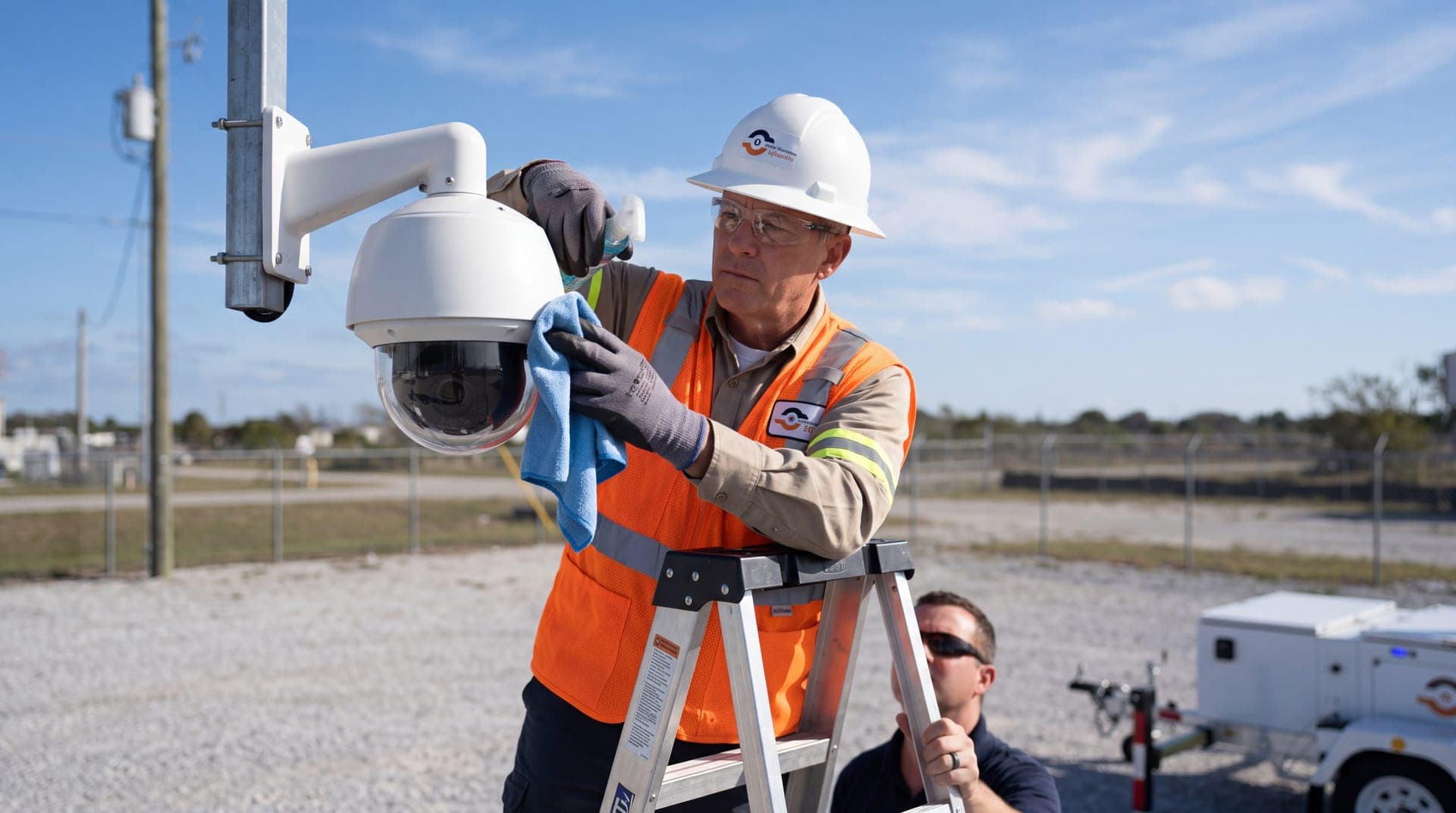
The ten tips below cover the checks that prevent that.
1. Clean lenses and housings
Dust, pollen, water spots, salt and spider webs all degrade the image. Webs are a particular nuisance at night, because infrared light reflects off them and can trigger motion alerts. Brush or blow off loose grit, then wipe the lens cover with a microfiber cloth and a lens-safe cleaner. Clear nests and debris from around the housing while you are there.
2. Check that each camera still sees what it should
Views drift. Wind and vibration loosen mounts, vegetation grows, and new signs, vehicles or stored materials block what used to be a clear view. Save a reference image of each camera when it is installed and compare against it. Check focus at the same time, in daylight and after dark.
3. Confirm that recording and playback work
A live picture does not prove that anything is being saved. For each camera, play back footage from a specific date and time. Confirm that the recording is continuous, that the timestamp is right, and that you can export a clip in a format someone else can open.
4. Watch storage and retention
Know how many days of footage your system is supposed to keep and confirm that it does. Adding cameras or raising resolution shortens retention if storage stays the same. Check drive health indicators on recorders, since hard drives that run continuously wear out and should be replaced on a schedule.
5. Inspect cables, connectors and mounts
Look for cracked or chewed cable, corroded connectors, loose conduit and water inside housings or junction boxes. Tighten mounting hardware. Outdoor connections fail first, so give them the most attention, especially after storms and at the change of seasons.
6. Test power and backup
Confirm that power supplies are working and that any battery backup holds the system up for as long as you expect when mains power is cut. For solar-powered systems, keep the panels clean and free of shade, and track battery condition over time. Our article on surveillance trailer uptime covers what keeps off-grid systems running.
7. Keep firmware and software current
Cameras, recorders and video management software all receive updates that fix bugs and close security holes. Apply them on a schedule, and check afterward that settings and recording have survived the update.
8. Lock down access
Change default passwords, give each user their own account, and remove accounts for people who have left. Limit who has administrative rights. Keep cameras off the open internet unless they are protected, and review access logs if your system provides them. A surveillance system is part of your network and should be treated that way.
9. Check the network and the clock
Dropped frames, frozen images and cameras that go offline at busy times often point to a network problem, not a camera problem. Check signal strength on wireless and cellular links. Make sure every device is synchronised to the same time source; footage with the wrong time is hard to use as evidence and hard to match with other records.
10. Test alerts and keep a log
If your system sends alerts or uses analytics, trigger them on purpose and confirm that the right people receive them. Review whether alerts are useful or mostly noise; our guide to reducing false alarms in video analytics can help with tuning. Record each maintenance visit: what was checked, what was found, what was fixed. The log shows patterns and proves diligence if footage is ever questioned.
A simple maintenance schedule
| How often | What to do |
|---|---|
| Weekly | Look at every live view; note anything offline, blurred or blocked |
| Monthly | Play back recorded footage from each camera; check retention and timestamps; test alerts |
| Quarterly | Clean lenses and housings; inspect cables and mounts; review user accounts |
| Twice a year | Apply firmware and software updates; test backup power |
| Yearly | Review coverage against how the site is used now; replace ageing drives and batteries |
| After any change or storm | Re-check views, focus and connections |
Regulated environments may need more. For an example of a stricter schedule, see our article on maintenance requirements for banking security cameras.
When maintenance should not be your job
Every item above assumes someone on your team has the time to do it. If that is not realistic, a managed system changes the picture. With remote video monitoring, the people watching the cameras also notice when one goes dark, drifts or stops recording. VDS mobile surveillance units report on their own power and connectivity, so a problem is seen and dealt with before the footage is needed. Talk to our team about what that would look like at your site.