
Step 1: List what must be seen
Walk the site and write down each of these:
- Every entrance and exit, including loading doors, side gates and roof access.
- Where money or valuables change hands or are stored: registers, safes, stock rooms, tool cribs, key boards.
- Where vehicles enter, leave and park.
- Perimeter stretches that are out of sight from the street or the building.
- Restricted areas: server rooms, pharmacy counters, fuel islands, equipment yards.
- Places with a history: the spot where the last break-in or dispute happened.
Step 2: Decide what each view is for
Each item on the list needs one of three levels of detail:
| Purpose | What you can tell | Typical placement |
|---|---|---|
| Overview | That something happened, and roughly what | Wide view of a lot, floor or yard |
| Recognition | Who a known person is; what a vehicle looks like | Doors, aisles, registers |
| Identification | A stranger's face, or a license plate | Tight view at an entrance or gate |
A single wide camera cannot do all three at once. The wider the view, the fewer pixels land on any one face or plate. This is why "one camera covers the whole lot" disappoints: it gives an overview and nothing else.
Step 3: Assign cameras
- Give each entrance its own camera aimed at face height, positioned so people are not silhouetted against daylight.
- Give each cash or valuables point its own camera.
- Cover open areas with wide cameras, overlapping slightly so one camera's blind spot is in another's view.
- Put a tight camera at the vehicle entrance if you need plates. See our license plate recognition camera guide for what that takes.
- Add a pan-tilt-zoom camera only if someone will be operating it or analytics will be steering it. An unattended PTZ is usually looking the wrong way.
Count the cameras you have assigned. That is your number.
Rough examples
These show how the count comes together. They are not rules.
- Small retail shop: front door, back door, register, sales floor overview, stock room. Five.
- Office suite: main entrance, rear entrance, reception, server room, parking. Five or six.
- Warehouse: each dock door group, personnel doors, main aisles, yard gate, yard overview. Often ten or more.
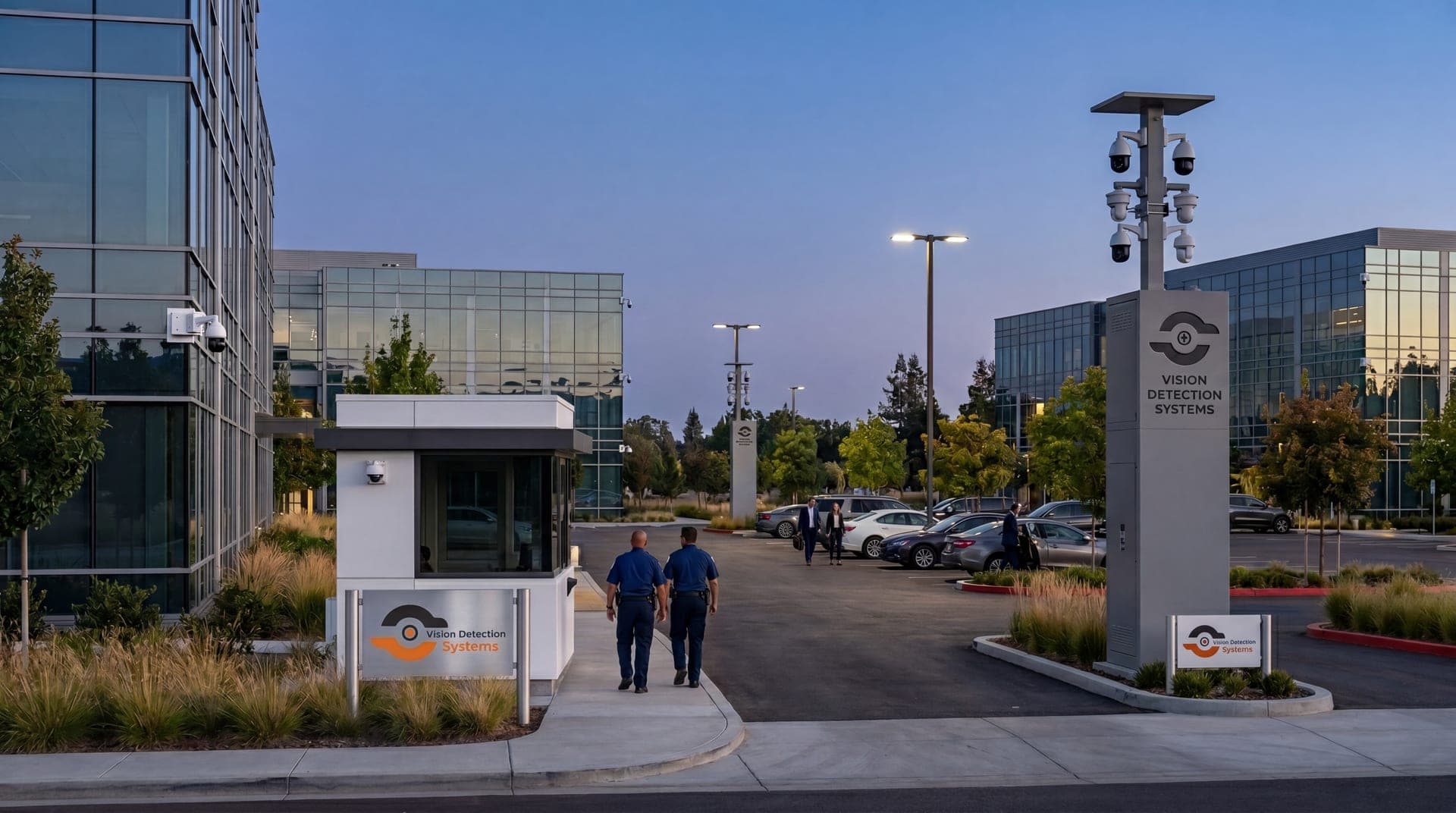
- Open yard or construction site: gate, material storage, equipment parking, perimeter. Three or four cameras on a tall mast can cover what would take many more at ground level.
What changes the number
- Lighting. Dark areas need cameras with infrared or added lighting, or they need more cameras closer in.
- Obstructions. Shelving, parked trucks and landscaping create blind spots that need their own view.
- Height. Higher mounting sees further and is harder to tamper with, but faces become harder to make out. Entrances need a lower camera.
- Whether it is monitored. A monitored system can use fewer, better-placed cameras because a person or analytics is watching for activity instead of relying on blanket recording.
- The law. Do not place cameras where people expect privacy, and check audio recording rules. Our overview of business security camera laws covers the basics.
Sites without power or network
Counting cameras assumes you can mount and power them. On yards, lots and construction sites that is often the hard part. A mobile surveillance unit puts several cameras on a 22 ft mast with its own solar power and cellular connection, which covers a large open area from one position and can move when the site changes.
Do not stop at the count
How many cameras matters less than what happens when one of them sees something. Decide who gets alerts, who is watching during the hours you are closed, and how long footage is kept. With remote video monitoring, trained operators verify alerts and respond, so people, yours or your security partner's, handle verified incidents. For a wider look at system types, see our guide to commercial surveillance.