
Why write it down
Incidents rarely happen at convenient times. The person who sees the alert may be tired, new or unsure of who to call. Without a matrix, response depends on memory and judgment under pressure, and the same event can be handled three different ways by three different people.
A matrix does three things. It makes response consistent, it shortens the time between detection and action, and it makes after-action review possible, because you can compare what happened against what the plan said. It also protects people by making clear who has authority to make decisions such as calling police.
Start with severity tiers
Escalation follows severity. Define a small number of tiers, with plain criteria that a person can apply quickly. Three or four is enough.
| Tier | Meaning | Typical examples | Response speed |
|---|---|---|---|
| 1, Information | No threat, worth logging | A delivery vehicle, authorized worker, animal | Log only |
| 2, Suspicious | Possible concern, needs a look | Person near the fence, vehicle idling after hours | Verify and warn |
| 3, Confirmed threat | Real intrusion or crime in progress | Person climbing a fence, theft underway | Immediate escalation |
| 4, Emergency | Danger to life or major damage | Fire, injury, violence, active vandalism | Emergency services at once |
Write the criteria in terms of what you can see on camera, not what you guess. A tier should be decided by evidence in the video, such as behavior and location, not by assumption.
Verify before you dispatch
Most alerts are not emergencies. Verification is the step that separates a real event from a false one before anyone is sent. A trained person looks at the live video, checks recent footage and confirms what is happening.
Verification protects responders and credibility. Sending police to a false alarm wastes resources and can lead to penalties or reduced response in some areas, so check your local policy. Sending nobody to a real event is worse. The video-verified alarm response guide explains why a visual check changes the quality of the response.
A verification step should answer:
- Is there a person, vehicle or hazard?
- Are they authorized to be there?
- What are they doing?
- Is anyone in danger?
Choose a contact order
The contact order is the heart of the matrix. It lists who is called first, second and third for each tier, and what each person is expected to do.
A typical order follows this logic.
- Monitoring operator. Receives and verifies the alert.
- On-site deterrence. Live audio or lights to warn off the subject. See live talk-down audio deterrence.
- Site contact or key holder. The person who can confirm who should be on site.
- Security partner or guard. Sent to check the scene if one is available.
- Police or emergency services. Called with the verified details.
- Management and insurer. Notified after the immediate event is handled.
Not every tier uses every step. A suspicious tier might stop at deterrence and a site contact check, while a confirmed threat might go straight to police.
A template you can copy
Fill in the table below for your own site. Add one row per incident type, and one block per tier if your responses differ.
| Incident type | Tier | Verify by | Step 1 | Step 2 | Step 3 | Wait before next step | Notify after |
|---|---|---|---|---|---|---|---|
| After-hours person on site | 2 or 3 | Operator, live video | Talk-down | Site contact | Police if still present | Set a time limit | Manager, log |
| Vehicle entering restricted area | 2 or 3 | Operator, live video | Talk-down | Key holder | Police if unauthorized | Set a time limit | Manager, log |
| Fence breach or climbing | 3 | Operator, live video | Talk-down | Police | Security partner | None, act at once | Manager, insurer |
| Fire or smoke detected | 4 | Operator, live video | Emergency services | Site contact | Management | None, act at once | Manager, insurer |
| Injury or medical event | 4 | Operator, live video | Emergency services | Site contact | Management | None, act at once | Manager, log |
| Camera offline or tampered | 2 | Operator, health check | Look at nearby cameras | Site visit | Repair ticket | Set a time limit | Manager, log |
Replace the generic entries with real names, phone numbers and time limits. Keep names, roles and numbers in a separate current contact sheet and refer to it from the matrix, so that a personnel change does not mean rewriting the table.
Build in time limits and backups
Every step needs two things, a time limit and a fallback. If the first contact does not answer within the stated time, the next person is called. Without this, a single unanswered phone stalls the whole response.
Also name a backup for every role. Holidays, shift changes and illness leave gaps, and the matrix should still work on the worst day. Decide in advance who has authority to call police without waiting, since delay at the wrong moment is costly.
Prepare the evidence handoff
Escalation does not end at the phone call. Responders and insurers will want video, times and details. Decide in advance who exports clips, how they are labeled and who sends them. The steps for working with law enforcement are in how to share security footage with police, and the paperwork side is covered in the incident reporting workflow.
Capture the basics every time: date, time, location, what was seen, who was contacted and what was done.
Test it and keep it current
A matrix that has never been used will fail when it is needed. Run a drill at least occasionally. Trigger a test event, follow the table, and note where it slowed down, where a number was wrong and where a role was unclear.
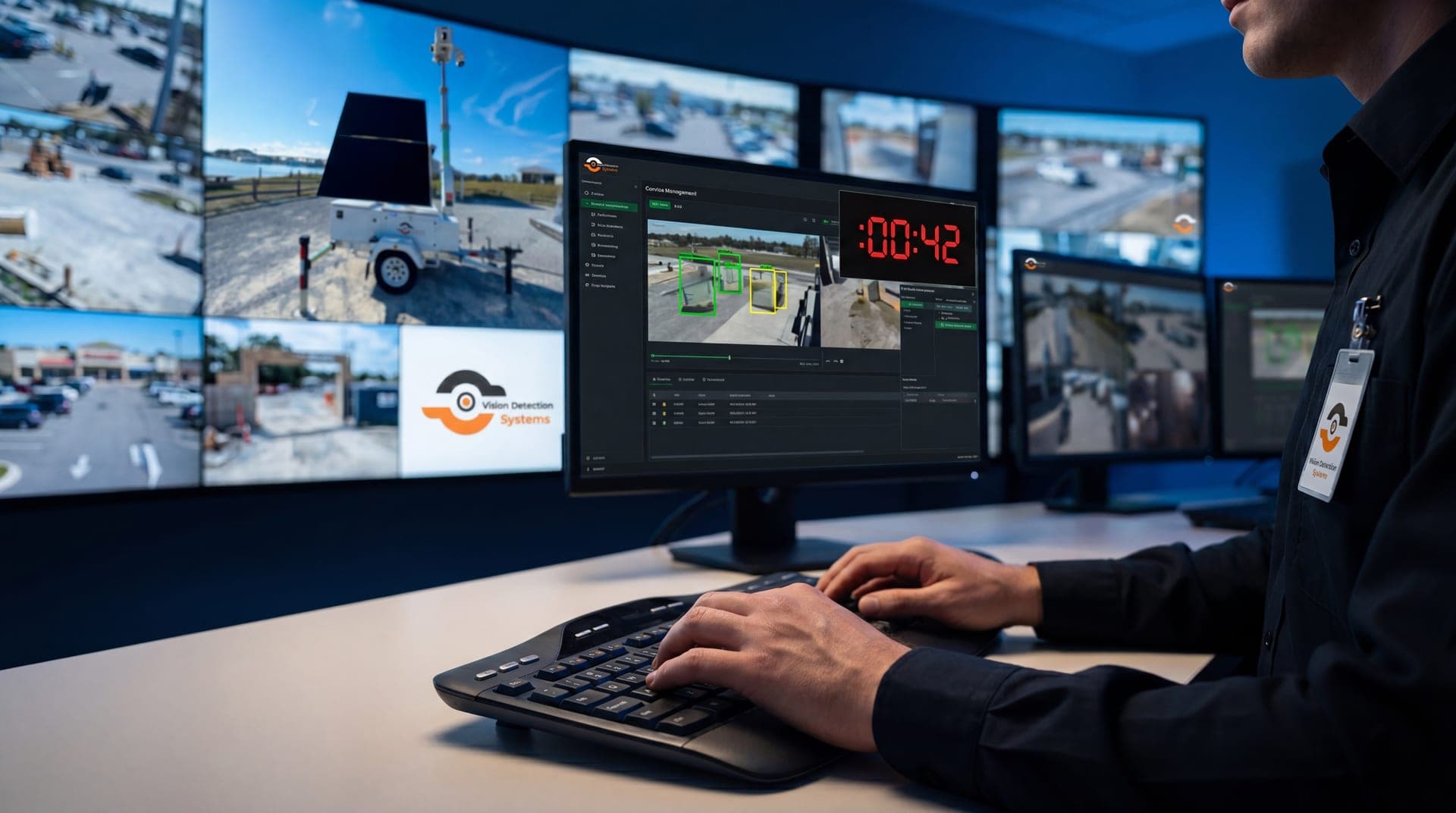
After every real incident, hold a short review. Compare what happened to what the matrix said and update it. A short, accurate matrix beats a thorough, outdated one. For an example of how a monitoring center structures its first moments, see the 60-second SOC.
How VDS fits
VDS runs a 24/7 US-based security operations center that verifies events from its mobile surveillance units, responds with live talk-down through a loudspeaker, then dispatches police with video when a verified incident calls for it. That sequence lines up with the verify-first structure above, and it means people, yours or your security partner's, handle verified incidents rather than raw alerts. Units are solar-powered with dual-SIM 4G/5G cellular, so they run without site power or internet. See remote monitoring or talk to our team about building your escalation plan around a monitored site.