
Start with bitrate, not resolution
Bitrate is the amount of data a camera produces each second, usually expressed in megabits per second. It is the number that matters for planning, because a network link is rated in the same unit. Resolution and frame rate are inputs to bitrate, but they are not the bitrate itself.
Every camera publishes a bitrate setting, and many let you choose between a fixed rate and a variable one. Read the actual configured value from the camera, not the maximum on the spec sheet. The maximum describes what the camera can produce, while your planning number should describe what it will produce in your configuration.
What drives bitrate
Four things move the number up or down. The table below shows the direction of each effect, without assuming any particular camera.
| Factor | Effect on bitrate | Planning note |
|---|---|---|
| Resolution | Higher resolution raises it | More pixels means more detail to encode. See the security camera resolution guide for when extra pixels pay off. |
| Frame rate | Higher frame rate raises it | Fewer frames per second can be fine for a wide view, but not for fast subjects like vehicles. |
| Compression | Efficient codecs lower it | Newer codecs describe the same picture with less data. See H.264 vs H.265. |
| Scene activity | More motion raises it (variable rate) | Wind, rain, insects at night and busy roads can all push a variable stream higher. |
Scene activity is the one that surprises people. A fixed-rate stream holds steady, but a variable-rate stream grows when the scene gets busy. A quiet test at noon may understate what the same camera sends during a storm or a busy shift change.
How the pieces add up
The arithmetic is simple, even if the inputs take care to gather.
- List every camera at the site.
- For each camera, list the streams you intend to send off site. Many cameras can produce a main stream and a lighter sub stream.
- Record the configured bitrate for each of those streams.
- Add them together for the total if everything runs at once.
- Add headroom so the link is never running at its limit.
That total is your peak demand. If the link cannot carry the peak, you have three choices. Send fewer streams, send lighter streams, or send video only when something happens. The third choice is usually the strongest one, and it is covered below.
Main stream and sub stream
Most modern cameras can produce two or more streams from the same picture. The main stream is the full quality version, suited to recording and evidence. The sub stream is a smaller version suited to live viewing and to analytics that do not need every pixel.
A common pattern is to record the main stream locally and send only the sub stream, or short event clips, across the link. This keeps evidence quality high while keeping the uplink load low. It also means that when someone needs the full quality footage, it is waiting on local storage rather than competing for bandwidth all day.
Upload, not download
Cameras push video out, so the number that limits you is upload speed. Consumer-style connections are often sold on download speed, and the upload side can be a small fraction of it. Always check the uplink figure and the way it behaves under load.
Stability matters as much as speed. A link that averages well but drops or stalls will produce choppy live video and delayed alerts. When you evaluate a connection, look at consistency over time, not a single speed test.
Plan for cellular links
Cellular is often the only option at construction sites, lots and remote yards, and it behaves differently from a wired connection. Speeds change with signal strength, tower load and time of day, and plans may throttle after a usage threshold. For a deeper look at how the technology performs, see cellular security cameras on 4G and 5G.
Build the plan around the slow case, not the best case.
- Test the link at the actual mounting location, at different times of day.
- Leave generous headroom between your peak demand and the speed you measured.
- Prefer a design that still works if the link degrades, such as local recording that catches up later.
- Check how the plan treats heavy sustained use before you commit.
Reduce load without losing evidence
Several design choices cut bandwidth without cutting what you can prove later.
Send events, not everything. Analytics can decide on site which moments matter and send only those clips or snapshots. The tradeoffs between that approach and continuous streaming are explained in event-based vs live video monitoring.
Analyze at the edge. When detection runs on or near the camera, raw video does not have to cross the link just to be analyzed. See edge vs cloud video analytics.
Use efficient compression. If your cameras and recorder support it, a newer codec can lower bitrate for the same picture.
Trim what is not needed. A camera watching a low-risk area can run at a lower frame rate or a lighter stream than the one covering a gate or a loading area.
A short planning worksheet
Before you buy or deploy, write down the answers to these.
- How many cameras, and which ones need live viewing versus recording only?
- What bitrate is each configured stream, and at what frame rate?
- What measured upload speed does the site actually deliver, at its slowest tested time?
- How much headroom remains after the streams you plan to send?
- What happens to video and alerts if the link drops?
If question five has no good answer, fix that before anything else. A design that records locally and syncs when the link returns degrades gracefully. A design that depends on constant streaming does not.
How VDS fits
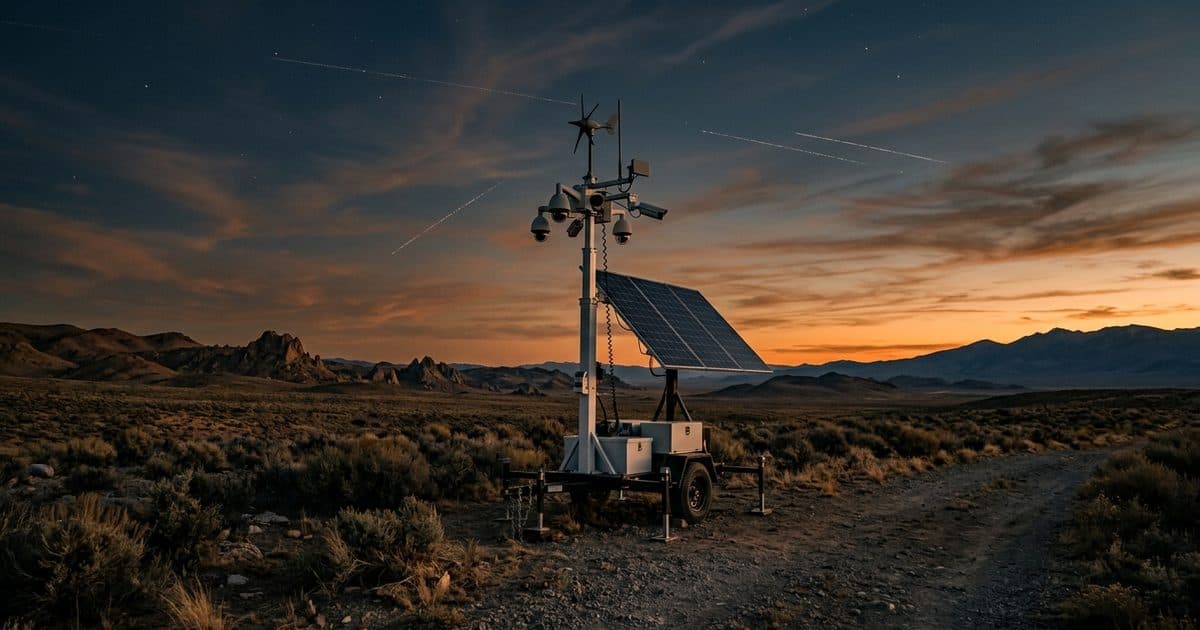
VDS mobile surveillance units are built for sites with no internet. Each unit carries dual-SIM 4G/5G cellular, a 5MP PTZ camera with 25x optical zoom and three 8MP wide-angle cameras on a 22 ft telescopic mast, powered by a solar array and battery bank, so there is no site power, internet or trenching to arrange. AI detection for people, vehicles and loitering runs so that attention goes to events that matter, and a 24/7 US-based security operations center verifies them. That is how people, yours or your security partner's, handle verified incidents without anyone watching raw video all day. Learn more about the mobile surveillance unit, or talk to our team about the connection at your site.