
How people counting works
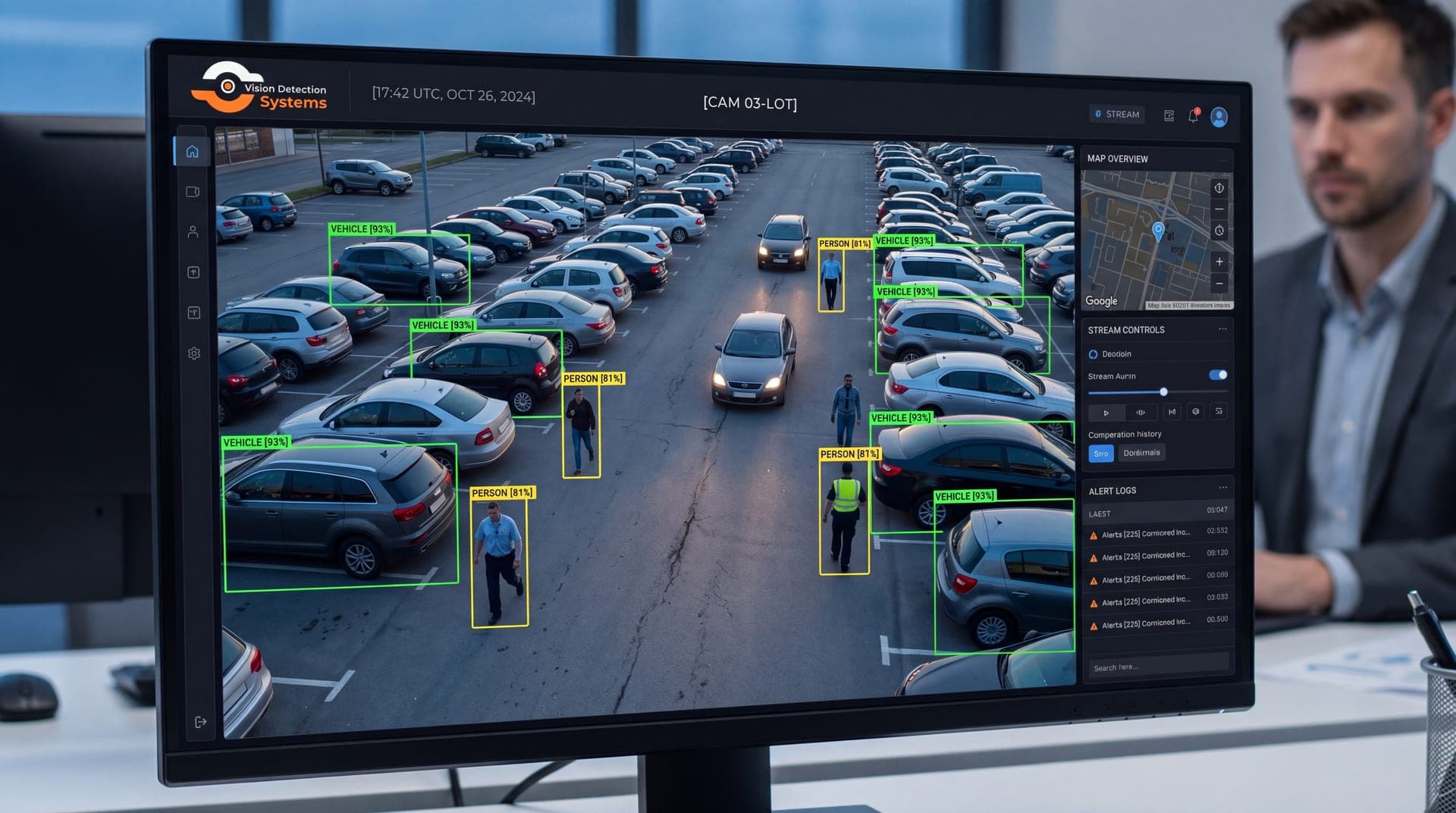
The software looks at each video frame and finds shapes that match a person. It then follows each one from frame to frame so the same person is not counted twice. Counting methods fall into a few types:
- Line crossing. You draw a virtual line across a doorway or path. Each person who crosses it is counted, and direction tells you whether they entered or left.
- Zone occupancy. You mark an area, and the system reports how many people are inside it at a time.
- Dwell and flow. Some systems also record how long people stay in a zone and which way groups move.
Modern counting relies on trained detection models instead of simple motion, which makes it better at telling people from carts, shadows and animals. It is still software making a judgment from pixels, and conditions affect it.
What affects accuracy
No counting system is exact in every condition. Rather than quote a number, which would depend on the site, here are the factors that move accuracy up or down:
| Factor | Effect on counting |
|---|---|
| Camera height and angle | Overhead or steep angles separate people better than low side views |
| Lighting | Strong backlight, glare or darkness makes detection harder |
| Entrance width | Wide doors let people pass side by side and merge |
| Crowding | Groups and close queues cause people to overlap |
| Obstructions | Displays, doors and signs can hide people from view |
| Strollers, carts, bags | Can be miscounted or hide the person behind them |
| Camera resolution and focus | Soft or distant images reduce reliability |
The practical advice is to run a short manual count at your own site, then compare it with the camera's count. If they differ by a lot, adjust the angle, line position or lighting before relying on the data.
Where people counting is useful
Retail and hospitality
Foot traffic by hour shows when to staff the floor and when to schedule deliveries. Comparing visitors with sales gives you a conversion picture. Counting people at entrances and queues also helps with layout decisions. See how video analytics fits the retail setting.
Venues and events
Attendance and occupancy matter for safety and planning. A count at each entrance tells you when an area is filling up and whether you are near a limit set by your venue or authorities. Temporary events often have no fixed infrastructure, which is where a mobile surveillance unit for events can help.
Facilities and buildings
Offices, libraries, schools and similar buildings use occupancy numbers to decide on cleaning schedules, space planning and after-hours alerts. A count that shows people in a normally empty zone at 2 a.m. is also a security signal.
Security uses
Counting can support safety work as well as business analysis. A sudden build-up of people in a restricted zone, or a person count where none should exist, is useful input for an operator. For more on how detection supports security, see AI video analytics for security cameras.
Setting up a count that holds up
Most counting errors come from setup, not from the software. A few habits make the data more trustworthy:
- Choose the mounting point first. A camera directly above a doorway, looking down, usually separates people better than one at the side looking across. Higher mounting widens the view but reduces detail, so match height to the width you need to cover.
- Place the line where people must pass. A counting line across a narrow choke point works better than one across an open floor where people can wander around it.
- Control the light. Avoid pointing the camera at a bright window or open door. Even lighting helps the software see edges.
- Validate, then recheck. Compare against a manual count at a busy time and a quiet time. Repeat after any layout change, new signage or camera move.
- Report trends, not single readings. Hourly and daily patterns are more reliable than one number from one moment.
Keep a note of the date of each check and who did it, so that if numbers shift later you can tell whether the site changed or the system did.
Privacy and responsible use
Counting is generally less intrusive than identifying people, because it only needs to know that a person is present, not who they are. That is a real advantage, and you should keep it. Keeping the function limited to counting, with no face matching, is a clear design choice you can describe to employees and visitors.
Good practice:
- State the purpose. Decide what you are counting and why, and write it down.
- Keep only what you need. If aggregate counts answer the question, you may not need to retain video for it.
- Post notice. Signage and clear communication reduce surprise. Requirements vary by state and setting, so confirm with counsel.
- Limit access. Restrict who can see the footage and the numbers.
- Keep counting separate from identification. Face recognition raises separate legal and ethical questions and should be decided on its own.
Employee monitoring has additional rules in some places. If you plan to count staff as well as visitors, involve counsel and tell employees first.
Choosing a system
When you evaluate a people counting camera or service, ask:
- How is the count produced, and can I see how it was validated?
- What camera height and angle does it need?
- Can it count in both directions and by zone?
- Where is the video processed and stored?
- How does it handle crowds, low light and obstructions?
- Can the numbers be exported to the tools I already use?
How VDS fits
VDS offers AI detection for people, vehicles, loitering, objects and license plates, and its platform also has an analytics page for people counting. You can browse the wider set of platform analytics to see how counting sits with other detection.
For sites without power or internet, such as event lots or temporary venues, a VDS solar-powered mobile surveillance unit uses dual-SIM 4G/5G cellular, and the 24/7 US-based security operations center can verify events when something needs a response. See remote video monitoring or talk to our team about what you need to count.