
What dynamic range means for a camera
Dynamic range is the span between the darkest and brightest areas a camera can capture in one frame and still show usable detail. The human eye handles a very wide span. Camera sensors handle a narrower one, so a scene with deep shade and direct sun forces the camera to choose.
If the camera exposes for the bright area, the shadows go black and anything standing in them disappears. If it exposes for the shadows, the bright area turns into a featureless white patch. In security work, the part you lose is often the part you needed, such as a face under a canopy or a plate behind a glaring bumper.
WDR is the umbrella term for the methods that reduce this tradeoff. You will also see HDR or true WDR on spec sheets. The names overlap in marketing, so the useful question is how the camera actually handles the problem, not what the label says.
How WDR works in plain terms
Most implementations fall into two groups.
Multi-exposure WDR. The sensor captures two or more frames at different exposure settings, one short for bright areas and one long for dark areas, then merges them into a single balanced frame. This gives the strongest results in very high-contrast scenes. The cost is that moving subjects can appear slightly ghosted or smeared, because the exposures are not captured at exactly the same instant.
Single-frame or digital WDR. The camera processes one exposure and applies tone mapping to lift shadows and compress highlights. It avoids ghosting but has less to work with, so it helps moderate contrast more than extreme contrast.
Some cameras also offer backlight compensation or highlight compression. These are simpler adjustments that favor one region of the image. They can help in a narrow situation but are not a substitute for real dynamic range handling.
Backlight and headlight glare
Two situations cause most of the trouble at business sites.
Backlight. A camera that looks toward a doorway, a bay door or a window sees a bright opening and a dark interior. Anyone walking through becomes a silhouette. WDR lets the camera expose for the person without letting the background blow out.
Headlight glare. At night, an approaching vehicle puts two intense point sources into a dark scene. A camera without good handling will bloom around the lights, and the plate or the driver becomes unreadable. WDR reduces the bloom and lets the surrounding scene stay visible.
Neither problem is solved by WDR alone. Aiming the camera slightly off the line of oncoming headlights, mounting it to the side of the lane, and adding controlled lighting all reduce glare before the sensor has to cope with it.
Where WDR matters most
| Location | Typical contrast problem | Why WDR helps |
|---|---|---|
| Vehicle gate at night | Headlights against a dark lane | Keeps the vehicle and driver area visible around the lights |
| Gate in morning or evening sun | Low sun behind or in front of the camera | Prevents silhouettes and washed-out sky |
| Building entrance with a canopy | Bright outdoors, dark under the overhang | Shows faces in the shade |
| Loading dock or bay door | Bright opening, dark interior | Keeps both inside and outside usable |
| Parking lot with pole lights | Bright lamp heads in frame | Reduces blooming around fixtures |
If your cameras cover open, evenly lit areas, WDR is a nice feature but rarely the deciding factor. If they cover a gate or door, treat it as close to a requirement.
WDR and license plate capture
Plate reading is where the tradeoffs get sharp. A plate needs a fast shutter to freeze a moving vehicle, and published setup guidance calls for 1/1000s or faster. Multi-exposure WDR works by combining longer and shorter exposures, which can conflict with that goal. The result can be a well-balanced scene with a smeared plate.
For plate capture, the practical approach is a dedicated camera set up for that job, aimed at the right angle, with a fast shutter and controlled lighting, rather than relying on a general-purpose camera with WDR turned on. Our guides on LPR camera settings and automated gate access with plate recognition cover shutter speed, angle and pixel height in more detail.
What to check before you buy
When comparing cameras for a high-contrast location, ask a provider these questions.
- Does the camera use multi-exposure WDR, single-frame processing, or both?
- Can WDR stay enabled while the shutter is held fast for moving vehicles?
- How does the camera behave at night with headlights in frame?
- Is WDR adjustable by level, or only on and off?
- Can the provider show sample footage from a similar gate or entrance, taken at the same time of day?
Sample footage from a real site tells you more than a feature list. Ask to see video taken at dusk and at night, not just in daylight, because that is when the contrast is worst.
Placement and lighting still do most of the work
Even the best sensor has limits, so treat WDR as one layer. Mounting height and angle change how much sky or glare enters the frame, and our field of view guide explains how to trade coverage against detail. Add or adjust lighting so the subject is lit more evenly, and keep bright fixtures out of the frame where possible.
At night, remember that infrared illumination has its own behavior. It lights nearby subjects well but can reflect off close surfaces and plates. The article on infrared versus thermal night vision explains where each approach fits.
How VDS fits
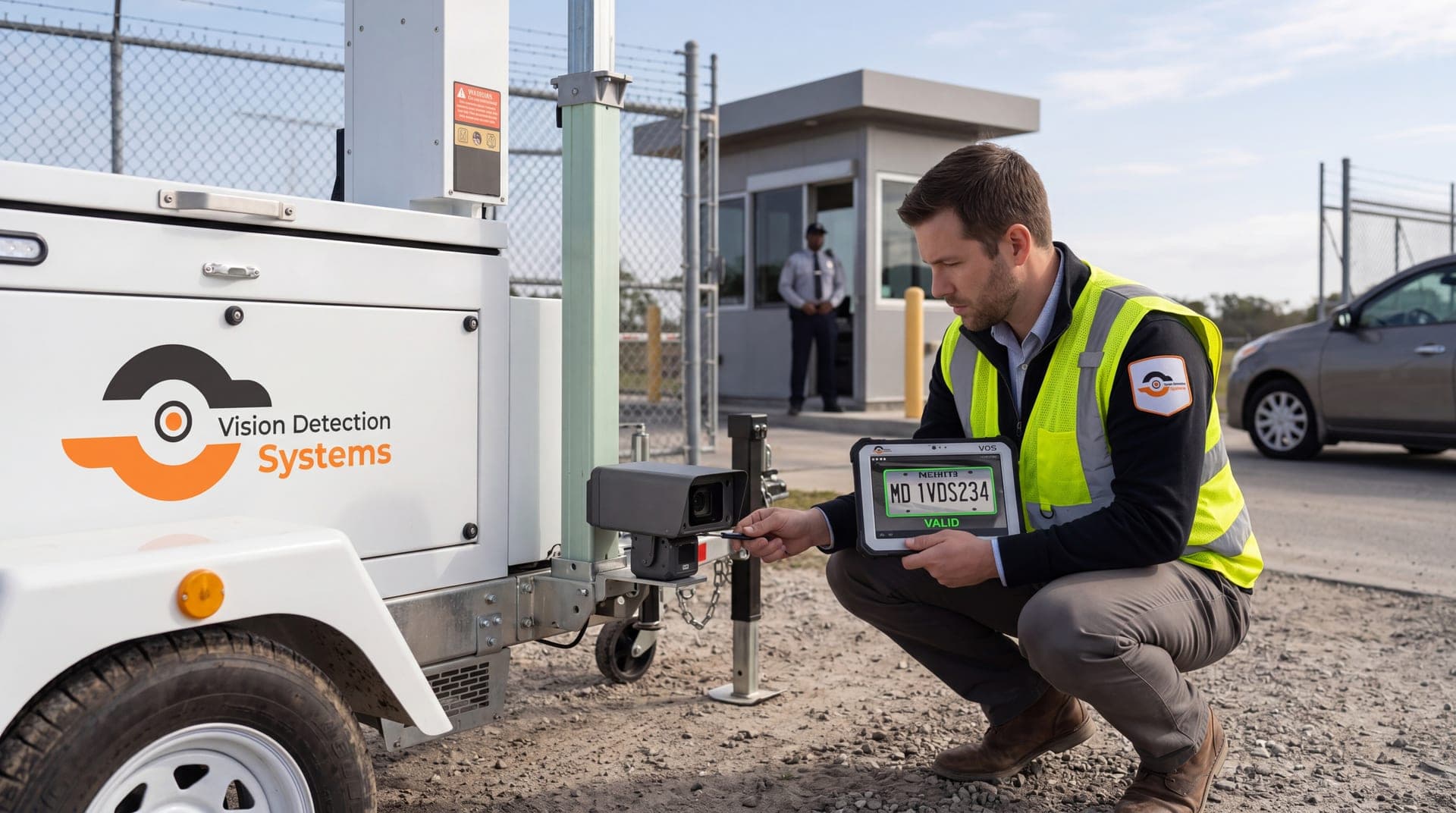
Gates and entrances at remote or temporary sites often lack good lighting and sit in changing sun conditions. VDS builds solar-powered mobile surveillance units with a 5MP PTZ camera with 25x optical zoom plus three 8MP wide-angle cameras on a 22 ft telescopic mast, so the unit can be placed where it sees the approach with less glare. A 24/7 US-based security operations center verifies events, so people, yours or your security partner's, handle verified incidents rather than raw alerts.
If you have a specific gate or entrance with tricky light, talk to our team about your site.