
What a privacy mask does
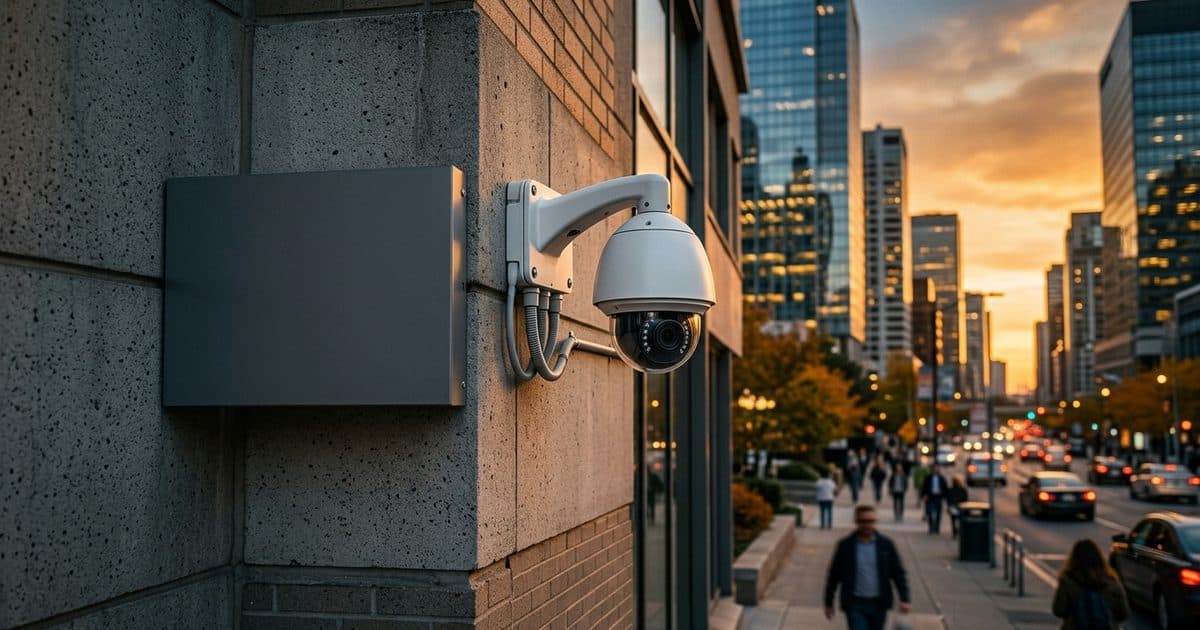
A privacy mask draws a fixed shape over part of the image. Depending on the camera, the shape appears as a solid block, a blur or a pixelated patch. The masked region is hidden from live view and, in most systems, from recording as well.
The key detail is where the masking happens. In many cameras the mask is applied inside the camera before the video leaves it, which means the hidden area never reaches storage or the network. Masks applied later, in software that sits downstream, may still leave the original footage intact somewhere. Ask which one your equipment does.
Why masks matter
Most properties sit close to somebody else's. A camera mounted to watch a fence line or a lot can see far past it, especially with optical zoom. Without limits, it may capture:
- Windows into homes, offices or other private spaces
- Neighboring yards, patios and entrances
- Public sidewalks and streets, depending on the view
- Restrooms, changing areas or similar sensitive locations on your own site
- Screens, keypads or documents that show confidential information
Masking removes those areas from the picture while leaving the part you need. That lowers the chance of a dispute and shows good faith if a neighbor raises a concern.
Where masks are commonly used
| Situation | What to mask | Why |
|---|---|---|
| Property next to residences | Neighboring windows and yards | Avoid recording private spaces |
| Commercial site near a street | Windows across the road | Limit capture beyond your boundary |
| Workplace interiors | Restrooms, break areas, locker rooms | Protect areas with a high expectation of privacy |
| Parking lot or yard | Adjacent properties, if visible | Keep recording focused on your site |
| Sites with sensitive screens | Monitors, keypads, paperwork | Protect confidential information |
| Community or residential property | Private doors and units | Balance safety with resident privacy |
Residential communities face this question often. See the discussion in HOA community security cameras.
Masking is not a substitute for good aim
A mask is a backstop. The better fix is to place and aim the camera so it sees only what it needs to see. The field of view guide explains how mounting position, lens choice and angle determine what ends up in the frame.
Masks work best alongside deliberate placement. Aim first, then mask whatever the best placement still leaves in view. If you find yourself masking half the image, the camera is probably in the wrong spot or has the wrong lens.
Tradeoffs and limits
Masking has costs, and you should weigh them.
- Lost coverage. A masked region is a blind spot. If an incident happens there, you will not have video of it. Make sure the mask does not hide the area you actually need to protect.
- Edge cases with zoom. On a camera with optical zoom, a mask sized for the wide view may not cover the same area when zoomed in.
- Movement. On a PTZ camera, a mask must follow its target as the camera pans and tilts. Support varies by model.
- Drift. If the camera shifts after a storm or bump, the mask may no longer line up with the area it was meant to hide.
- Analytics. Masked regions are generally excluded from detection, so nothing in them will trigger an alert.
Test masks across the full range of the camera's movement and zoom, and recheck them after any adjustment to the mount.
Setting masks up well
- Identify what needs protection. Walk the site and the neighboring boundary. List windows, doors and sensitive spots that appear in the view.
- Check the widest and tightest views. Look at the picture at full wide and at maximum zoom, and note what appears.
- Draw masks with a little margin. Cover the whole target, with some extra space so small shifts do not expose it.
- Confirm where masking happens. Verify the masked area is absent from recordings and exports, not only from the live screen.
- Test with movement. For PTZ cameras, sweep across the full range and confirm the mask holds.
- Document the settings. Record which masks exist and why, so that changes are deliberate and defensible.
- Review periodically. Neighbors build, trees grow and layouts change.
Compliance considerations
Privacy and surveillance rules differ by state, by type of property and by what is being recorded. Several topics come up often, but none should be treated as a legal conclusion here.
- Expectations of privacy are strongest in places such as restrooms and changing areas. Many jurisdictions restrict cameras there.
- Audio recording often has separate rules from video. Rules vary by state, and some require consent.
- Notice and signage requirements differ. See the security camera signage guide.
- Workplace monitoring may carry employee notice or labor-related obligations.
- Footage use, retention and sharing can be regulated, particularly if it is used as evidence. See security camera footage as evidence.
For a broader overview of how these rules interact, read business security camera laws. Because the rules vary, confirm the requirements for your location and use with counsel before you finalize a camera layout.
Working with neighbors
Technology helps, but conversation helps more. If a neighbor has concerns, explaining what the camera covers, showing the view and adjusting the aim or the mask often resolves the issue before it becomes a complaint. Keeping a written record of the adjustments you made supports that process.
How VDS fits
VDS mobile surveillance units are placed to cover a defined site, using a 5MP PTZ camera with 25x optical zoom and three 8MP wide-angle cameras on a 22 ft telescopic mast, with 30 ft available. Because the mast and cameras can be positioned for the area you need, you can plan views with your own boundaries in mind before deployment. A 24/7 US-based security operations center verifies events so that people, yours or your security partner's, handle verified incidents. See the mobile surveillance unit or talk to our team about layout for your site.