
How PoE works
A PoE system has three parts. A power source equipment device, usually a PoE network switch or a small injector, puts power onto the Ethernet cable. The cable carries both power and data. The camera, called the powered device, draws what it needs from the same cable.
The result is that one run of cable replaces two. An installer does not need an electrician at every camera location, and the cameras can be placed where they see best rather than where an outlet happens to be.
PoE is standardized, with several levels that supply progressively more power. Basic fixed cameras need modest power. Cameras with heaters, powerful infrared emitters, motors for pan, tilt and zoom, or other accessories need more. The switch must support both the right standard and the total power budget across every connected camera.
Where PoE shines
PoE is a strong choice when the site has stable power and a place to put a switch.
- Buildings and campuses. Cameras mounted on walls, eaves and poles close to a network closet.
- Retail, offices and warehouses. Dense camera coverage where cables can run through ceilings and conduit.
- Systems with a central recorder. A network recorder and PoE switch can sit together in one rack, with a backup power supply protecting both.
Centralized power has an extra advantage. If the switch sits on a battery backup, all connected cameras keep running through a short outage. You can also reboot a stuck camera by cycling its port from the switch.
The distance limit
Standard copper Ethernet is generally limited to about 100 meters, roughly 328 feet, between the switch and the device. That figure includes patch cords and any losses in the run. Beyond it, signal quality drops and power delivery becomes unreliable.
You can extend beyond that limit in a few ways.
- Place another switch partway along the run, powered locally.
- Use PoE extenders, which regenerate signal and power over additional segments.
- Run fiber for the data path and supply power separately near the camera.
Each solution adds equipment, cost and points of failure. Cable quality matters too. Cheap copper-clad cable carries power poorly over long runs, and outdoor runs need rated, weather-resistant cable and proper grounding.
Other limits to plan around
Power budget. A switch advertises a total power capacity. Add up what every camera can draw at its highest, such as with heaters and infrared on, and keep a margin.
Pathways. Cable has to get from the closet to the camera. Across a parking lot, a yard or a large site, that may mean trenching or conduit, permits, and time.
Lightning and surge. Long outdoor cable runs can carry surges into equipment. Surge protection and grounding are part of a sound design.
Security. Cameras on a network are computers. Segmenting them, changing default passwords and keeping firmware updated all matter. Our guide to security camera cybersecurity covers the basics.
When PoE is not an option
PoE assumes you can bring cable to the camera and a switch to the cable. Plenty of sites cannot do either.
| Situation | Why PoE struggles | Typical alternative |
|---|---|---|
| Construction site that changes weekly | Cable gets cut, buried or moved | Self-contained, relocatable unit |
| Remote lot, yard or lay-down area | No nearby power or network | Solar power with cellular |
| Temporary event or short project | Trenching costs more than the need justifies | Rented, portable system |
| Large property with far-apart zones | Runs exceed the distance limit | Standalone units per zone |
| Leased land with restrictions on digging | Permits or owner approval needed | Above-ground, no-trench setup |
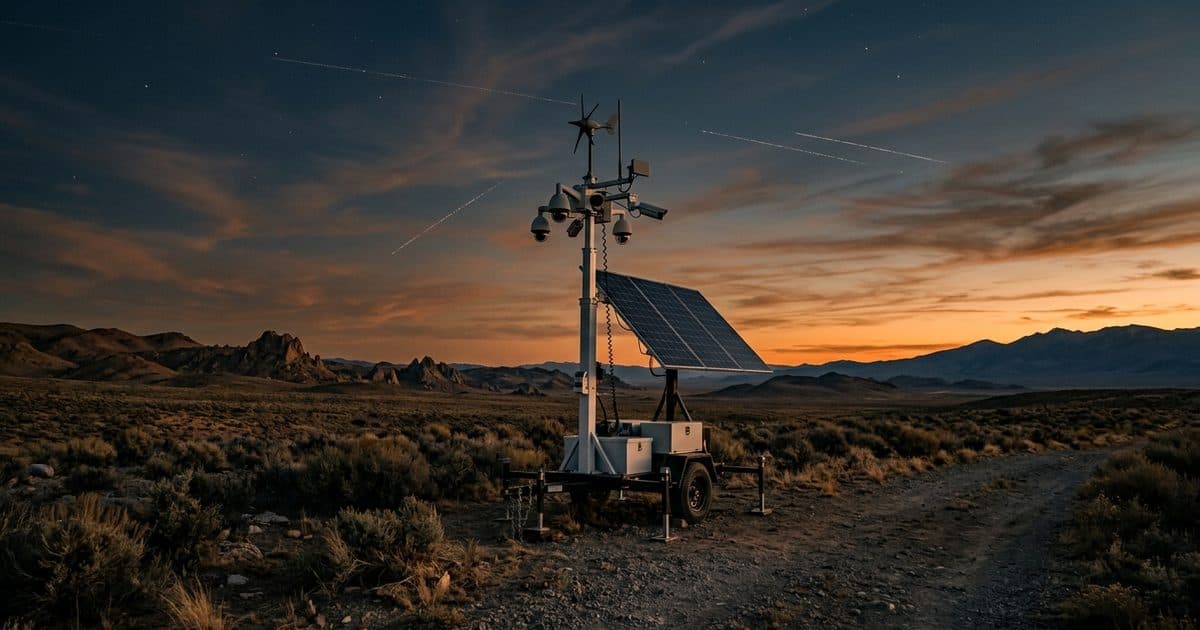
In these cases the question changes from "how do I wire this" to "how do I avoid wiring it." Solar panels supply power, a battery carries the system through the night and cloudy weather, and a cellular modem replaces the network cable. Our guides on security cameras without Wi-Fi or power and construction site cameras with no Wi-Fi cover this approach.
Two details to examine in any off-grid design are battery capacity and how many cloudy days it can ride through, which our piece on solar security camera battery life explains, and the cellular connection, covered in cellular security cameras on 4G and 5G.
Heaters, motors and other power hogs
A basic fixed camera sips power, but cameras with motors, heaters, wipers or strong infrared emitters draw considerably more. PTZ cameras in particular may need a higher PoE level than fixed cameras. When specifying a switch, use each camera's maximum draw, not its typical draw, and confirm the cable and any extenders can carry that level. Cold climates add heater load, which is exactly when power is hardest to spare.
Plan for growth too. A switch with spare ports and spare power budget makes adding a camera later a small job instead of a redesign, while a switch run at its limit forces replacement as soon as needs change.
A simple decision path
- Is there reliable power within reach of where the cameras need to be? If not, PoE is not the starting point.
- Can you run cable to every camera within the distance limit, or add switches and extenders affordably? If yes, PoE fits.
- Will the site change, move or end soon? If so, avoid sinking cost into cable.
- Does the system need to work without internet? If so, plan for cellular and local recording instead of depending on a wired network.
How VDS fits
VDS builds solar-powered mobile surveillance units for exactly the cases above. Each unit has a 900W bifacial solar array charging an 11.8 kWh LiFePO4 battery bank with reserve for 3-5 consecutive cloudy days, dual-SIM 4G/5G cellular, and a 22 ft telescopic mast (30 ft available). No site power, internet or trenching is needed, and most deployments go from signed quote to live monitoring in about a week, with on-site setup taking one person under 20 minutes. A 24/7 US-based security operations center verifies events so people, yours or your security partner's, handle verified incidents.
If you are weighing a wired design against a self-contained one for a specific site, talk to our team.