
What cameras do for a property manager
- Deter theft, vandalism and dumping in parking areas, package rooms and trash enclosures.
- Document incidents for police reports and insurance claims.
- Settle disputes about vehicle damage, noise, access and who did what.
- Verify work. Footage shows when a contractor arrived, how long a crew was on site, and whether a delivery was made.
- Protect vacant units and buildings from break-ins, copper theft and squatting.
- Check conditions remotely: whether the lot was plowed, the gate is closed, the lights are on.
Where to place them
| Area | Why it matters |
|---|---|
| Entrances and exits | Who came and went, and when |
| Parking lots and garages | Break-ins, damage claims, unauthorised vehicles |
| Mail and package rooms | Package theft is frequent and easy to dispute |
| Loading, trash and utility areas | Dumping, scavenging, after-hours access |
| Amenity spaces | Pools, gyms and clubhouses, covering rule enforcement and liability |
| Exterior of vacant units | Early warning of trespass |
| Vehicle gates | License plates for access records |
Where not to place them
Cameras do not belong inside a tenant's unit, in bathrooms, in changing rooms, or aimed into windows. Audio recording is regulated more strictly than video in many states. Post notice that cameras are in use, and write a short policy that says what is recorded, who can view it, and how long it is kept. See our overview of business security camera laws, and review your plan with counsel, since rules vary by state.
Vacant and transitional properties
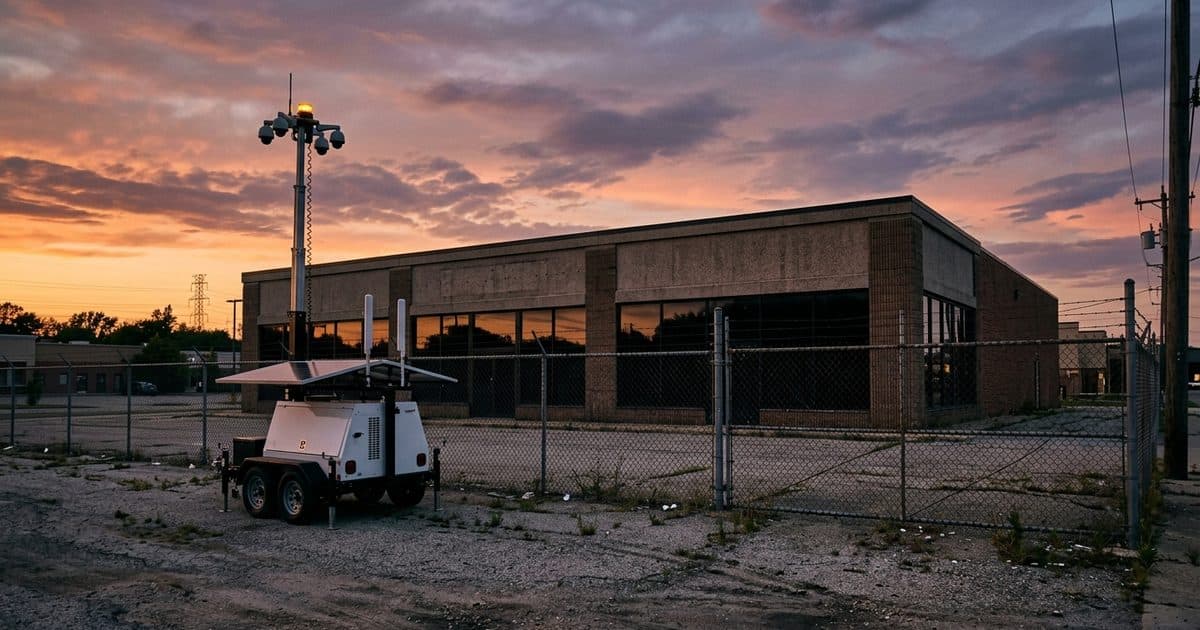
Empty buildings are where managers lose the most with the least warning. Utilities are often off, so ordinary cameras have no power or network. A self-contained unit with solar power and a cellular connection solves that, and monitoring means someone reacts when a person appears instead of finding the damage on the next inspection. Our guide to vacant property security goes into detail.
The same applies to properties under renovation, where tools and materials sit on site overnight.
Recording only, or monitored
A recording tells you what happened. Monitoring gives you a chance to stop it. With remote video monitoring, operators verify alerts, speak through a loudspeaker to the person on site, and call police with a confirmed report. For a portfolio, this works alongside existing patrols and on-site staff: cameras do the watching, so people, yours or your security partner's, handle verified incidents.
Handling footage
- Retention. Keep footage long enough to cover the typical delay before an incident is reported. See how long security cameras should keep footage.
- Access. Limit who can view and export. Log it.
- Requests. Decide in advance how you will handle requests from tenants, police and insurers, and follow the same process each time.
- Preservation. When an incident is reported, save the relevant footage immediately so it is not overwritten.
Getting started
- List the incidents and complaints from the past year. They show where cameras are needed.
- Walk each property and mark entrances, parking, package areas and blind spots.
- Decide which areas need recording and which need monitoring.
- Write the notice and the footage policy before the cameras go up.
- For areas without power or network, such as lots, vacant buildings and renovation sites, consider a mobile surveillance unit.
VDS works with HOA and community managers and parking operators. To talk through a specific property, contact our team.