

The difference between having usable evidence and losing a case often comes down to retention planning before an incident occurs, not scrambling to recover footage afterward.
Industry-Specific Retention Requirements
Different industries face different risks and legal requirements that directly impact how long footage should be stored.
Construction Sites: 90 Days Minimum
Construction projects face extended liability windows. Workers' compensation claims can surface weeks after an incident, and property damage disputes often take 60-90 days to fully develop.
Recommended retention: 90-120 days during active construction phases.
Equipment theft, safety incidents, and contractor disputes require footage that spans multiple project phases. Construction site security systems must account for the time gap between when incidents occur and when they're reported to insurance or legal teams.
Retail and Shopping Centers: 30-60 Days
Retail environments need footage for organized retail crime investigations, slip-and-fall claims, and employee incident reviews.
Recommended retention: 60 days for high-theft locations, 30 days for standard retail.
Organized retail crime investigations often require footage from multiple dates to establish patterns. Credit card chargebacks can also require footage from 30+ days prior.
Government and Law Enforcement: Check CLEO Requirements
Public sector facilities must comply with Chief Law Enforcement Officer (CLEO) requirements and public records laws.
Recommended retention: 90+ days, with some jurisdictions requiring 1+ years for critical infrastructure.
Government facilities face stricter retention rules due to public records requirements and potential federal investigations that can request footage months after incidents.
Legal and Compliance Factors
Retention windows aren't just about storage capacity — they're about legal protection and evidence preservation.
Subpoena Response Time
Legal subpoenas for security footage typically provide 30-60 days' notice, but the footage requested often dates back 90+ days from the incident.
Important: Courts expect organizations to have reasonable retention policies in place before incidents occur. Claiming 'we didn't keep it that long' isn't a defense if the retention window was inadequate for your risk profile.
Insurance Claim Requirements
Commercial insurance carriers typically require footage from the time of incident plus any relevant background activity.
Workers' compensation claims may need footage showing normal work patterns leading up to an injury. Property damage claims often require evidence of pre-existing conditions.
Storage Technology and Cost Considerations
The shift from on-device storage to cloud-based retention has changed the economics of longer retention windows.
On-Device Storage Limitations
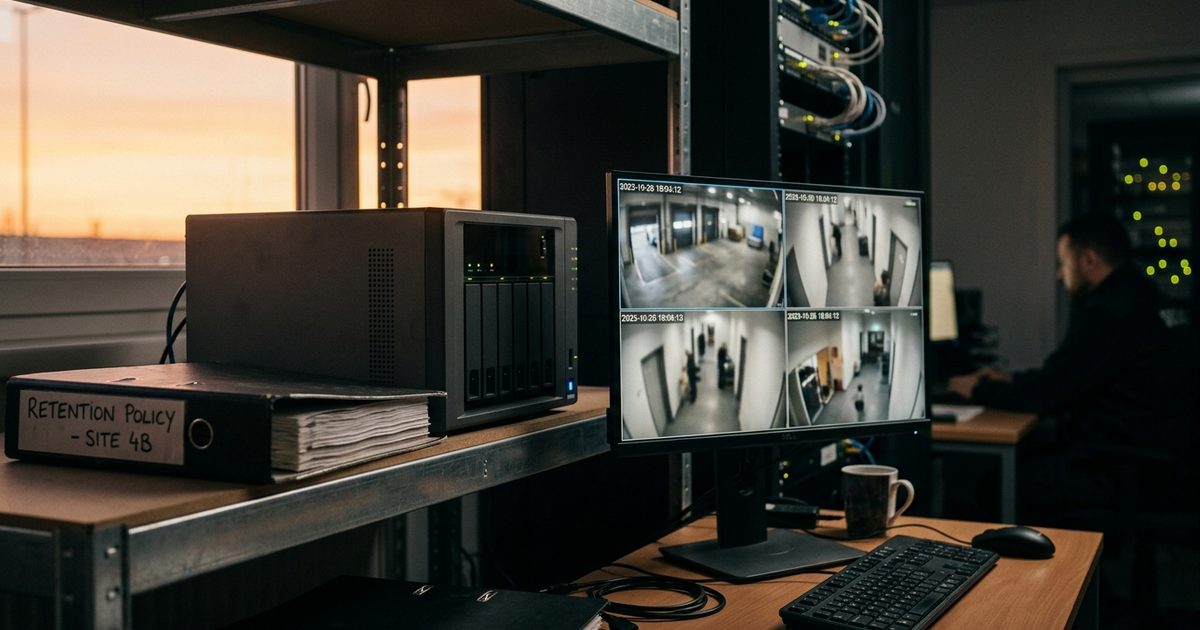
Traditional DVR/NVR systems overwrite footage when storage fills up — usually 7-30 days depending on camera count and resolution.
Higher resolution cameras (4K, thermal imaging) consume more storage, reducing retention time. Systems with 8+ cameras often can't maintain 60+ day retention without storage upgrades.
Cloud Storage Benefits
Cloud-based systems allow flexible retention schedules without hardware limitations.
Motion-triggered recording reduces storage costs while maintaining longer retention windows. Remote video monitoring systems(/solutions/remote-video-monitoring-cost/) can store months of footage at costs comparable to traditional 30-day DVR systems.
The Factor Most Teams Miss: Discovery Lag
The most accurate answer to "how long should I keep footage" is: long enough to cover your discovery lag — how long it takes your team to notice an incident — plus the time it takes to request and export evidence. Parking-lot damage claims might surface days later; warehouse inventory discrepancies may be noticed during audits; construction theft may be discovered on the next shift or after a weekend. If discovery often takes 10–20 days, a 7-day retention policy is guaranteed to fail.
Beyond discovery lag, four more factors set your real requirement:
- Incident frequency and repeat problems — high-frequency sites need history for review backlogs and pattern detection (repeat offenders)
- Claims, investigations, and accountability timelines — insurance claims, police requests, employee investigations, and tenant disputes each need retention long enough to support the workflow
- Camera purpose — "identification" cameras (entrances/exits, high-value zones, loading areas, cash handling) need longer retention than wide "context" cameras
- Operational reality — if footage is pulled by a busy manager, a third party, or a weekly multi-site review, retention has to survive that response time
Retention Benchmarks by Window
There's no universal right number, but there are patterns:
| Window | Best for | Risk |
|---|---|---|
| 7 days | Low-incident sites, operational review only | Many incidents are discovered after several days |
| 14 days | Smaller commercial sites, fast discovery | Fails when discovery lags (weekends, travel, reporting delays) |
| 30 days | Most commercial properties — realistic claims coverage | Baseline, not a ceiling |
| 60 days | Higher-risk environments, multi-site operations | Storage costs grow with resolution |
| 90+ days | High-liability, regulated industries, long discovery windows | Needs bitrate/priority management |
If you don't know your discovery lag, start at 30 days for critical cameras, then validate with a monthly retrieval drill: pick a random date two to three weeks back, export a short clip, and confirm timestamp accuracy, export speed, and quality. If your team can't pull video quickly, your retention policy is a false sense of security.
What Drives Storage Costs
Retention isn't just about days — it's about how much data you generate per day. The biggest drivers: number of cameras, resolution (1080p vs. 4K), frame rate, compression settings, bitrate (often the largest lever), continuous vs. motion/event recording, and scene activity (busy parking lots record far more motion than quiet hallways). A simple rule: if you increase quality settings without resizing storage, your retention shrinks — sometimes by half. Motion recording can also turn "near continuous" due to traffic, weather, or lighting shifts, which is one of the most common reasons systems overwrite footage sooner than expected.
Common Retention Mistakes That Cost Cases
These retention errors destroy evidence before organizations realize they need it.
30-day default settings: Most systems ship with 30-day retention, which isn't adequate for commercial liability exposure.
No incident flagging process: Critical footage gets overwritten because nobody preserved it when the incident occurred.
Storage full = delete oldest: Systems automatically delete footage to free space, regardless of incident importance.
No retention policy documentation: Legal teams can't defend retention decisions without documented policies.
Ignoring weekend/holiday gaps: Incidents on Friday may not be reported until Monday, reducing effective retention time.
Best Practices for Evidence-Ready Retention
Effective retention policies balance legal protection with storage costs while ensuring footage is accessible when needed.
Tiered Retention Strategy
Different areas and camera types can have different retention windows based on risk levels.
High-risk zones (cash handling, equipment storage, public access) should have longer retention than low-risk areas (break rooms, administrative spaces).
Incident Flagging Workflow
Train staff to immediately flag footage when incidents occur, preventing accidental deletion.
Tip: Establish a 'preserve footage' protocol that extends retention for specific time ranges, even if the full incident scope isn't clear initially.
Documentation Requirements
Maintain records of retention policies, storage capacity, and any footage preservation requests.
Courts and insurance carriers expect organizations to demonstrate reasonable retention practices through documentation, not just verbal policies.
When to Increase Retention Windows
Certain situations require longer-than-standard retention periods.
High-liability periods: Construction phases, major events, or increased security risks may justify 120+ day retention.
Ongoing investigations: Preserve footage indefinitely when active investigations or legal proceedings reference specific incidents. Coordinate with legal counsel to determine appropriate retention timelines for open cases.
Getting retention right protects your organization from the costly gap between when incidents occur and when evidence is needed. A documented, risk-based retention policy is one of the most cost-effective security investments you can make.