
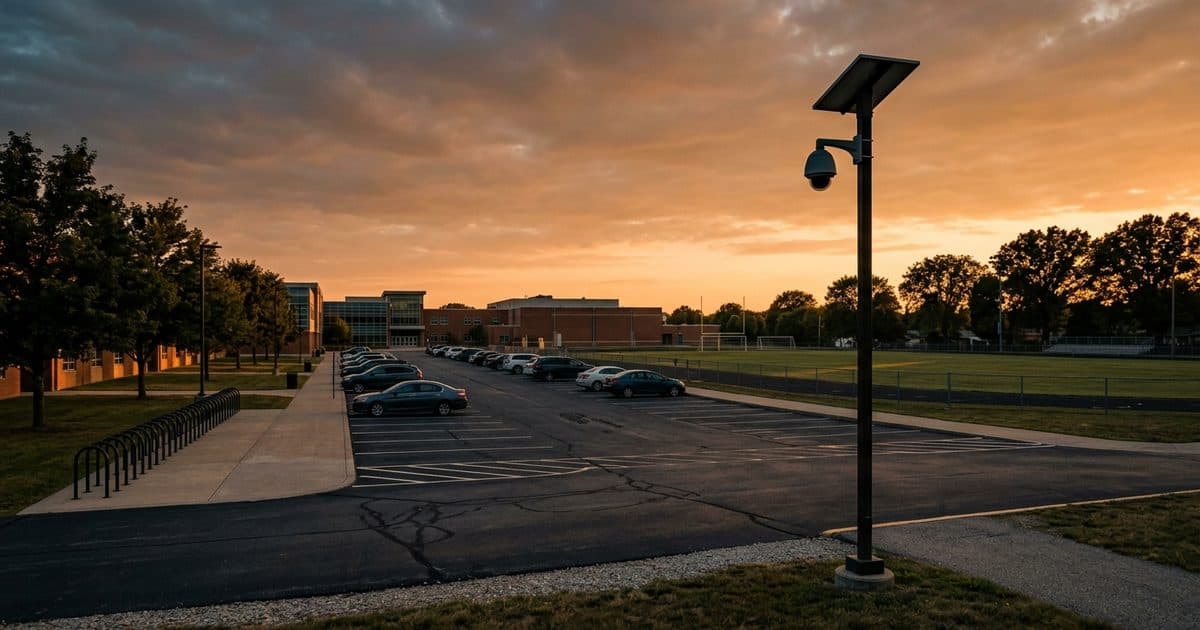
The bell rings at three.The campus still needs watching.
Independent and parochial schools run on a calendar of drop-off lines, athletic events, evening programs, and long breaks. VDS puts a solar trailer at the gate, field, or lot so a live operator watches the campus when staff have gone home.
A private or parochial school campus mixes spaces that are secured very differently. The main building has a front office and visitor check-in, but the athletic fields, parking lots, and side gates are open to anyone who walks up. Families expect a calm arrival and dismissal, and the head of school and the board are accountable for both safety and a welcoming feel. Budgets are usually tighter than at large districts, and many independent schools have no security staff at all, relying on teachers, coaches, and a small front-desk team to notice problems.
The hours that worry administrators sit outside the school day. Evenings bring plays, games, open houses, and board meetings. Weekends bring tournaments and rented facilities. Summer break leaves classrooms, fields, and equipment empty for weeks. During those hours the common problems are trespass, vandalism, theft from sheds and gyms, and unauthorized use of fields and playgrounds. During arrival and dismissal, the problem is a different one for the front office: a crowded drive, unfamiliar vehicles, and visitors who walk in without checking in.
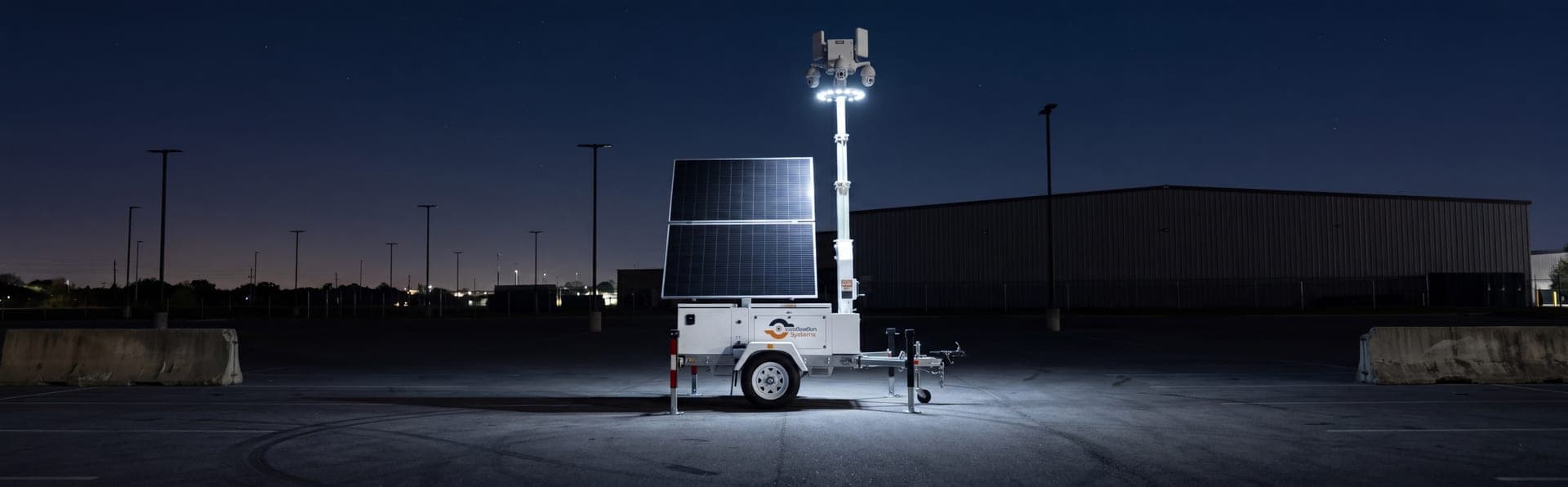
A VDS trailer is towed in and placed at the point of greatest need: the main gate, the carpool lane, the athletic complex, or the back lot that faces a public road. The mast goes up in under 20 minutes. Solar panels power the unit and a cellular link carries video to our security operations center, so nothing is trenched across the lawn or wired into historic buildings. The unit can move to the field for a season, or sit at the gate all year.
AI detection picks up people and vehicles in zones and hours you define, and an operator checks every alert on live video before acting. The operator can speak through the trailer speakers, log vehicle plates at the gate with the plate recognition option, and send video to police when an event is verified. The operator cannot enforce visitor rules or physically stop anyone, so school staff, resource officers, or a security partner handle the on-site response, with the operator supplying verified information and video.
Exposed sites.
High-value targets with no one watching.
A private campus has open fields, several gates, and parents arriving in waves. The risks sit in the gaps: evenings, weekends, summer, and the minutes around arrival and dismissal.
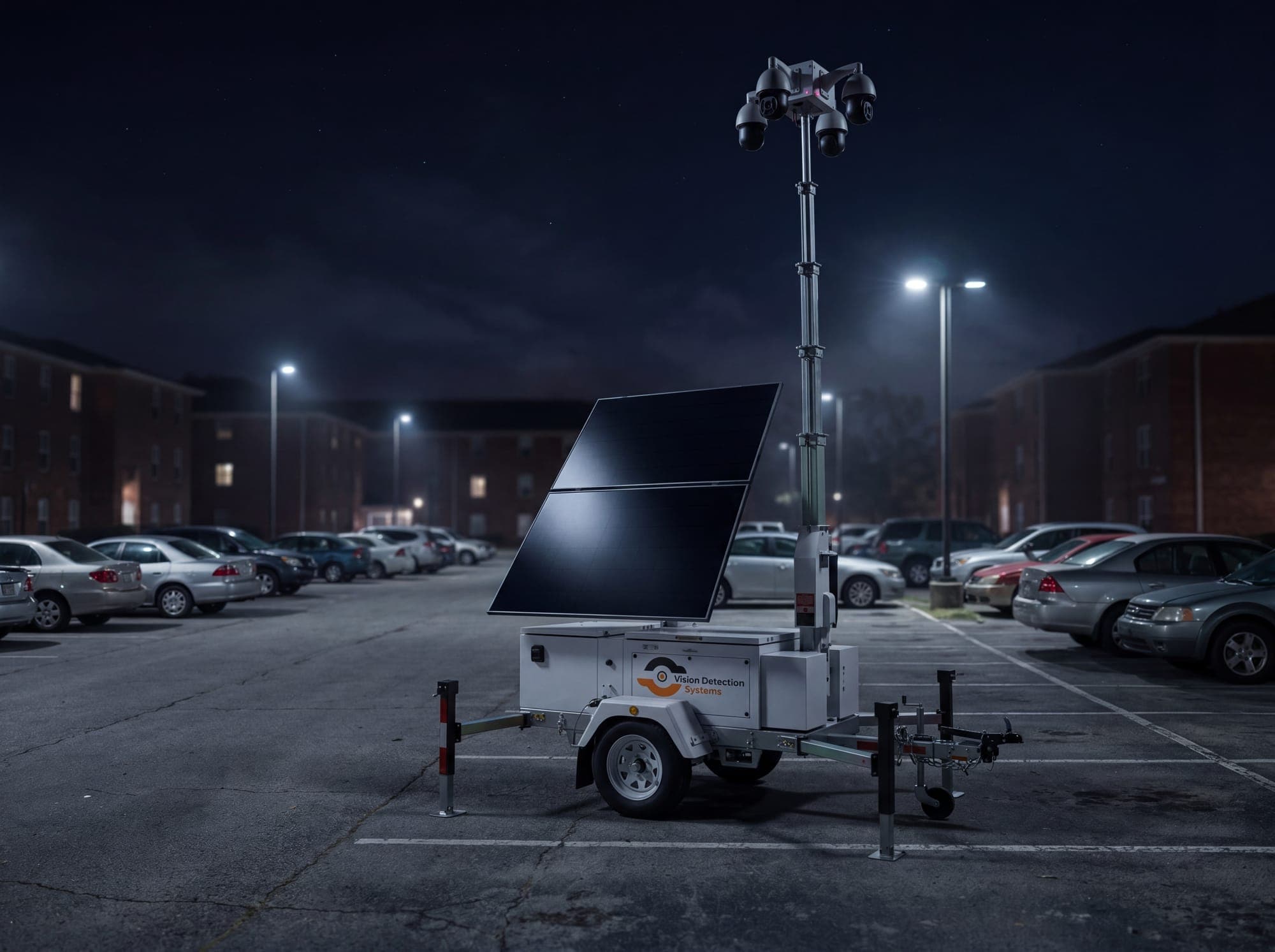
Evenings, weekends, and summer
Empty fields, gyms, and sheds are targets for trespass, vandalism, and theft once staff leave. Summer break can leave the whole campus unwatched for weeks.
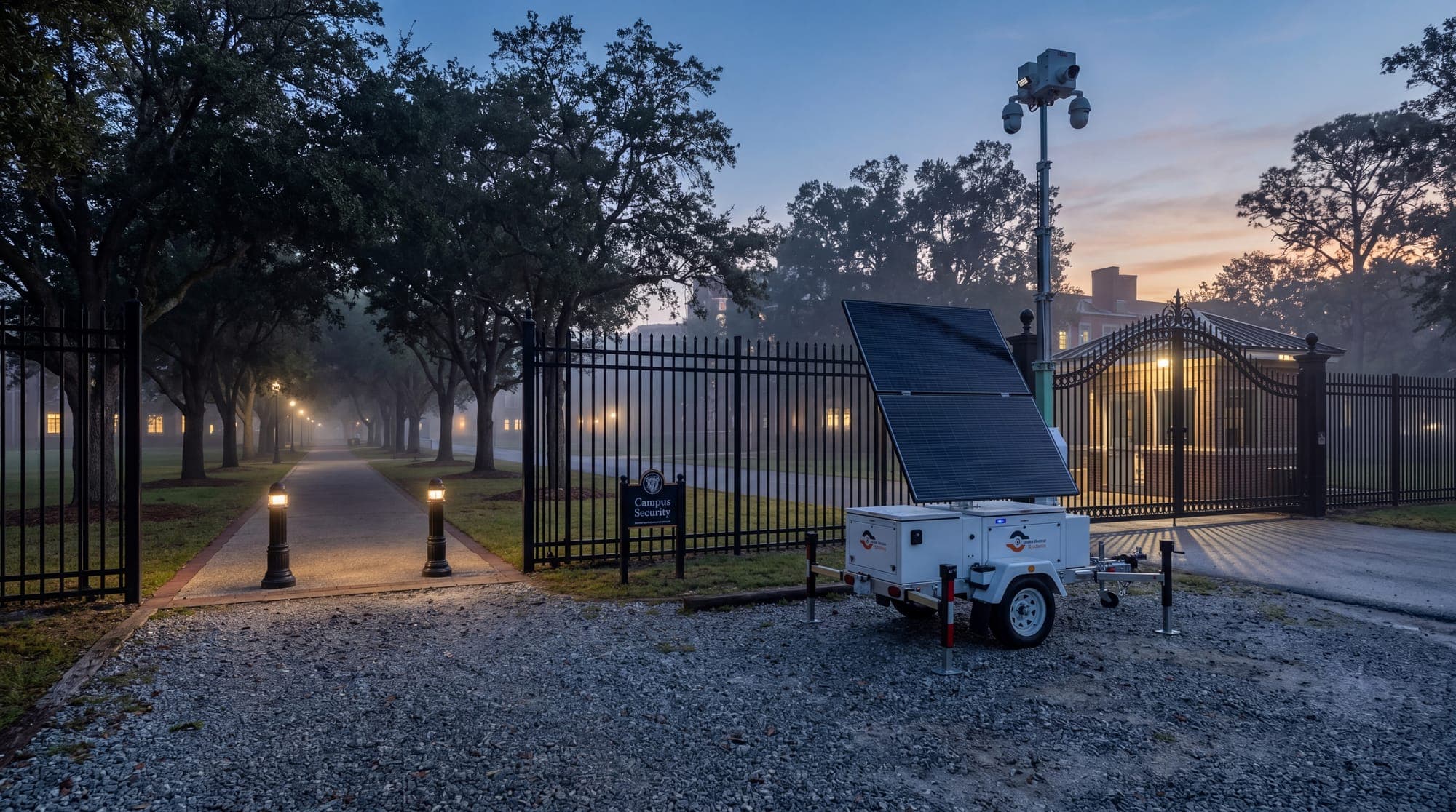
Drop-off and pick-up lines
Crowded drives and unfamiliar vehicles make arrival and dismissal busy and hard to supervise. Watching lanes and gates helps staff spot concerns and keep traffic moving.
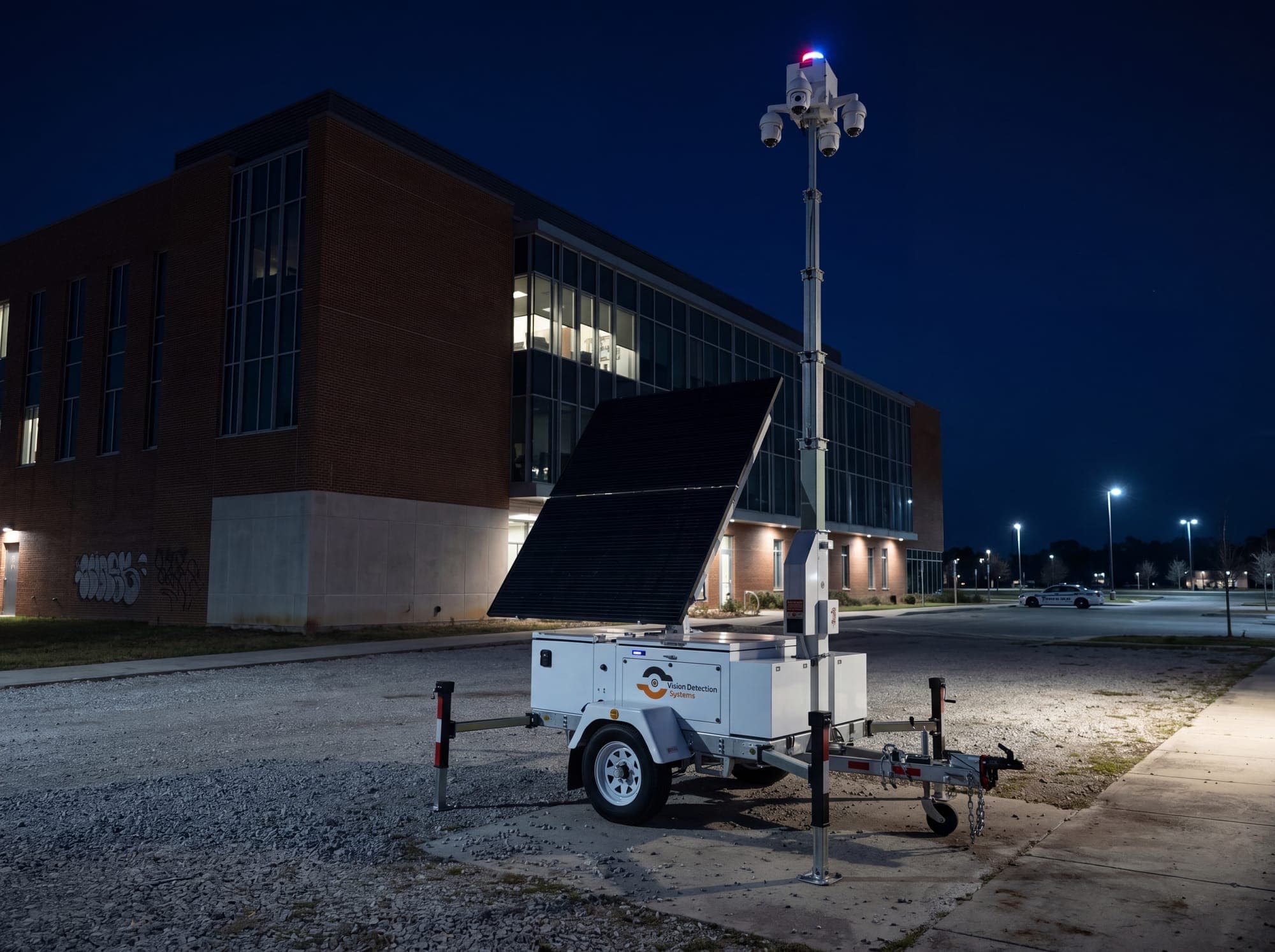
Gate and visitor control
Side gates and open fields give visitors a way around the front office. A trailer at the entrance helps identify unexpected arrivals and supports staff who manage check-in.
Athletic fields and evening events
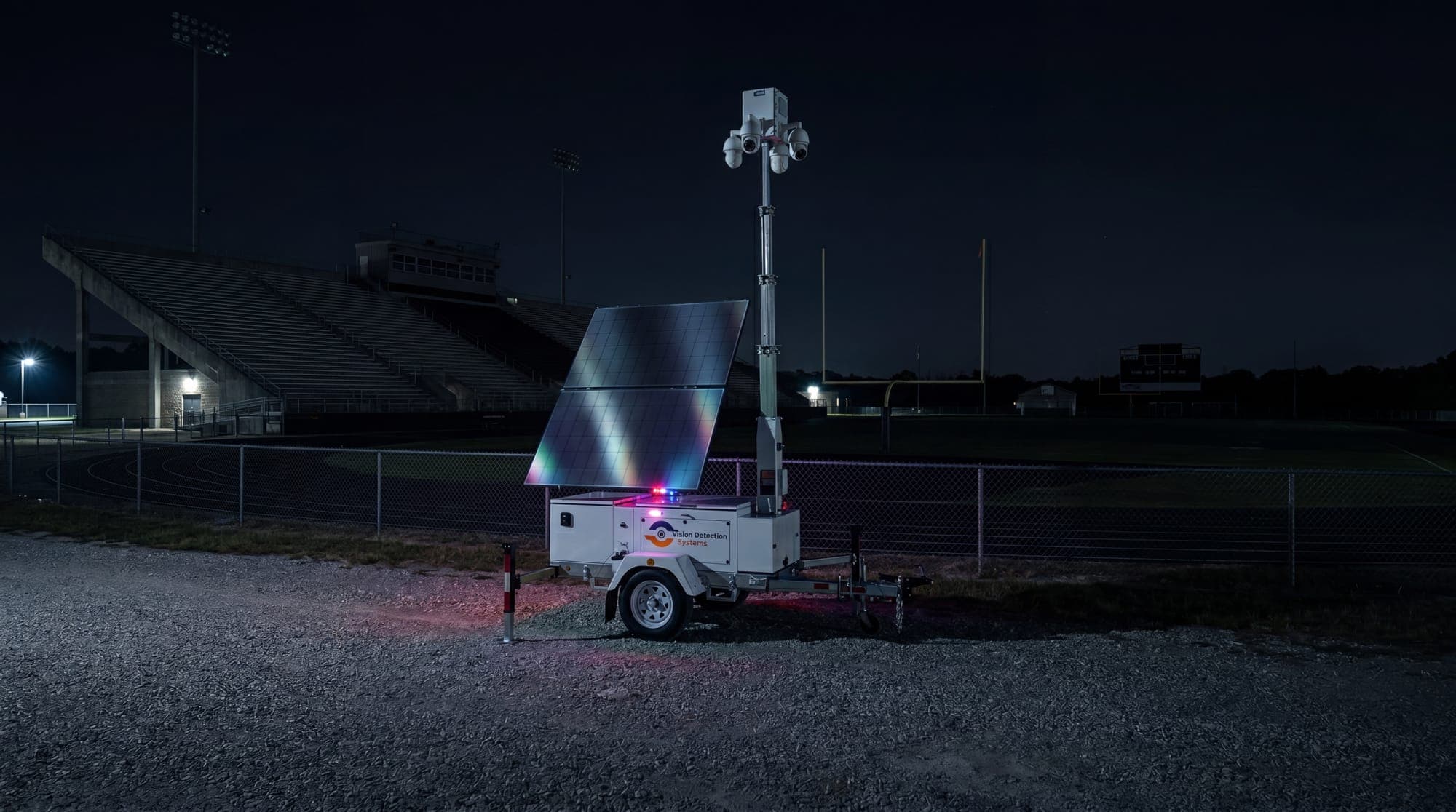
Games, plays, and rented facilities bring crowds on and off campus at odd hours. Watching fields and lots supports event staff and gives the board a clear record.
Drop the trailer.
The SOC takes it from here.
The trailer watches the perimeter and the gate while operators verify alerts and speak to visitors. It gives the head of school and the board a record without construction.
The edge of campus,
watched live
Draw zones around gates, fields, and lots and set hours for each. AI flags people and vehicles in those zones, and a live operator verifies before anyone is contacted, so false alarms do not fall on the head of school.
- Zones and hours set by your team
- Operator verifies every alert
- Video to police on verified events
- Summer and holiday schedules
 STEP 01
Know who comes
through the gate
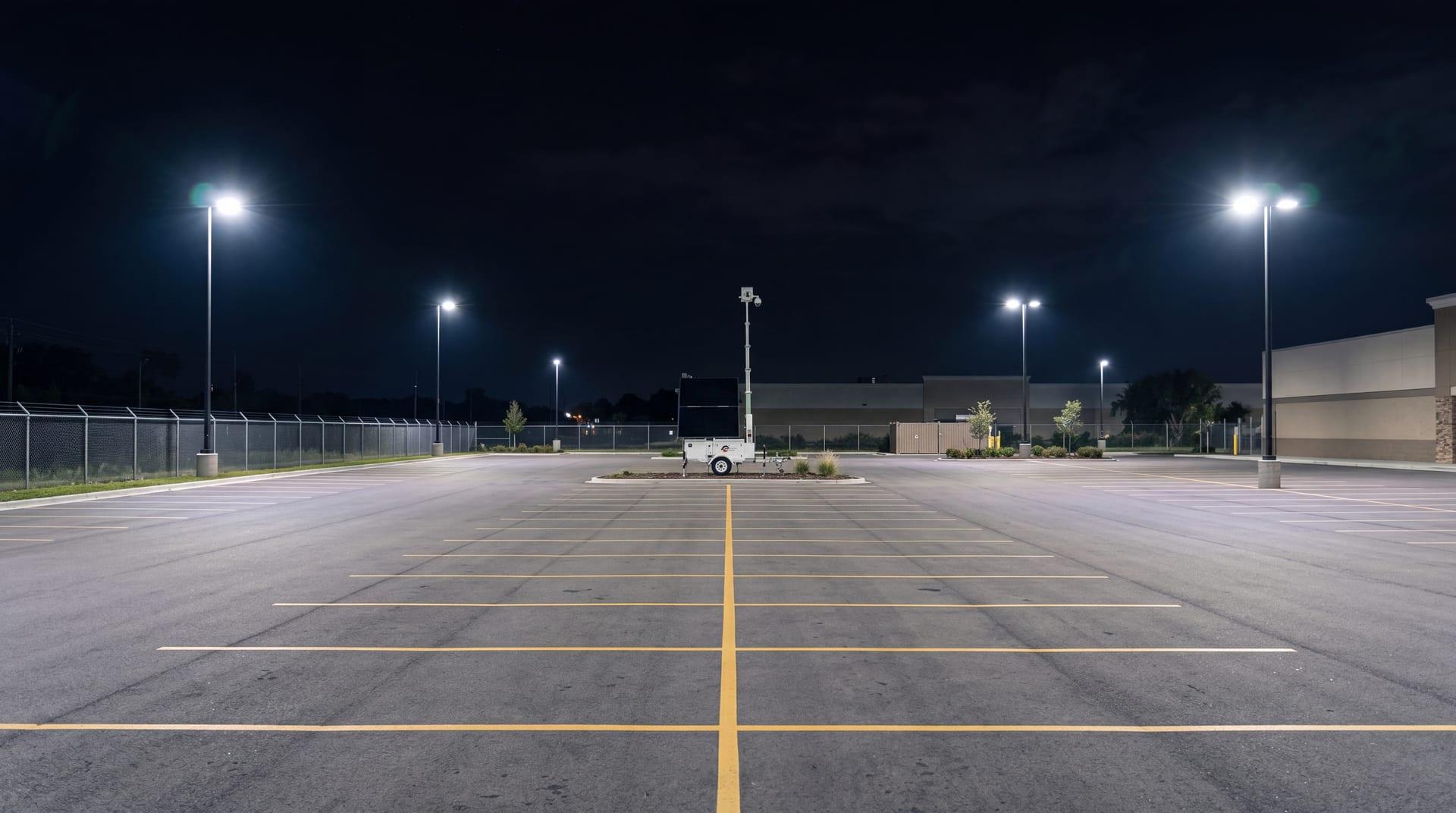
License plate recognition can log vehicles at the carpool lane and main gate, helping staff and the front office see patterns in arrivals. Operators can speak to unexpected visitors through the speakers and report to staff.
- Plate recognition option at the gate
- Arrival and dismissal visibility
- Talk-down to unexpected visitors
- Exports for the front office
 STEP 02
Move it as the
season changes
Place the trailer at the gate during term, shift it to the athletic complex in fall and spring, and keep it on campus through summer. Rent for a season or buy for permanent coverage, with no site power or trenching required.
- Solar and cellular, no wiring
- Mast up in under 20 minutes
- Rental or purchase
- Moved between locations
 STEP 03
Every asset on site.
One platform.
Schools use the trailer where and when the calendar creates the biggest gaps.
Main gate and carpool lane
Watch arrival and dismissal, record vehicles through the gate, and speak to unexpected visitors who bypass check-in.
Athletic fields and stadium
Cover fields, bleachers, and storage sheds during games and overnight, when equipment and turf are most exposed.
Summer break campus watch
Keep classrooms, gyms, and grounds under live monitoring during the weeks when nobody is on site.
Evening plays and open houses
Support event staff with a view of lots and entrances, and keep a record of who arrived and left.
Rented facilities and weekends
Watch fields and buildings used by outside groups, so the school knows what happened and when.
Construction and capital projects
Protect materials and equipment on a new wing or field project while students continue to use the rest of campus.
 MSU-A · FLAGSHIPAI DETECTION · LIVE TALK-DOWN · 4G LTE
The Mobile Surveillance Unit.
Built for this site.
A solar-powered trailer with a mast that goes up in under 20 minutes, AI cameras, speakers, and a cellular link. It needs no school power or internet and can move between the gate, the field, and the back lot.
From assessment
to covered.
No power hookup, trenching or internet is needed on site, so deployment is quick once the plan is agreed.
Site review
Share the address, layout and what you need covered. A specialist returns a coverage plan and quote.
Configuration
Camera views, detection zones, arming schedules and alert routing are set for your property.
Delivery and activation
The trailer is positioned and the mast raised. Monitoring starts with no trenching or electrical work.
Account support
Incident reports and periodic reviews, with the trailer moved or adjusted as your needs change.
Common questions.
Can the trailer cover arrival and dismissal?
Yes. It can watch the carpool lane and gate, log vehicles with the plate recognition option, and speak to unexpected visitors. Staff stay in charge of the line and the students. The trailer gives them an extra view, a plate log, and a record of what happened if a question comes up later.
Do we need to run power or internet to campus locations?
No. The trailer is solar powered with batteries and sends video over a cellular connection. It can sit at a gate, beside a field, or in a back lot without trenching or wiring, which keeps disruption to the campus low.
Who typically makes the decision to add a trailer?
Usually the head of school with the business manager or facilities director, and the board when it is a larger commitment. We prepare a placement plan, a coverage schedule, and a clear description of what the operators can and cannot do, so the decision is easy to explain.
Can we use it only for evenings, weekends, and summer?
Yes. Monitoring windows can be set by zone and by day, so alerts focus on the hours when nobody should be on campus. We build the schedule with your front office and athletic director, and update it when your calendar changes.
Are there rules about cameras near students?
Rules on recording, signage, and notice to families differ by location and school type. Confirm with counsel or the local authority, and we can aim the cameras at gates, lots, and fields and away from classroom windows and other private areas.
Get a deployment plan for your private schools site
Three fields. A deployment specialist replies with a coverage plan and timeline. Prefer to talk? Call (410) 401-1986
Secure your property this week.
Tell us about your gates, your calendar, and the hours that worry your team. We will recommend a trailer position and a coverage plan your board can review.