
This guide is designed for commercial environments—construction sites, parking lots, retail properties, logistics yards, and municipal deployments—where uptime and evidence readiness matter. Use it as a practical schedule and checklist to reduce blind spots, prevent downtime, and protect the value of your surveillance investment.
Why Security Camera Maintenance Matters For Commercial Sites
Commercial sites stress surveillance systems in ways homeowners rarely experience:
Weather exposure (rain, snow, heat, wind)
Dust, insects, and debris
Vibration from heavy equipment
Changing site layouts (construction phases, seasonal retail traffic)
Bandwidth and connectivity constraints (remote locations and multi-site operations)
Maintenance protects three outcomes:
Image quality (faces, plates, and incident detail are actually usable)
Reliability (feeds don’t freeze or drop and recordings don’t fail)
Evidence readiness (footage can be retrieved quickly with accurate timestamps)
If you want your cameras to reduce theft, support investigations, or improve response, maintenance isn’t optional—it’s the operating system. If response workflows matter, pairing maintenance with remote video monitoring can surface outages and blind spots faster.
Security Camera Maintenance Schedule
Most teams fail maintenance because it feels open-ended. Use this simple cadence.
Weekly Security Camera Maintenance
Spot-check live feeds for critical cameras (entrances, gates, high-value zones)
Confirm timestamps look correct
Confirm views haven’t shifted (wind, vibration, accidental bumps)
Look for obvious obstructions (new signage, stacked materials, seasonal landscaping)
Monthly Security Camera Maintenance
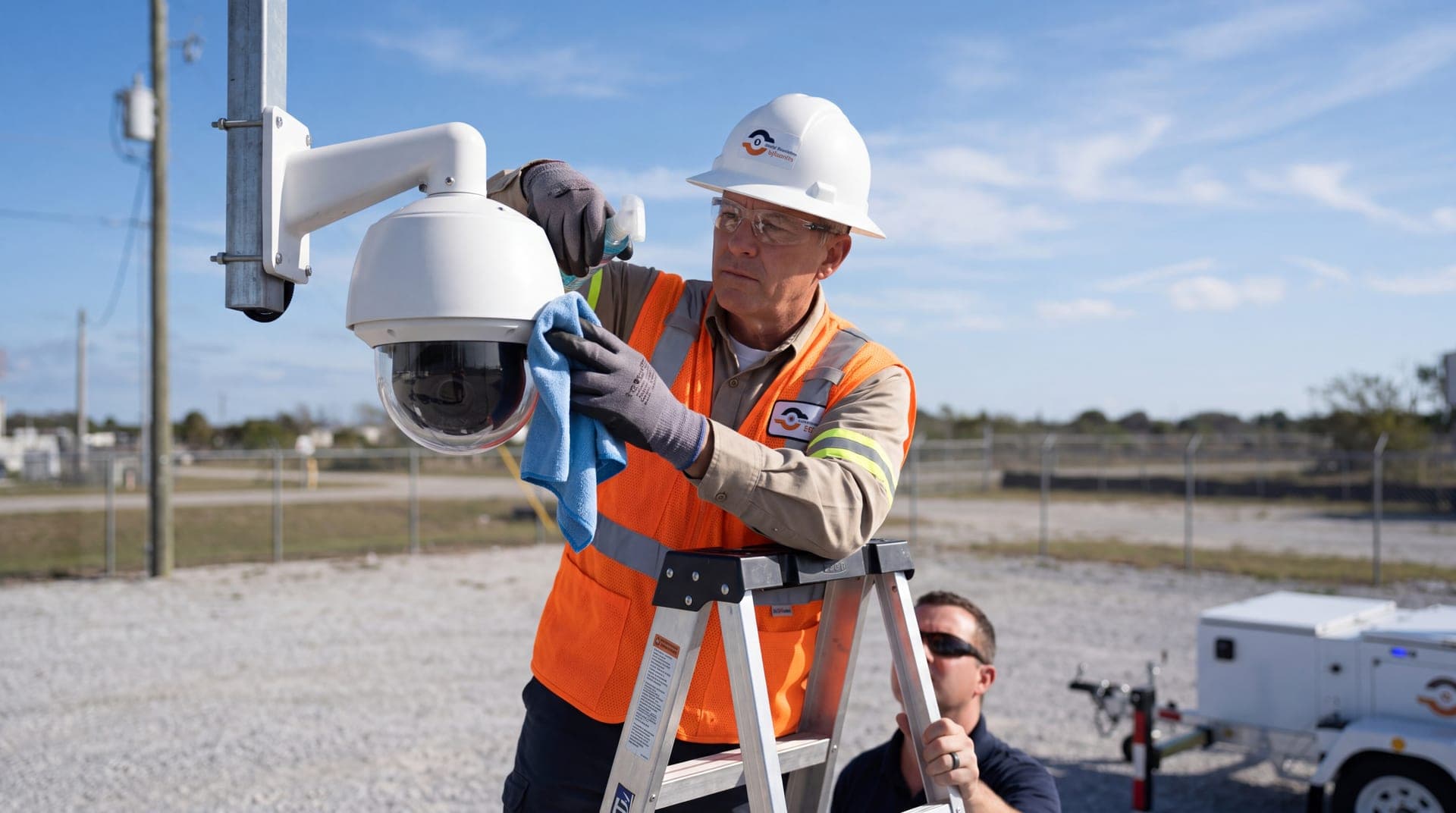
Clean lenses and housings
Review a night clip from each critical camera
Confirm recording is active and retention is correct
Run a quick retrieval test (pull a 60–120 second clip from last week)
Quarterly Security Camera Maintenance
Inspect housings, mounts, and cabling for damage
Check connectors for corrosion and seal integrity
Review storage health and capacity trends
Audit user access (who can view/export footage)
Review camera placement vs site changes (construction, traffic flow, new obstructions)
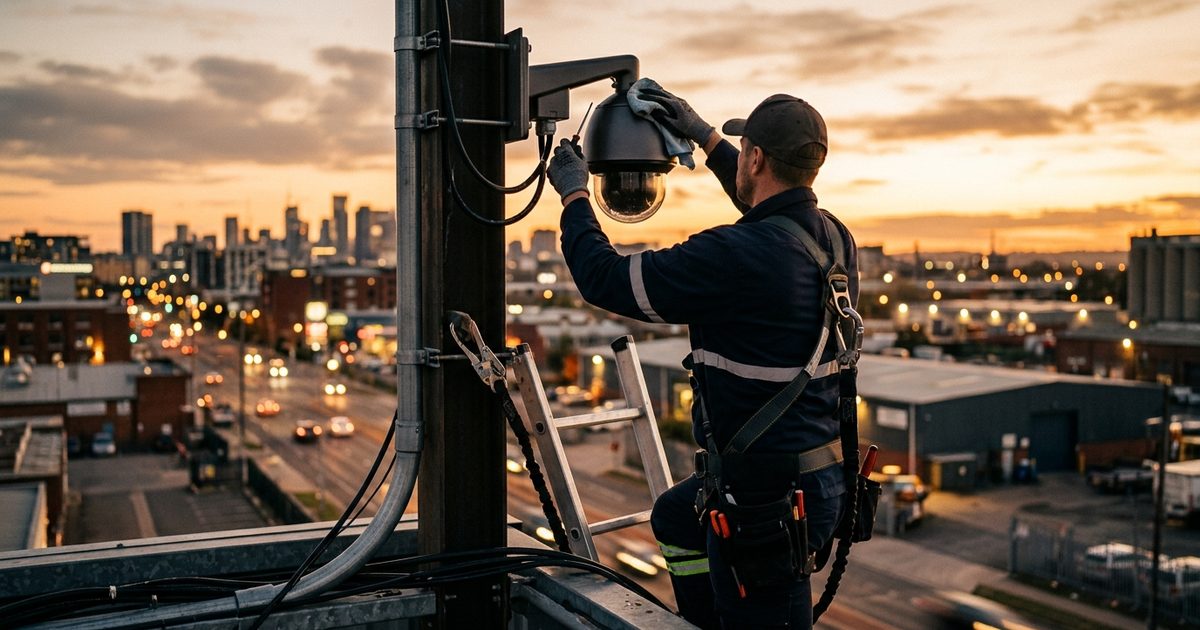
Image Quality Checks
If your image quality is poor, the footage becomes “security theater.” These steps are the highest ROI maintenance tasks because they directly determine whether footage is usable.
1) Prune landscaping and remove obstructions
Landscaping, seasonal growth, temporary equipment, and even banners can block the field of view. Review the live feed and physically walk the line-of-sight. If the scene changes week-to-week (construction sites especially), treat this as a weekly check.
Pro tip: Don’t just “clear the view”—confirm the camera still captures the right target (faces at entrances, vehicles at gates, activity in high-risk zones).
2) Clean the lenses and housings
Dirty lenses create haze, glare, and loss of detail. Outdoor cameras accumulate dust, water spots, pollen, and insect residue. Clean lenses monthly or more often in dusty environments.
Watch for:
Insect nests around housings
Water intrusion or fogging
Smudges that look “fine” until you zoom
3) Inspect for damage and focus drift
While cleaning, check for:
Cracked lens covers
Peck marks (birds will strike reflective surfaces)
Housing damage after storms or vandalism
Focus drift and soft images (especially after temperature swings)
4) Validate night performance (non-negotiable)
Most commercial incidents happen when visibility is the worst. Every month, review a night clip from each critical camera and look for:
Overexposure from headlights or fixed lights
Scenes that are too dark to identify a person
IR reflection or “white-out” issues
Motion blur (bad shutter settings can hide detail)
Night checks are where good systems win and “cheap camera setups” fail.
Housing And Cabling Checks
A camera can be perfect and still fail because the physical infrastructure degrades.
5) Inspect camera housings and mounting points
Look for:
Loose mounts
Seal damage (water ingress)
Cracked housings after storms
Blocked pan/tilt movement (if applicable)
On construction and industrial sites, vibration and equipment movement can loosen mounts faster than expected.
6) Check connectors for corrosion and cable damage
Moisture and corrosion can cause intermittent outages—the hardest failures to diagnose. Animals can also chew cables and expose wiring.
Check:
Connectors at the camera end and the recorder/network end
Exposed runs
Cable strain (especially where the cable bends)
If you notice frequent cable issues, consider protective conduit or re-routing.
Recording And Retention Checks
Many systems “look fine” in live view but fail at the exact moment you need evidence.
7) Clean and inspect DVR/NVR equipment
Recording equipment attracts dust and heat. At least quarterly:
Remove dust buildup
Verify fans are functional
Ensure equipment has proper ventilation
8) Check storage capacity and retention settings
Confirm:
Retention meets your needs (days/weeks/months)
Storage is overwriting correctly (not silently failing)
Critical cameras have adequate bitrate and frame rate for their purpose
9) Run a retrieval drill (the most overlooked maintenance task)
Once a month:
pick a date/time from last week
Export a 60–120 second clip
Confirm timestamp accuracy
Confirm quality is usable
Confirm the workflow is fast enough for real incidents
If retrieval is slow or confusing, you have an operational risk—not just a technical one.
Network And Connectivity Checks
Connectivity issues create:
Frozen feeds
Dropped frames
Missing recordings
Inconsistent remote access
10) Verify stable connections and bandwidth
If you’re seeing pixelation during motion or delayed playback, check:
Bandwidth constraints (especially remote sites)
Wi-Fi bridges (often unstable in harsh environments)
Upstream internet reliability
Configuration mismatch (resolution too high for the connection)
If your locations are remote or temporary, consider cellular-first designs or failover strategies.
Power And Uptime Check
Power issues are common and easy to overlook.
11) Inspect power supplies and surge protection
Confirm power supply boxes are secure and not overheating
Check power strips and surge protectors after outages
Replace degraded components proactively
If outages are frequent, a backup power strategy is part of maintenance—not an “extra.”ks
When To Add Remote Video Monitoring
Maintenance keeps cameras working. Monitoring helps ensure cameras are used effectively and that issues are detected quickly.
Remote video monitoring is worth considering when:
Incidents occur after-hours
You manage multiple sites
You need documented response workflows
Your team can’t watch live feeds consistently
If monitoring is part of your strategy, connect maintenance and monitoring so:
Feed failures are surfaced faster
False alarms are reduced through smarter workflows
Incident reporting is consistent and evidence-ready
Learn how remote video monitoring supports faster escalation and reporting.
Security Camera Maintenance Checklist
Use this for operations teams:
Weekly Checklist
Live feed spot-check (critical cameras)
Timestamp sanity check
View alignment check (no drift)
Obstruction check (landscaping, materials, signage)
Monthly Checklist
Clean lenses and housings
Review a night clip from each critical camera
Confirm recording is active
Confirm retention/storage behavior
Retrieval drill (export a short clip)
Quarterly Checklist
Housing and mounting inspection
Cable and connector inspection (corrosion, damage)
Recorder cleanup + ventilation check
Storage health review
User access audit
Coverage review vs site changes
Remote Surveillance Trailer Maintenance Considerations
If you use mobile surveillance trailers, maintenance needs to include:
Solar/battery health checks (if applicable)
Cellular connectivity reliability checks
Relocation and redeployment verification (camera angles change with placement)
Consistent remote access testing after moves
Mobile deployments add speed and flexibility—but only if your maintenance checks include power and connectivity validation after each redeploy.
Security Camera Maintenance FAQs
1) How often should security cameras be serviced?
Commercial systems should be checked weekly (live feeds and obstructions), maintained monthly (lens cleaning, night checks, recording validation), and reviewed quarterly (housing, connectors, storage, access audits).
2) Why is my security camera footage blurry at night?
Common causes are poor lighting, glare from headlights, incorrect exposure settings, dirty lenses, and IR reflection issues. A monthly night-clip review catches this early.
3) What’s the most important maintenance task most teams skip?
A monthly retrieval drill. It verifies that recording, retention, timestamps, and export workflows actually work under real conditions.
4) Can remote video monitoring help with maintenance?
Yes. Monitoring workflows can surface feed outages, alert issues, and coverage gaps faster—especially across multiple locations.
5) How do maintenance needs differ for mobile surveillance trailers?
Mobile deployments require added checks for power (solar/battery) and connectivity (cellular) after relocation, plus view alignment validation when the unit is repositioned.
Security Camera Maintenance: Next Steps for Commercial Sites
Security camera maintenance is only valuable if it produces two outcomes: reliable uptime and usable footage when an incident happens. If you want the quickest path to improvement, start by locking in the basics: run weekly feed checks, schedule monthly lens cleaning and night-performance reviews, and complete a quarterly retrieval drill to confirm retention, timestamps, and export workflows.
If your sites are high-risk, after-hours incidents are common, or you manage multiple lo